2.0 — 157 — 12 October 2012
Prepare for flight
Flight plan
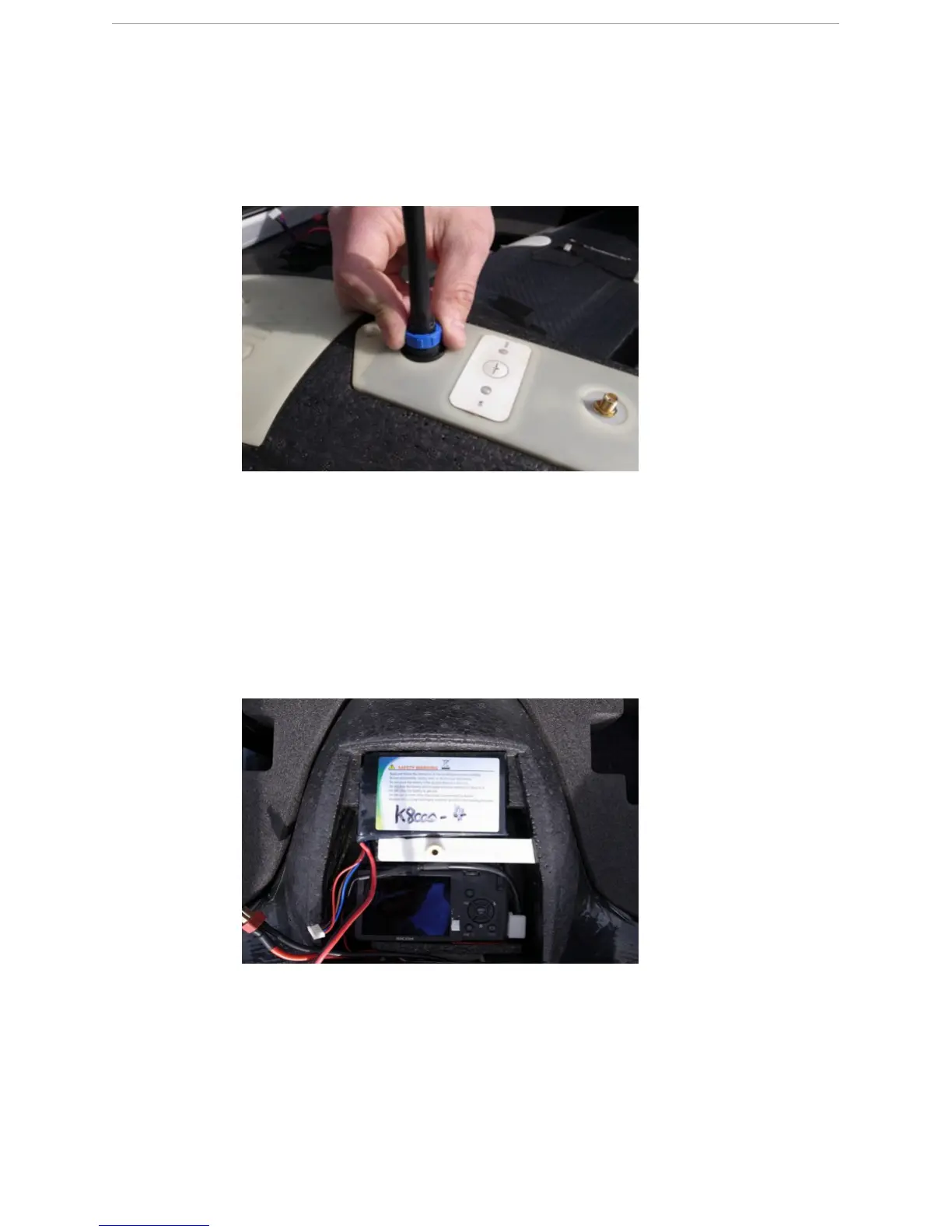
NOTE: Tighten it hand-tight, do not overstrain.
N
OTE: To remove the data link antenna from the eBox, unscrew it counterclockwise.
19.4.5 Mount a charged battery in the X100
P
REREQUISITES
● X100 body with mounted eBox
● Fully charged battery
1 Remove the top cover from the payload bay of the X100 body.
2 Place the fully charged battery in the battery compartment of the payload bay.



 To Next Page