2.0 — 161 — 12 October 2012
Prepare for flight
Preparation of the X100 for launch
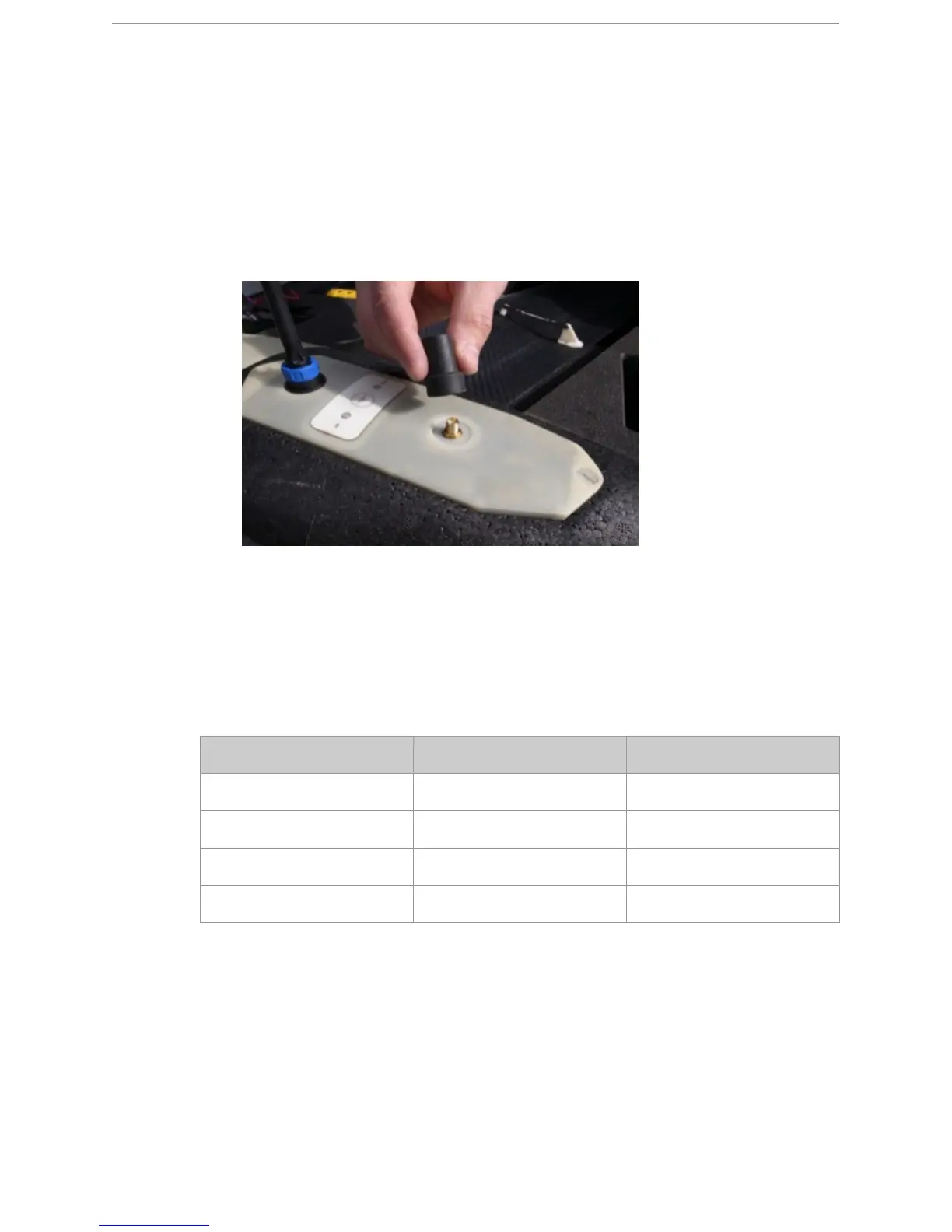
The GPS antenna needs to be screwed onto the eBox to ensure a locked GPS signal of the
X100.
1 Screw the GPS antenna clockwise onto the GPS antenna connector of the eBox.
N
OTE: Tighten it hand-tight, do not overstrain.
N
OTE: To remove the GPS antenna from the eBox, unscrew it counterclockwise.
19.5.3 Prepare the camera settings for flight
Before each flight, you have to check if the camera settings suffice for the current project or
need to be changed. Take pictures with different settings and compare them with each other.
You should strive for the best settings for the current situation (weather conditions, time of day,
...) and location:
Change picture quality/size
1 Press the MENU/OK button to enter the menu.
2 Picture Quality/Size is selected. Press right once to see the possible values.
3 Select F3648 (10M).
4 Press the MENU/OK button to confirm.
Parameter Optimal Minimal
Focus ∞ (infinity) ∞ (infinity)
Shutter speed 1/1250 or higher 1/800
ISO setting 100 400
Picture quality/size MM



 To Next Page