2.0 — 98 — 12 October 2012
Battery
Remove a battery from the X100
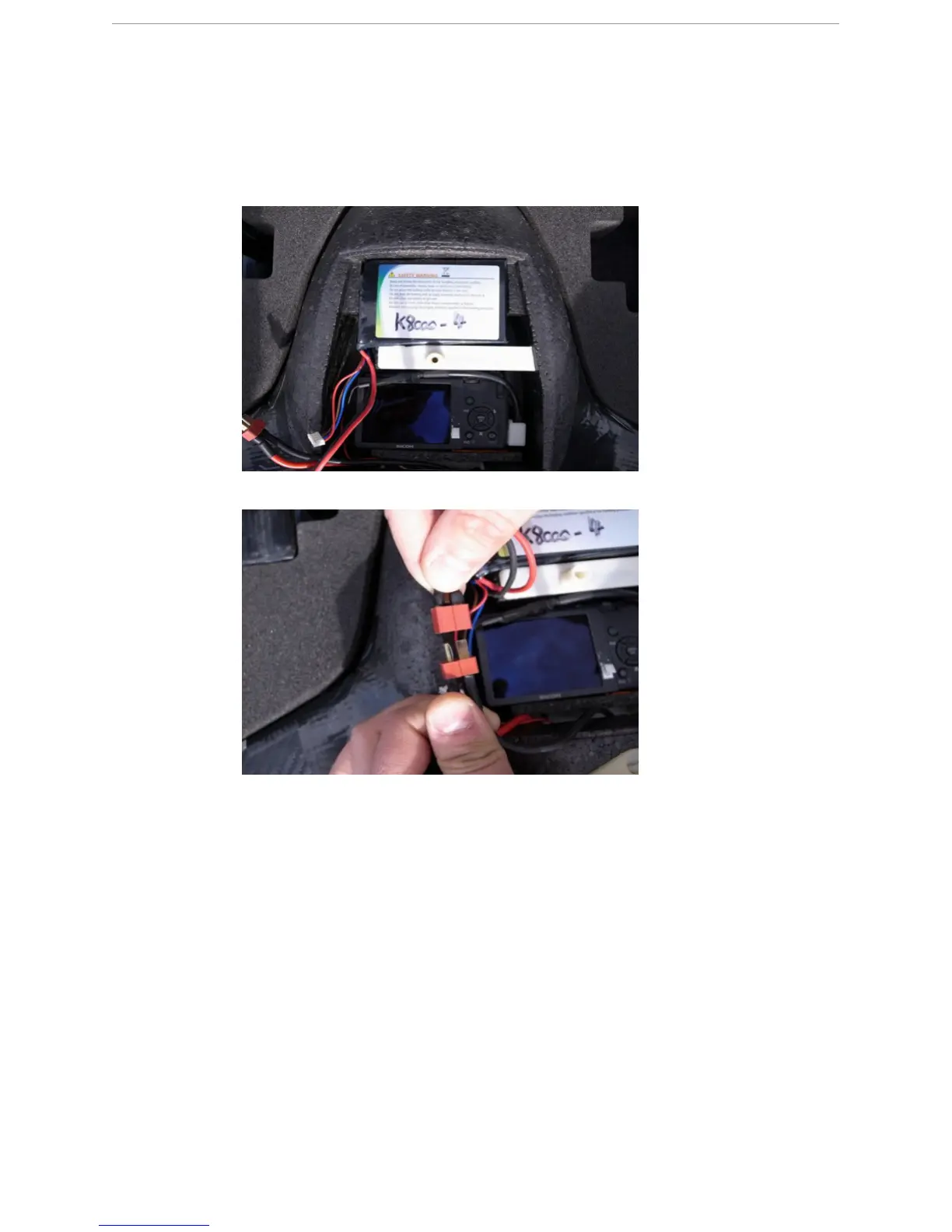
2 Place the fully charged battery in the battery compartment of the payload bay.
3 Connect the main power connector of the battery to the X100.
S
TEP
R
ESULT
:
The eBox will generate a confirmation tone to indicate the battery is
connected.
R
ESULT
:
The X100 is in STANDBY mode.
12.10 Remove a battery from the X100
P
REREQUISITES
● X100 body with mounted battery
1 Remove the top cover from the payload bay of the X100 body.
2 Disconnect the main power connector of the battery from the X100.
3 Remove the battery from the battery compartment in the payload bay.



 To Next Page