2.0 — 96 — 12 October 2012
Battery
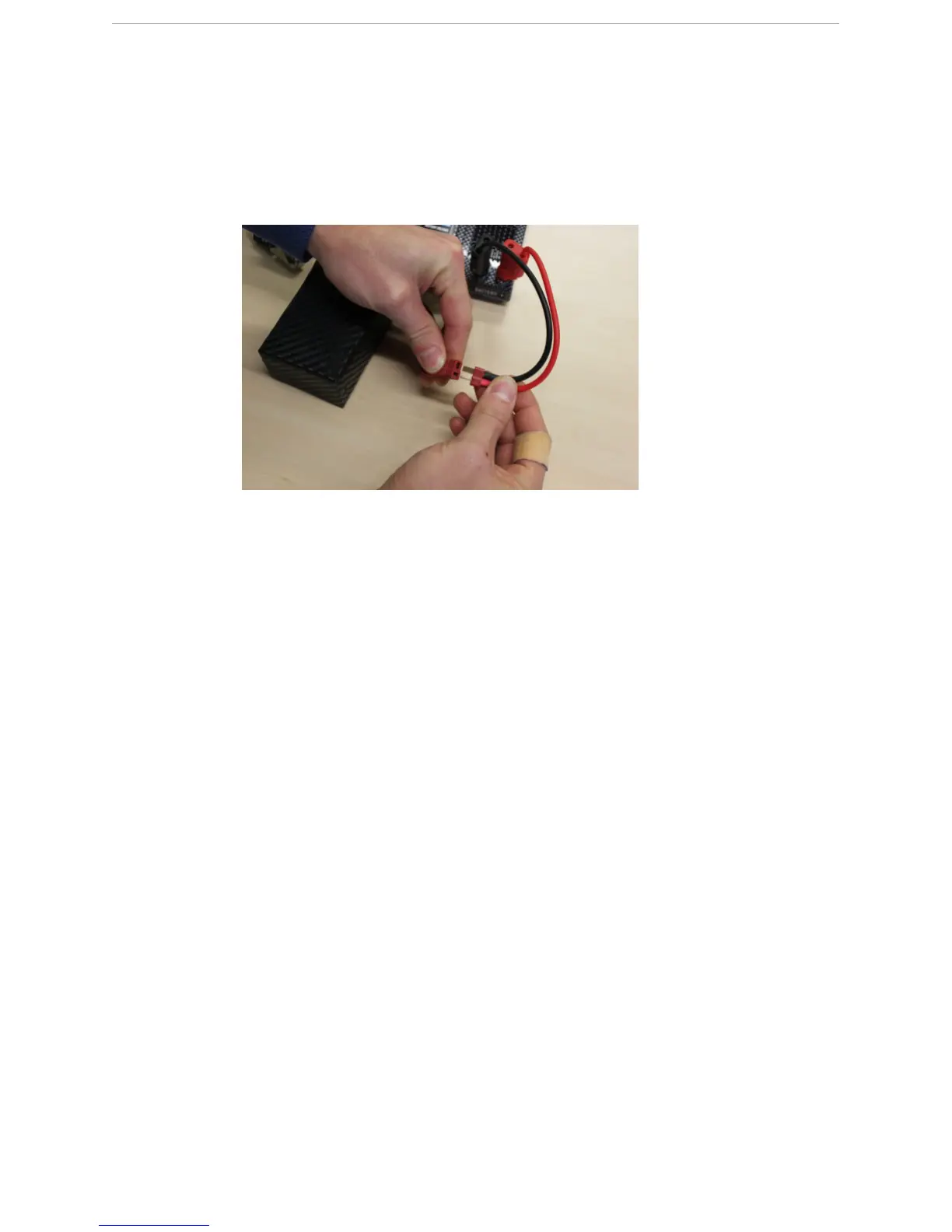
Disconnect a charged battery
4 Connect the charger cable of the Graupner Ultramat 14 plus charger to the main power
connector of the X100 battery.
W
ARNING: Mind the polarity.
5 Hold down the Enter/Start button for two seconds.
S
TEP
R
ESULT
:
The charging process starts automatically.
12.8 Disconnect a charged battery
P
REREQUISITES
● Graupner Ultramat 14 plus charger with charged X100 battery
When a battery is fully charged, the Graupner Ultramat 14 plus charger produces an audible
signal and stops charging automatically.
● You can leave the battery connected to the battery charger for as long as you want to. It
will not discharge.
● If you want to stop the charging process for whatever reason, you can also follow this
procedure.
1 Press the Enter/Start button twice.



 To Next Page