2.0 — 148 — 12 October 2012
Prepare for flight
Checks and preparations
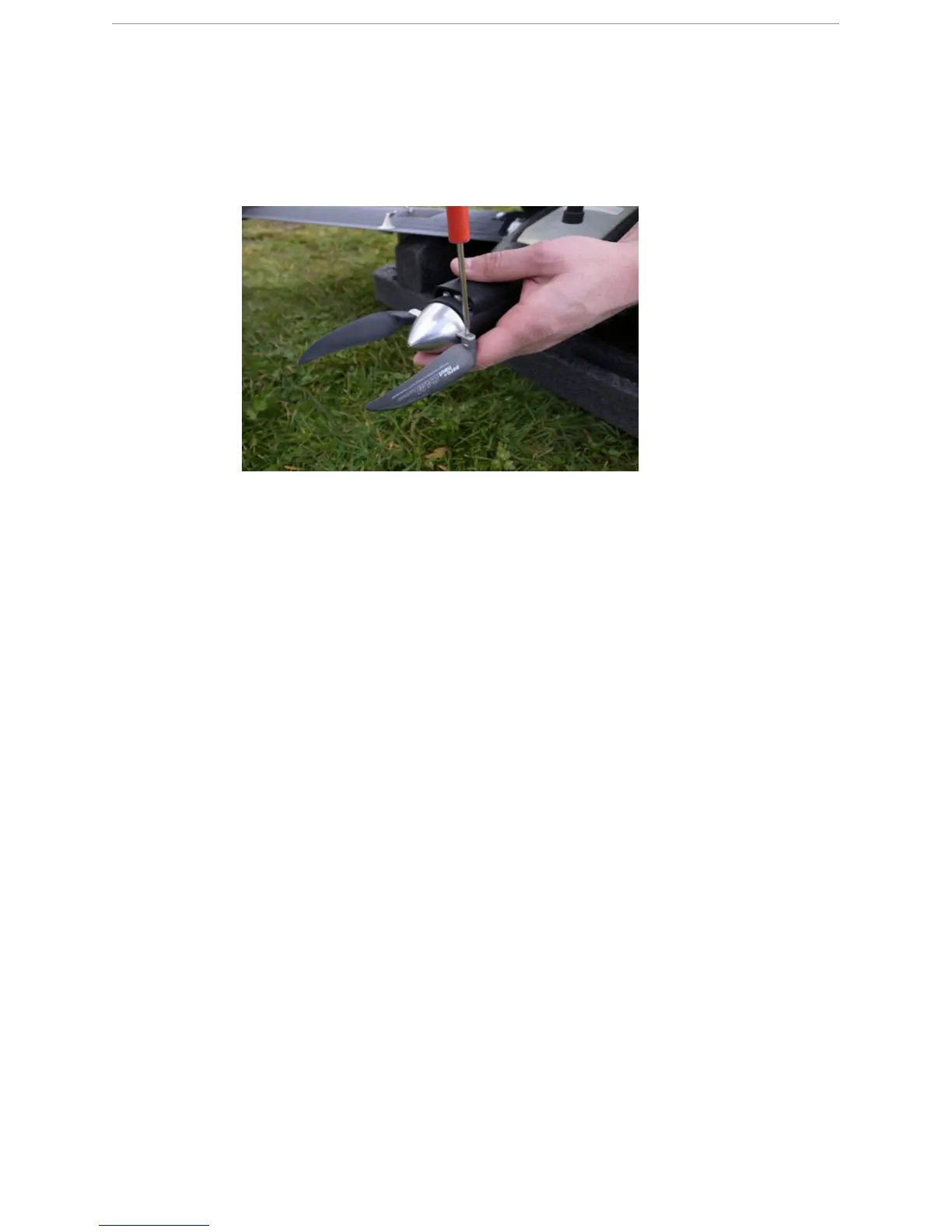
3 Check if the propeller blades are still firmly attached to the propeller.
● The propeller blades must be facing backwards.
● The screws on the tips of the propeller blades must be tightened but the blades must
still be able to move.
19.2.7 Mount an eBox in the X100
P
REREQUISITES
● X100 body
● eBox
● Ratcheting screwdriver
● 2 nylon screws
The eBox must be mounted correctly in the body of the X100.
1 Connect the pressure connector of the eBox to the pressure tube.
2 Plug the eBox onto the eBox connector in the eBox bay.
3 Using the screwdriver, secure the eBox with the two screws.
19.2.8 Prepare the GCS for flight
P
REREQUISITES
● Trimble tablet PC GCS
● Gatewing modem



 To Next Page