2.0 — 97 — 12 October 2012
Battery
Mount a charged battery in the X100
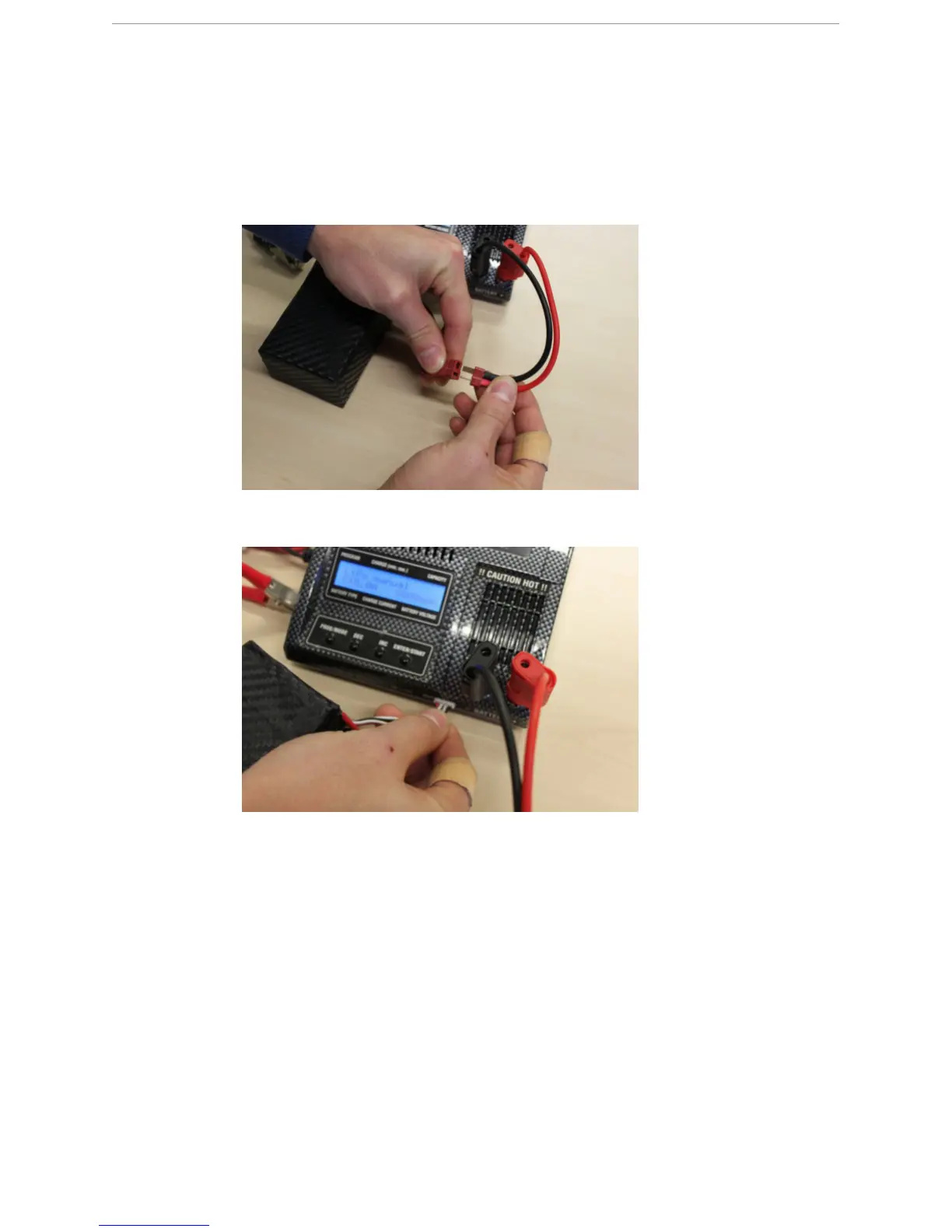
2 Disconnect the charger cable of the Graupner Ultramat 14 plus charger from the X100
battery.
3 Disconnect the balancer connector of the X100 battery from the Graupner Ultramat 14
plus charger.
12.9 Mount a charged battery in the X100
P
REREQUISITES
● X100 body with mounted eBox
● Fully charged battery
1 Remove the top cover from the payload bay of the X100 body.



 To Next Page