2.0 — 175 — 12 October 2012
Prepare for flight
Launch
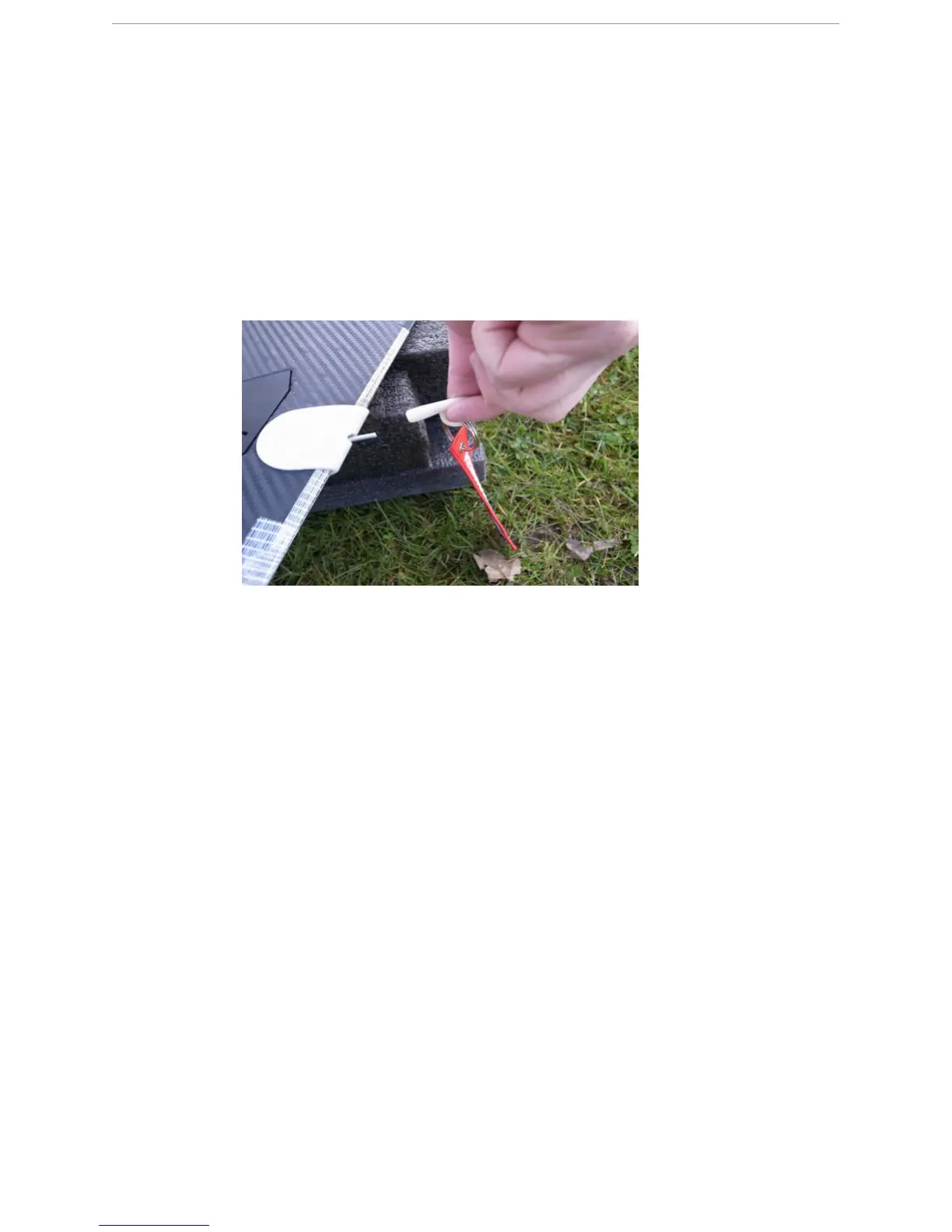
The pitot tube needs to be covered when:
● The X100 is in its case
● The X100 is on the dock, before the airspeed is being reset
● The airspeed is being reset in preparation of a flight
1 Cover the pitot tube with the pitot cover.
19.6.6 Reset the airspeed sensor
P
REREQUISITES
● GCS with flight plan exported to Horizon and uploaded to the X100
● Wireless link between GCS and X100 (LINK field green)
● X100 with pitot tube covered by pitot cover
Due to various factors (transportation, temperature change, set up of the X100, ...), the
airspeed sensor may produce results with an offset error. Therefore, a reset of this sensor is
mandatory before each flight.
1 Open Horizon.
2 Select AutoPilot > Reset Airspeed Sensor in the menu bar.
S
TEP
R
ESULT
:
A dialog appears indicating the airspeed sensor has been reset and
asking to perform a POWER CYCLE on the X100.



 To Next Page