2.0 — 68 — 12 October 2012
Antennas
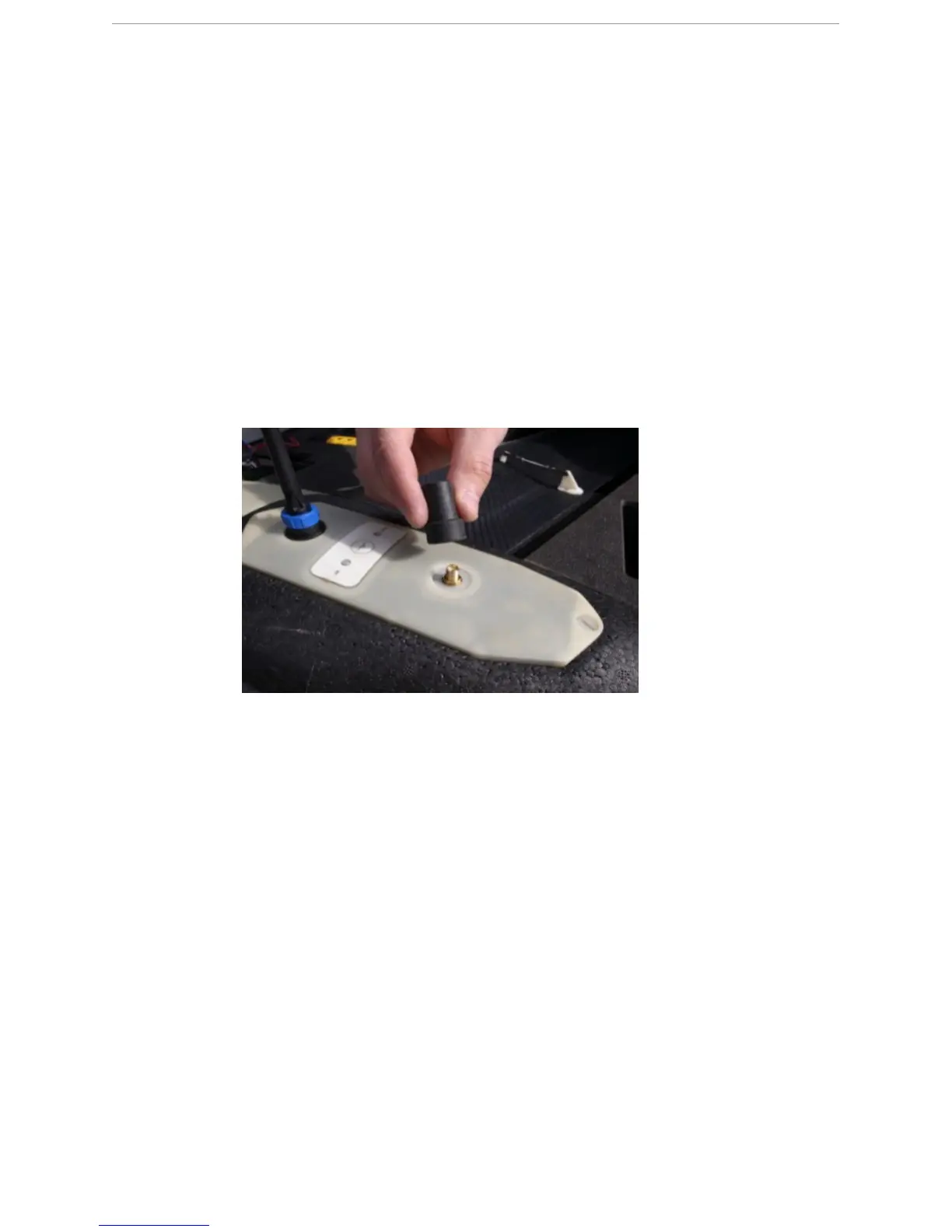
Screw the GPS antenna on the eBox
9.2 Screw the GPS antenna on the eBox
P
REREQUISITES
● GPS antenna
● eBox
The GPS antenna needs to be screwed onto the eBox to ensure a locked GPS signal of the
X100.
1 Screw the GPS antenna clockwise onto the GPS antenna connector of the eBox.
N
OTE: Tighten it hand-tight, do not overstrain.
N
OTE: To remove the GPS antenna from the eBox, unscrew it counterclockwise.
9.3 Screw the data link antenna on the eBox
P
REREQUISITES
● Data link antenna
● eBox
The data link antenna must be screwed onto the eBox to ensure a wireless (RF) link between
the GCS and the X100.
1 Click and screw the data link antenna onto the data link antenna connector of the eBox.



 To Next Page