2.0 — 88 — 12 October 2012
Launcher
Check the pitch and roll position of the X100
11.5 Check the pitch and roll position of the X100
P
REREQUISITES
● Armed launcher
● Powered on GCS with Gatewing Horizon artificial horizon indicator
● X100 connected to GCS
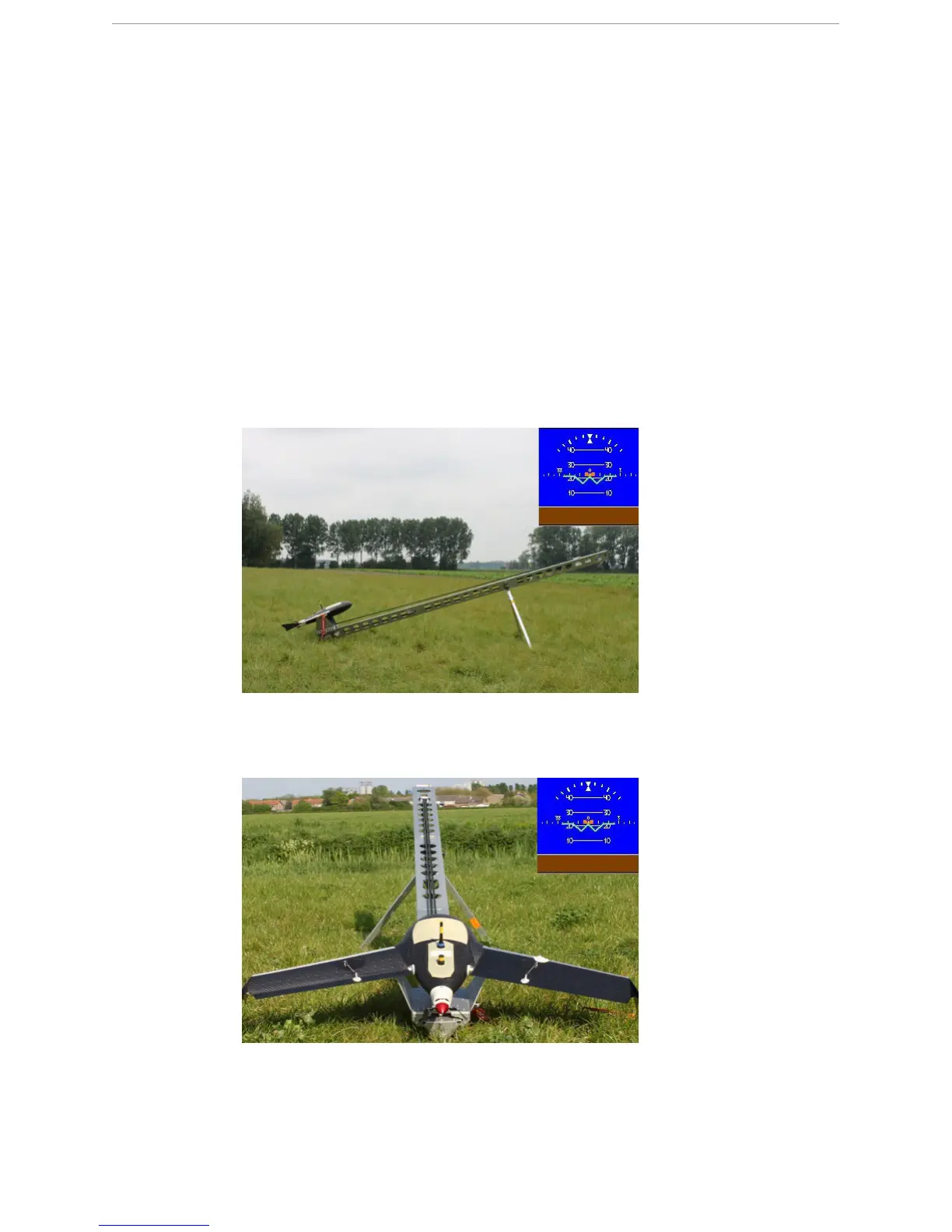
The X100 must have a correct pitch and roll position to perform a successful launch.
1 Make sure the X100 has a pitch angle between 20 and 30° on the artificial horizon indica-
tor.
N
OTE: If the pitch angle is not between 20 and 30°, the X100 is not positioned correctly
or there is an sensor malfunction.
2 Make sure the horizon is positioned parallel to the X100 on the artificial horizon indicator.
N
OTE: If the horizon is not positioned parallel, the X100 is not positioned correctly or
there is an sensor malfunction.



 To Next Page