3
Control interfaces
Touchscreen control panel
36 / 106
VOLISTA
IFU 01781 EN 19
Menu bar
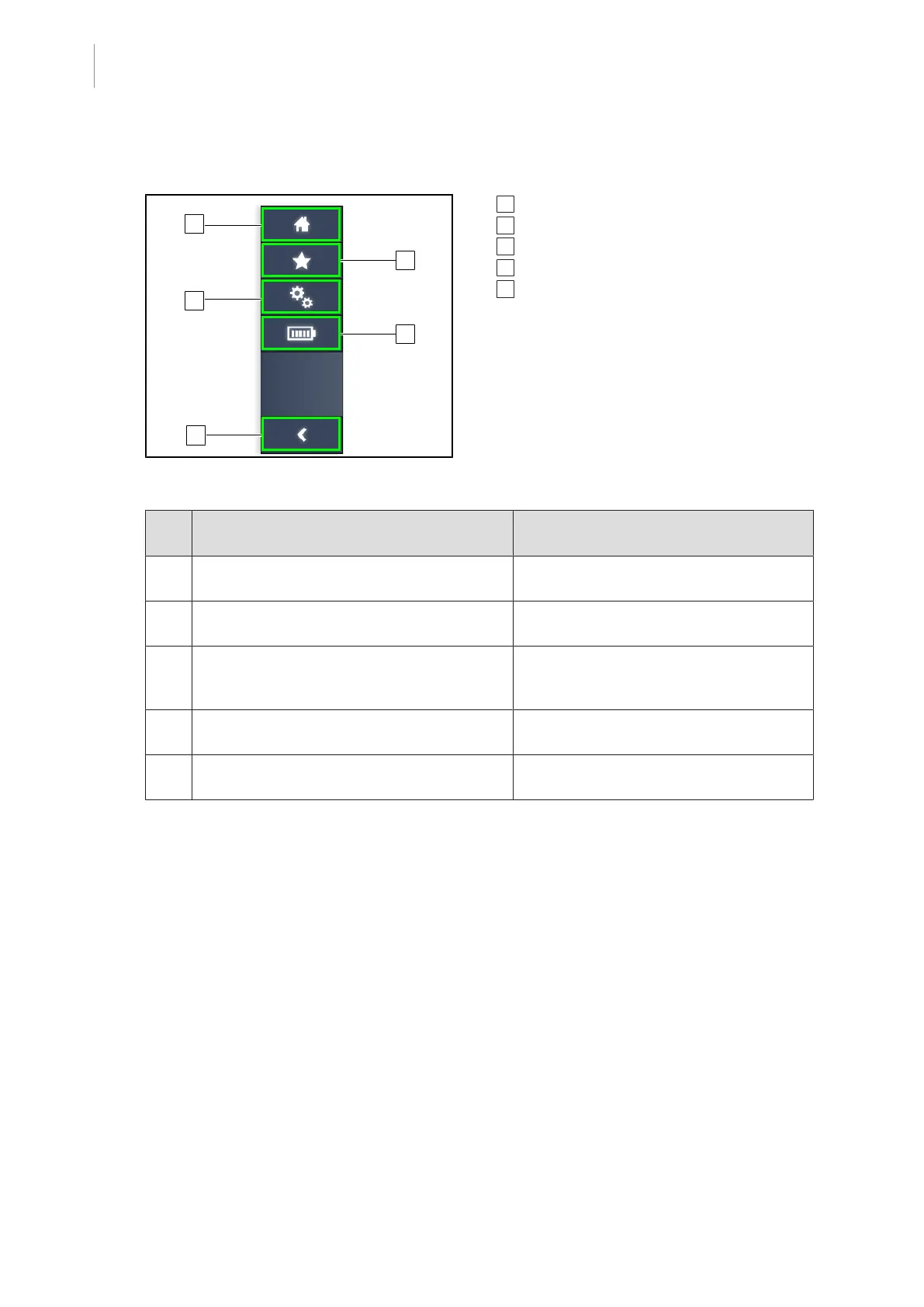
Fig.27: Touchscreen control panel menu bar
1 Home screen
2 Favourites
3 Settings
4 Battery tests
5 Return
Part
No.
Description Possible actions
1 Page giving access to all commands and in-
formation.
Press the home icon to return to the
home page.
2 User-defined presets. Press the Presets icon to go to the page
showing all saved settings.
3 Configurable settings and configuration-re-
lated information
Press the Settings icon to access the set-
tings page and information about the con-
figuration.
4 Battery tests Press the Battery Tests icon to access
the backup tests page.
5 Return Press the return button to return to the
previous screen.
Tab.11: Touchscreen control panel status bar











 To Next Page