Use
Daily inspections
4
VOLISTA
IFU 01781 EN 19
39 / 106
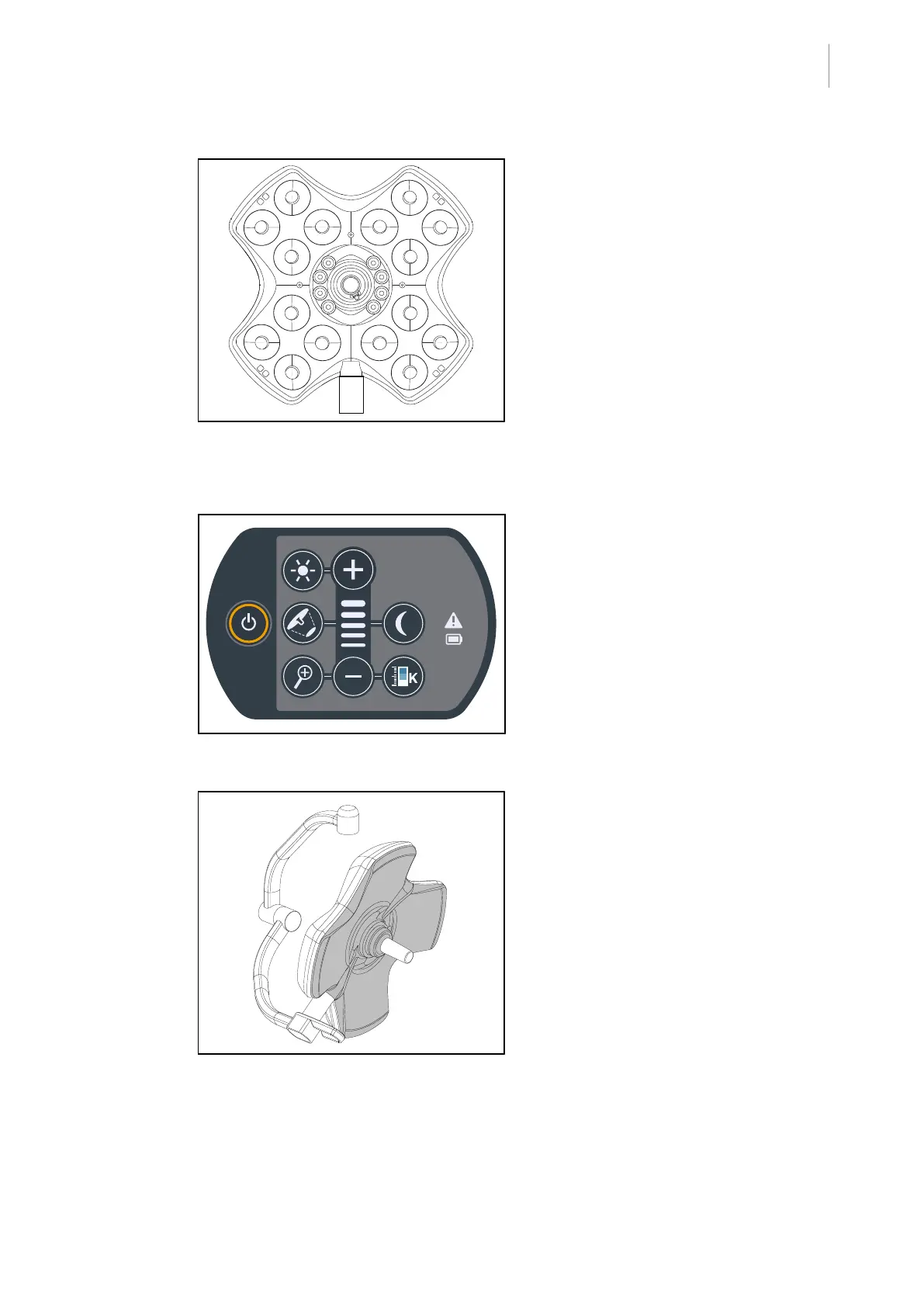
Fig.34: Operation of the LEDs
Operation of the LEDs
1. Press the On/Off button on the lighthead
control keypad to turn on the light.
2. Check that the lighthead responds to
keypad commands by adjusting the illu-
mination of the lighthead from the min-
imum to the maximum setting.
Ø The light intensity varies depending on
the selected level.
3. Turn on the light, selecting the largest light
field diameter (such that all LEDs are lit);
see Adjusting the illumination
[8Page44].
4. Check that all the LEDs are operating.
Fig.35: Integrity of the control keypad
Integrity of the control keypad
1. Check that the control keypad is properly
positioned on the lighthead.
2. Visually inspect the control keypad.
3. If a problem is noted, contact technical
support.
Fig.36: Lighthead underside
Lighthead underside
1. Check that the underside is not damaged
(scratches, stains, etc.).
2. If a problem is noted, contact technical
support.











 To Next Page