Gilson 157/159 UV-VIS Detectors User’s Guide 3-5
Operation
3
Detector Control from TRILUTION LC
Control
The Control tab window in the Method Builder is a graphical interface used to organize the tasks used in a
method.
157 Detector Tasks
The table below lists the tasks for the 157 Detector.
157 Detector and 159 Detector Properties
Name Brief Description Default Value Range
Data Channels Optionally, type a unique description for each data channel. This description and
the data channel’s signal will be displayed in the status box while data is being
collected during an Application Run if the Use check box is selected for that
data channel. The Use check box for Data Channel 1 defaults selected. There is one
data channel available for the 157 Detector (labeled 157 Channel 1), and there are
four data channels available for the 159 Detector (labeled 159 Channel 1 through
159 Channel 4).
157 Channel 1
159 Channel 1
N/A
Data Rate (points/sec) The number of data points collected per second for all channels. One rate is set for
all channels.
20 5, 8, 10, 20,
25, 40, 50
Units The user unit that corresponds to the AU value indicated and the label for those
units.
Data scaled, plotted, and analyzed according to selected these units. All
calculations (i.e., heights and areas) are reported according to these units. Units are
shown on the graph axis (while running and in reports). Multiple graph axes are
displayed if different user units are set for different data channels. A symbol is
displayed on the graph axis to indicate which data channel is using that axis.
1 AU = 1 AU N/A
Instrument Name The name that will be used to identify this instrument in a task. Detector N/A
Instrument Serial Number The serial number of the detector. N/A N/A
157 Detector and 159 Detector Properties
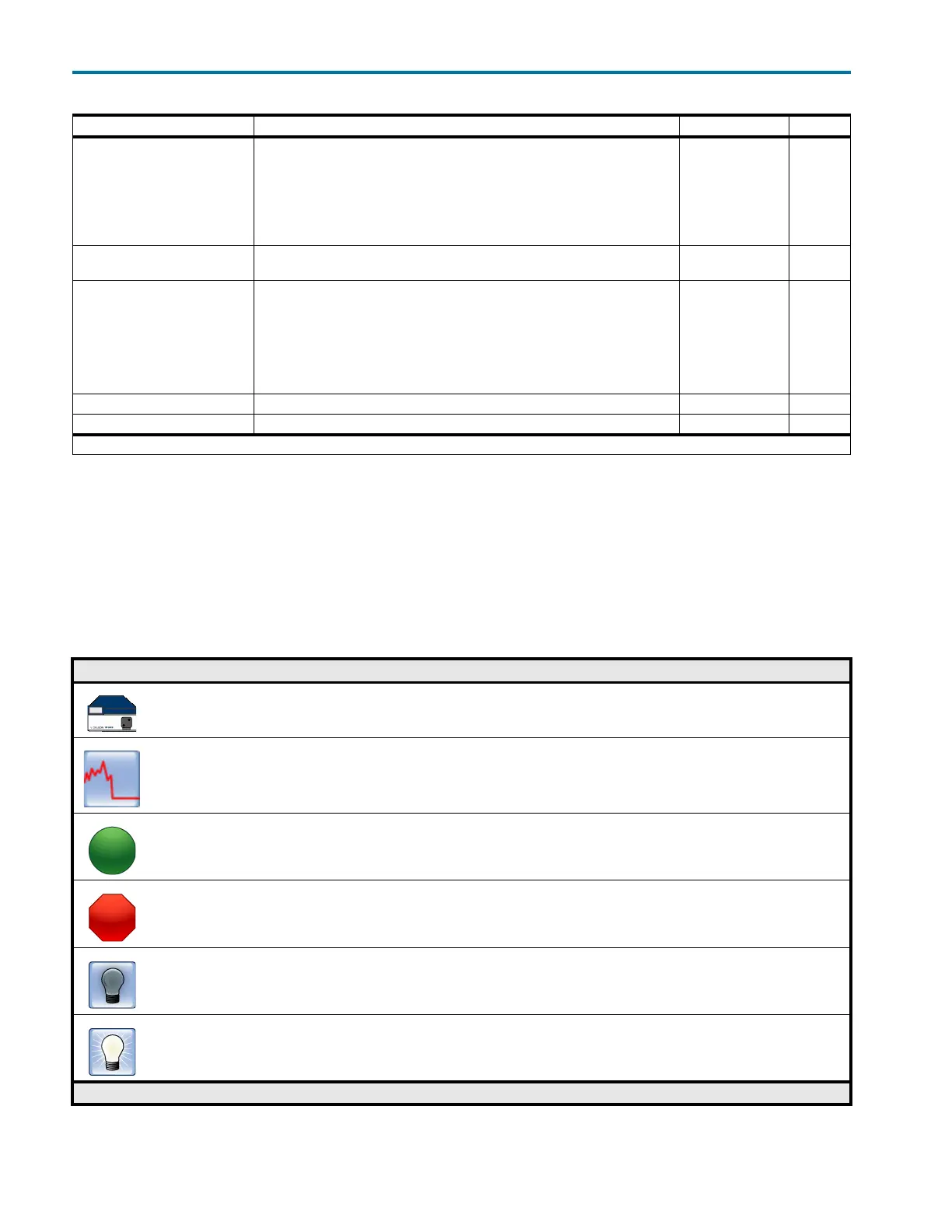
157 Detector Tasks
Gilson Task Name and Description
157 Detector Settings
This task sets the wavelength for the 157 Detector.
Detector Autozero Channel
This task sets the signal of each channel on the selected Detector to zero.
Start Data Collection
This task tells TRILUTION LC to begin collecting data. This task has no properties to set.
Stop Data Collection
This task tells TRILUTION LC to stop collecting data. This task has no properties to set.
Turn Lamp Off
This task turns off power to the lamp(s) while maintaining power to the Detector.
Turn Lamp On
This task turns on the UV and visible lamp(s) for the specified Detector.
157 Detector Tasks














 To Next Page