Operation
3
3-6 Gilson 157/159 UV-VIS Detectors User’s Guide
Detector Control from TRILUTION LC
157 Detector Settings
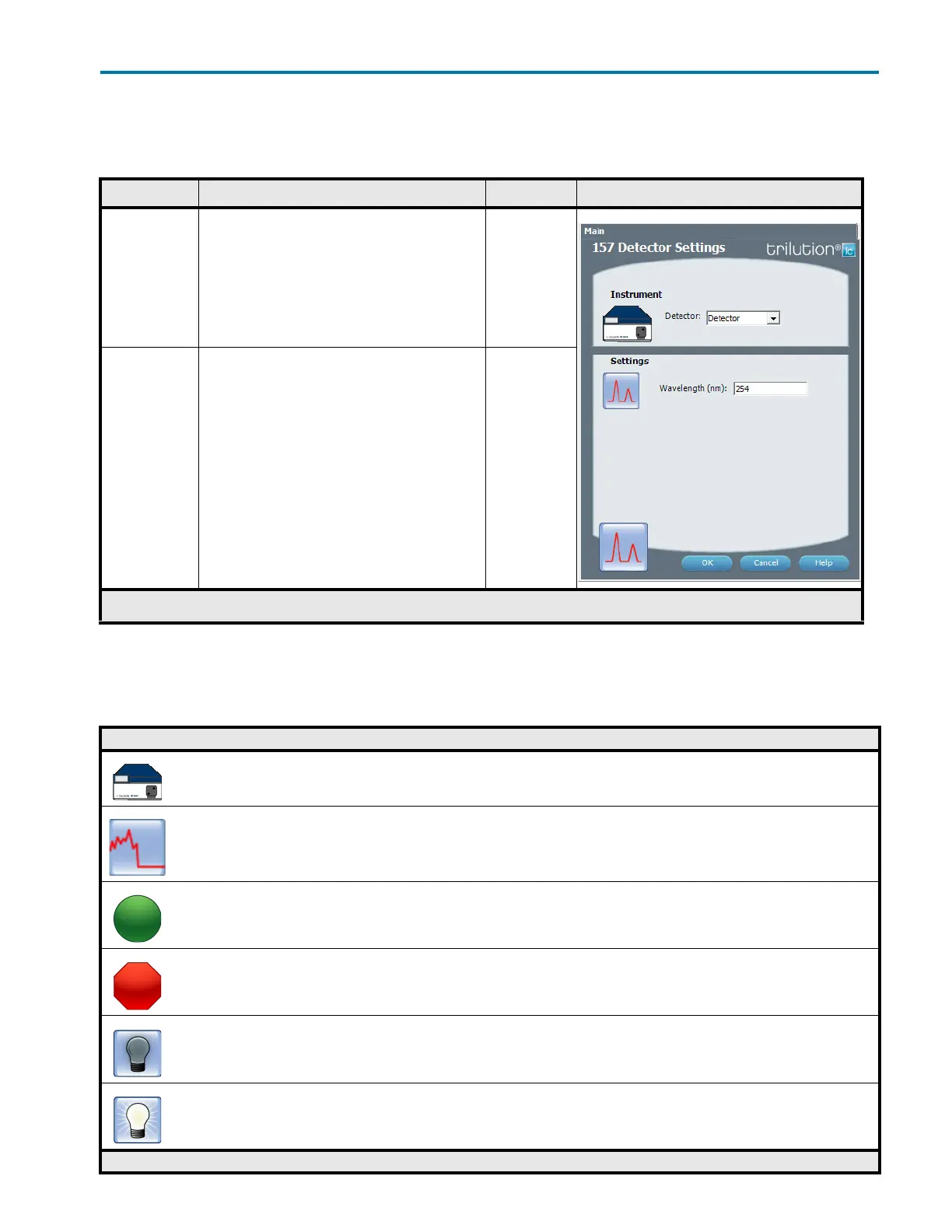
This task sets the wavelength for the 157 Detector.
159 Detector Tasks
The table below lists the tasks for the 159 Detector.
157 Detector Settings
Property Name Description Default Value Task Proper ty Page
Detector The detector that the task will affect. Detector
Wavelength The monitor wavelength. Valid range is 190–750 nm. 254 nm
157 Detector Settings
159 Detector Tasks
Gilson Task Name and Description
159 Detector Settings
This task sets the wavelengths for the 159 Detector.
Detector Autozero Channel
This task sets the signal of each channel on the selected Detector to zero.
Start Data Collection
This task tells TRILUTION LC to begin collecting data. This task has no properties to set.
Stop Data Collection
This task tells TRILUTION LC to stop collecting data. This task has no properties to set.
Turn Lamp Off
This task turns off power to the lamp(s) while maintaining power to the Detector.
Turn Lamp On
This task turns on the UV and visible lamp(s) for the specified Detector.
159 Detector Tasks














 To Next Page