m908 User Manual, Rev. G
Talkback mode they will show up in the list. Clicking on this option opens the Setup A, B,
of C Switch Cue Assign screen. This screen is identical to the Setup Talkback RCU
Switch Cue Assign screen described above.
• gpio 1234 switch mic assign Sets which talkback mic is activated by the GPIO 1, 2, 3, or
4 external switch. If any of the GPIO 1, 2, 3, or4 pins have been configured for Talkback
mode they will be listed here. Options are <rcu mic only, ext mic only, rcu and ext. mic>
• gpio 1234 cue assign Selects Cue paths to route the talkback signal to when the GPIO 1,
2, 3, or 4 external switches are closed. If any of the GPIO 1, 2, 3. or 4 pins have been
configured for Talkback mode they will be listed here. Clicking on this option opens the
Setup GPIO X Cue Assign screen. This screen is identical to the Setup Talkback RCU
Switch Cue Assign screen described above.
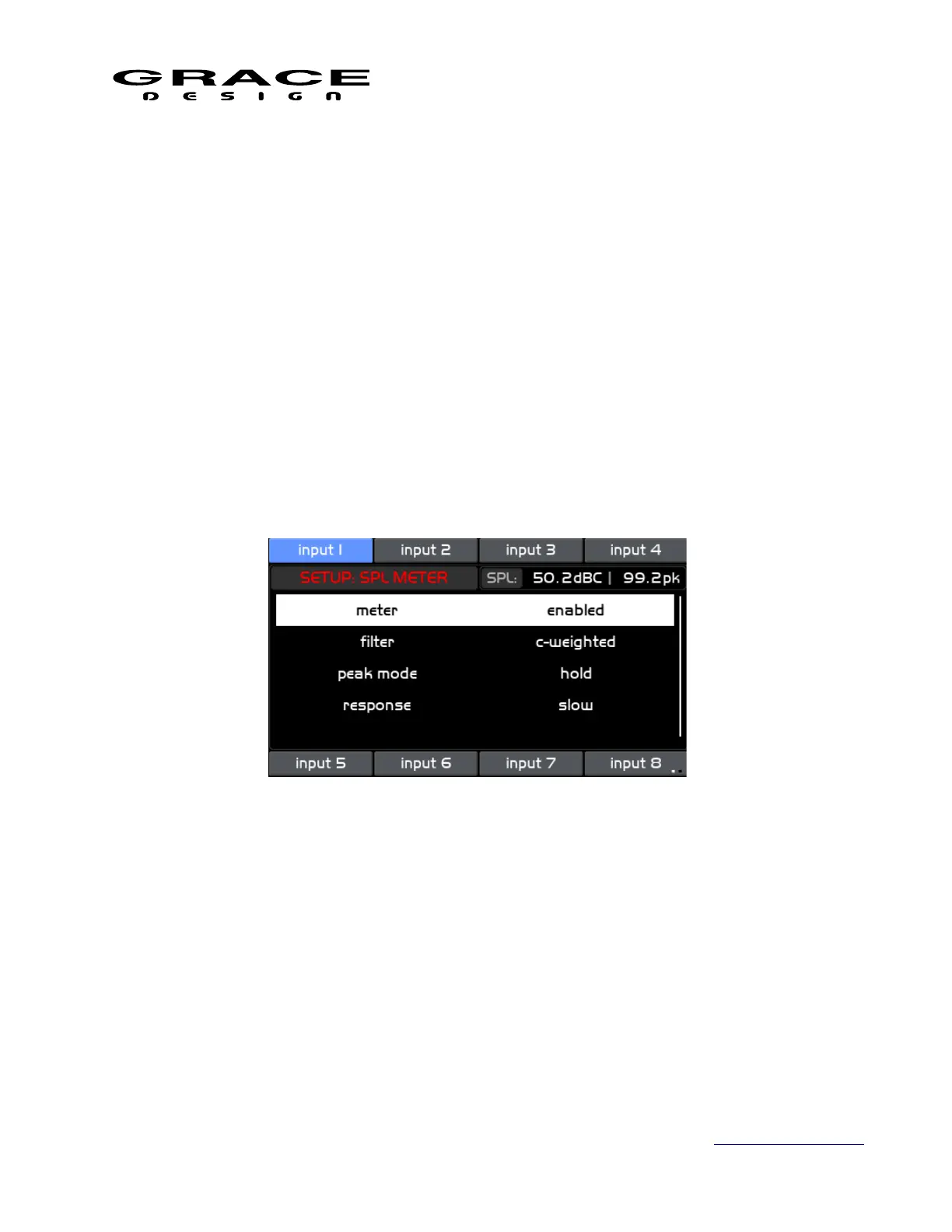
6.3.20 SPL Meter setup
Push the SETUP switch then push-hold the MON>CUE (spl clear) switch to enter the Setup
SPL Meter screen.
This screen contains the following setup parameter that can be adjusted by pushing the
VOLUME encoder knob.
• meter This parameter enables or disables the SPL meter.
• filter Selects the weighting filter for the SPL measurement. Options are:
none: No filter applied.
a-weighted: A weighting filter applied.
c-weighted: C weighted filter applied
• peak mode Sets the behavior of the peak SPL measurement. Options are:
off: Peak values are not saved. The peak SPL display value will follow the real time SPL
display value.
Page 103 of 135 Table Of Contents



 To Next Page