m908 User Manual, Rev. G
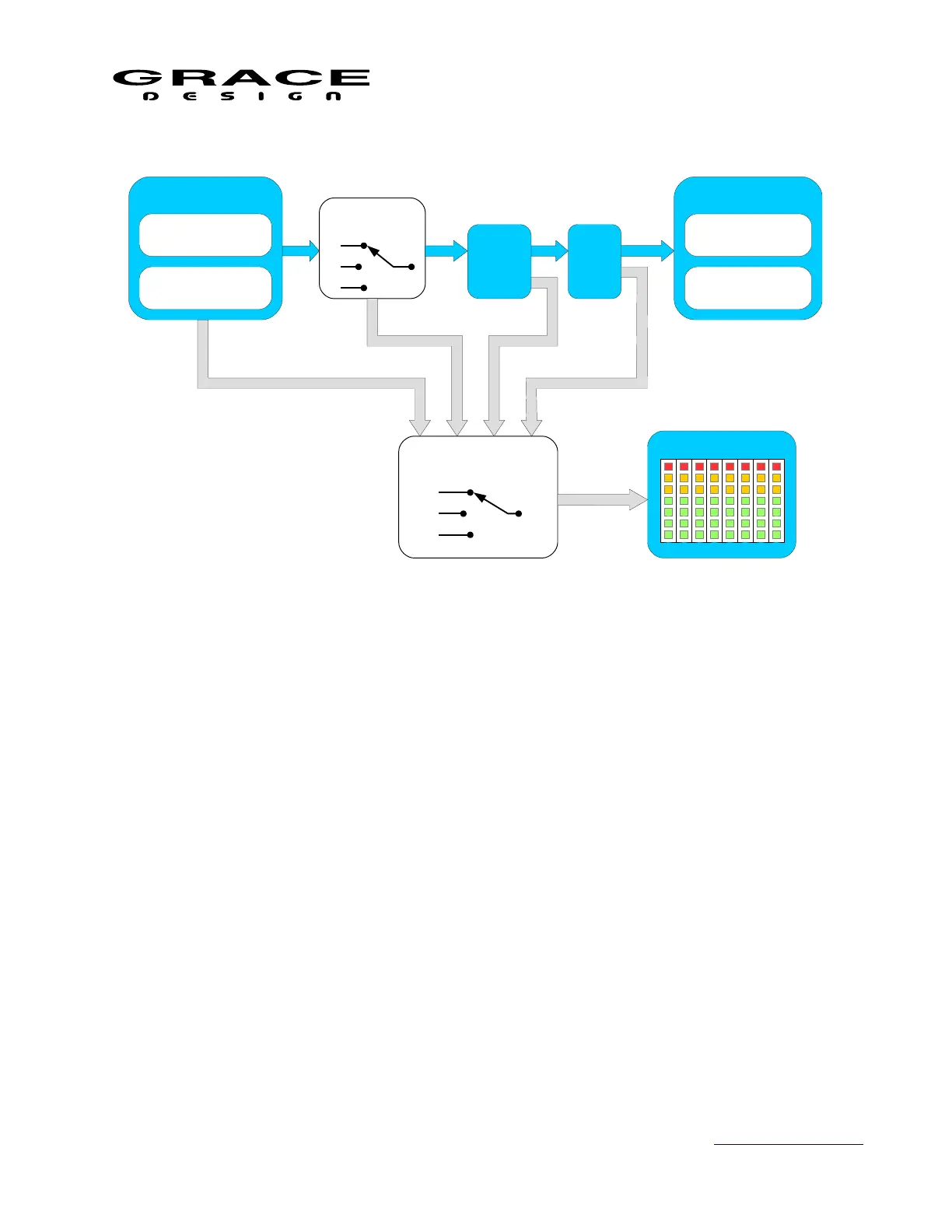
The meter source options are:
• Audio Input source
This option fixes the Meter source to a specific input. The signal level is identical to the
incoming signal level.
• Follow monitoring source selector pre level offset
This option allows the Meter source to follow whatever is being monitored on the Control
Room speakers. The signal level is identical to the incoming signal level.
• Follow monitoring source selector post level offset
This option allows the Meter source to follow whatever is being monitored on the Control
Room speakers. The signal level follows whatever input level offset is set for the
currently selected input.
• Follow DSP output.
This option sources the meter output from the final outputs for the Control Room
speakers. The meter data will have all speaker processing applied: volume, delay, offset,
Page 40 of 135 Table Of Contents



 To Next Page