m908 User Manual, Rev. G
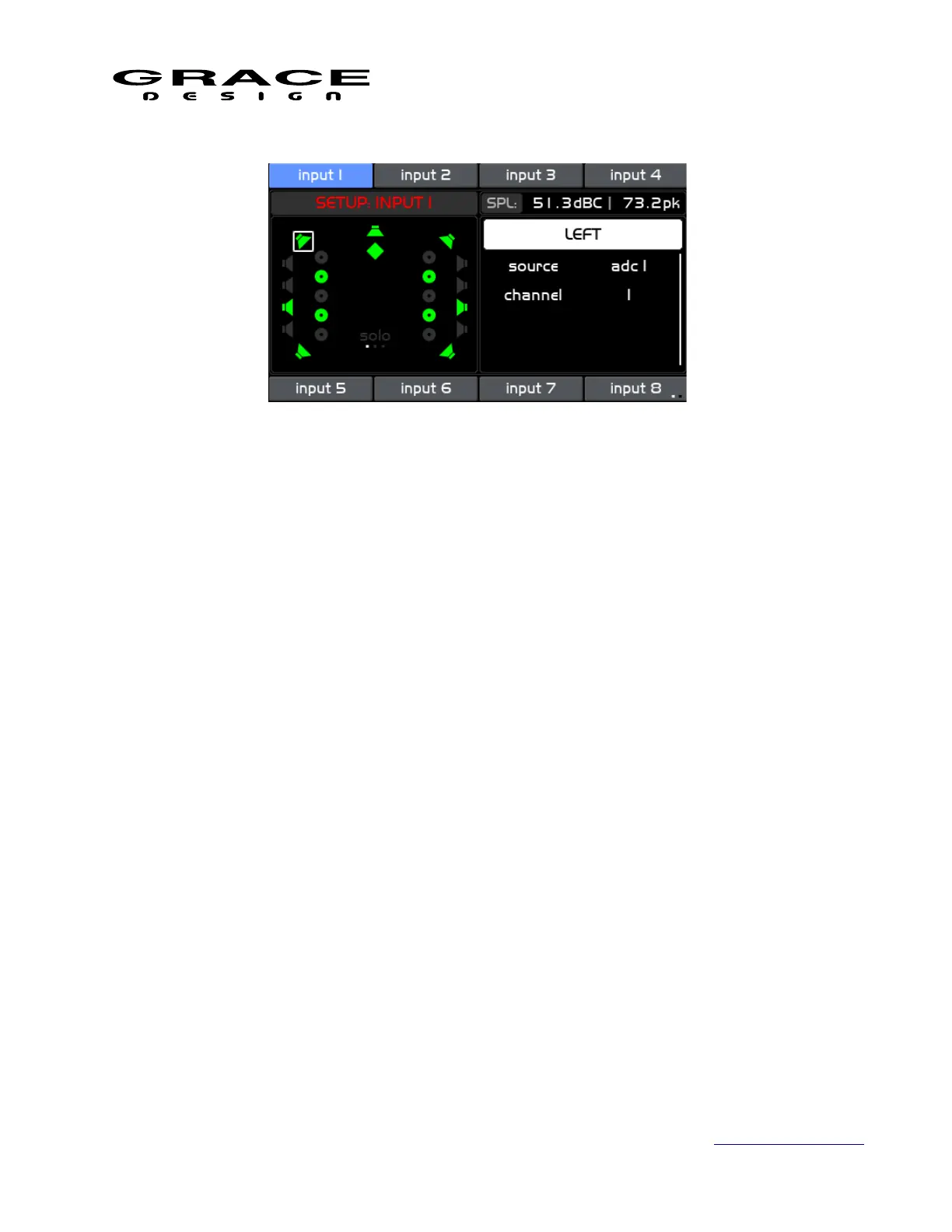
Clicking the channel name enables the channel cursor in the left window. Rotate the encoder
to move the cursor to the desired input channel type. The source parameter shows the connector
being used for the currently selected input. Clicking and scrolling through the list will display the
available connectors.
Clicking on a connector that is different from the current connector will disables the current
channel selection and immediately mute the audio. Scroll to the channel parameter and select the
desired channel number from the list. Upon clicking on a channel number the audio will be
routed from the new selection.
NOTE: Input connectors can be used for multiple inputs. For instance, you can route analog 1
channels 1 and 2 to Cue 1 and also route the same channels to an Input. This way you can easily
select Cue 1 as a monitor source.
The following Output Channel Routing behaviors are the same for Control Room Speaker
outputs, and Meter outputs:
Page 77 of 135 Table Of Contents



 To Next Page