m908 User Manual, Rev. G
After the system is updated the editing workflow screen will appear.
Exiting from the editing workflow screen returns to the main workflow setup screen. To exit
this screen and return to the home screen press and release the flashing SETUP switch.
Note that if any changes have been made to the workflow that affect the number of speakers,
their positions, number of cue channels, talkback mics, or headphone status then there will need
to be routing changes made in the regular setup menus to reconnect hardware inputs and outputs
to the changed DSP channels.
If changes were made to a workflow that is not the currently loaded system workflow then
that workflow would need to be loaded so that routing changes can be made.
Changes to the workflow name will not have any effect on routing.
6.2.7 Editing Workflow Cancel
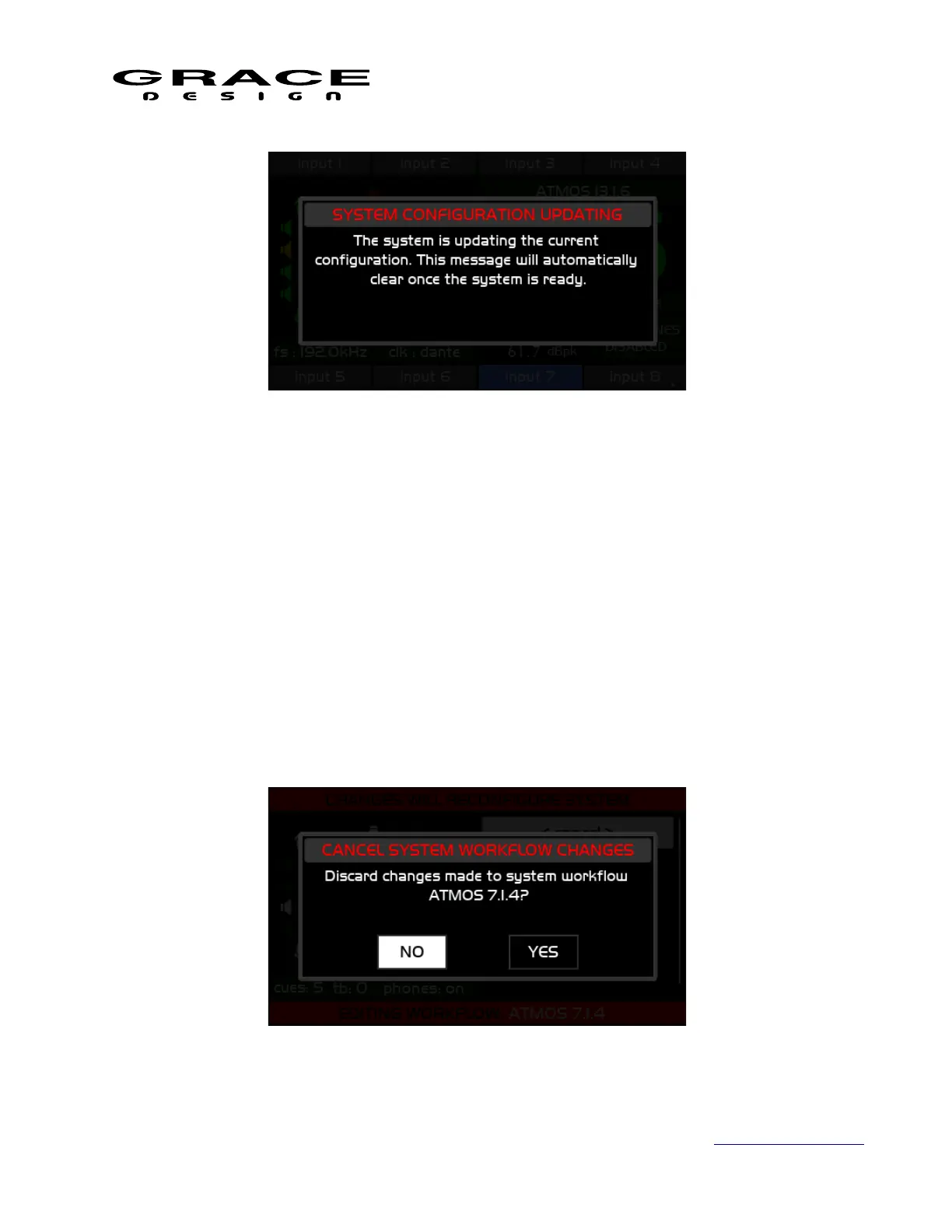
From the Editing Workflow screen clicking the <cancel> menu option will open a dialog box
asking if you are sure you want to discard changes.
Page 61 of 135 Table Of Contents



 To Next Page