m908 User Manual, Rev. G
• MUTE
• CR1-3
• TALKBACK
• A, B, and C User Switches
Press-hold any of the following switches will enter in to the setup for their specific
function:
• VOLUME for Monitor
• MONO for Left minus Right
• MON > CUE for SPL
• MUTE for System
• SOLO/MUTE for Solo / Mute
When in the setup screen for any of these functions the parameters can be changed and
auditioned in real time.
At any time another switch can be pushed to switch to another setup screen.
Save any changes by pushing the SETUP switch and exiting Setup Mode.
The following section outlines the available Setup parameters in the m908.
6.3.2 Standard Parameter Editing
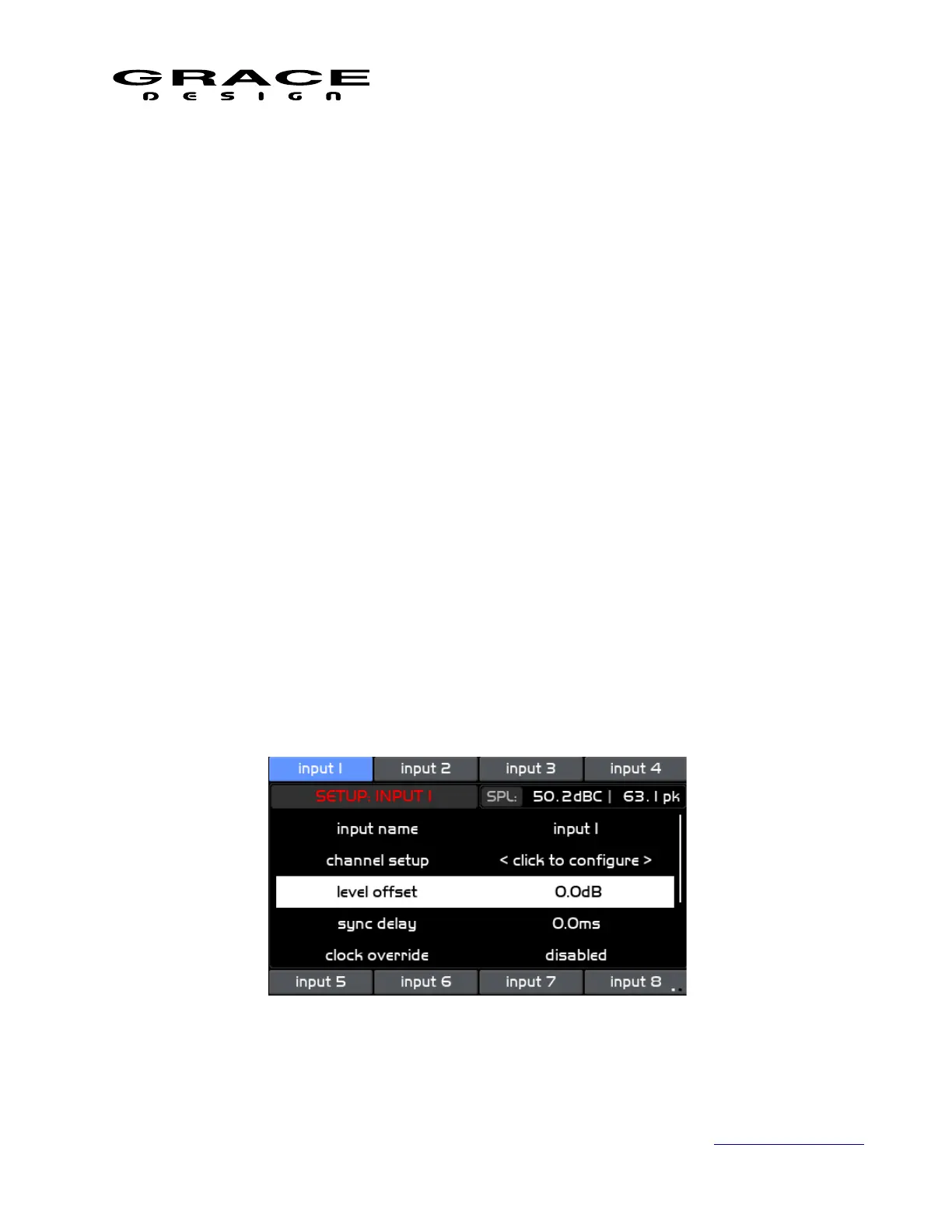
Throughout the m908 Setup menus there are lists of parameters that can be adjusted/edited. In
each menu, the current mode is displayed in red text in the upper left. The conventional behavior
is that turning the VOLUME encoder will scroll through this list while highlighting the available
parameters. The parameter name is on the left and the value is on the right. For instance an input
level offset will look like this:
Pushing the VOLUME encoder will enable the parameter for editing and the value will turn
Page 73 of 135 Table Of Contents



 To Next Page