m908 User Manual, Rev. G
6.3.5 Input Setup
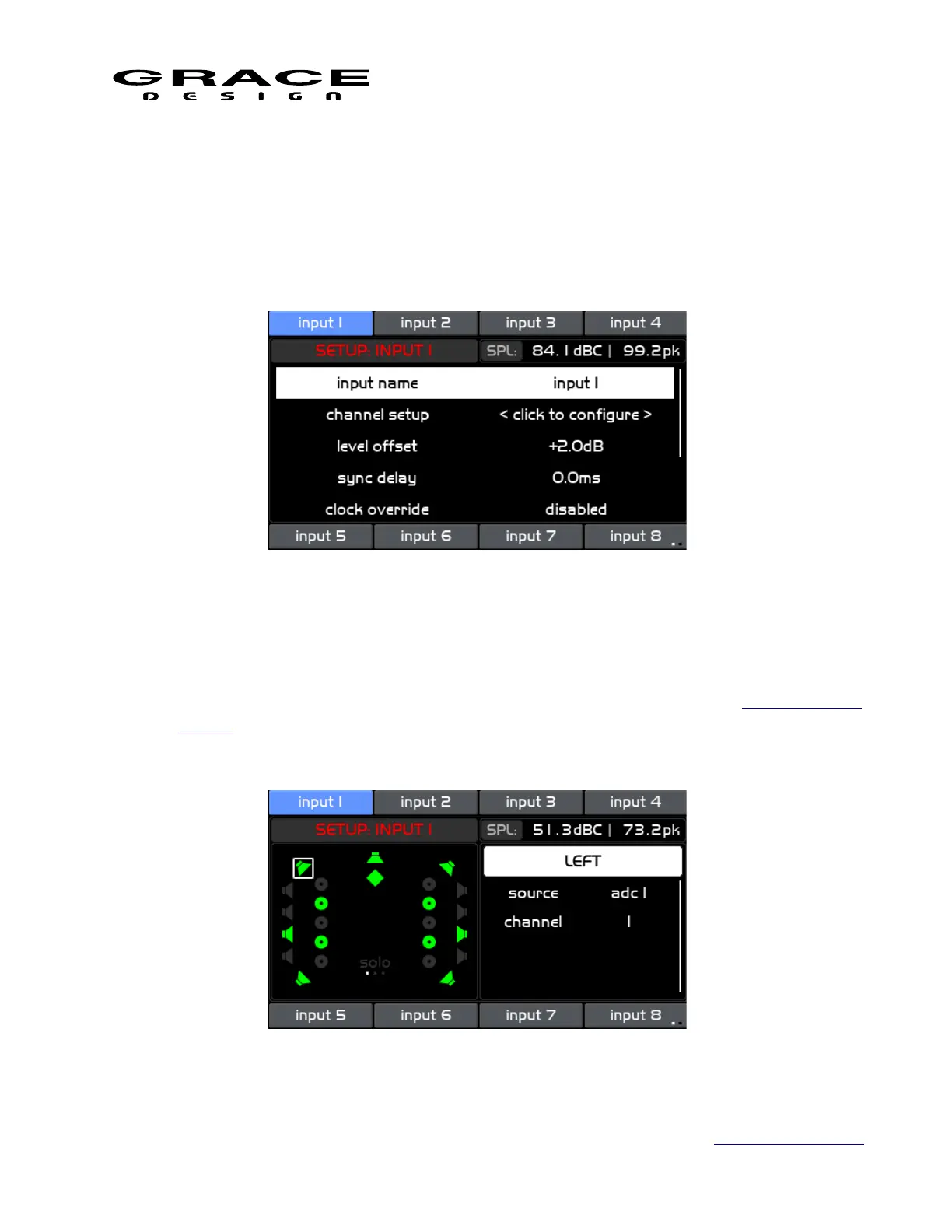
Push the SETUP switch then any of the 8 INPUT select switches will enter the Setup Input
screen.
The m908 has 16 inputs available with 8 inputs visible at a time. To change "input pages"
push-hold the lower right INPUT (◄►) select switch.
This screen contains the following list of setup parameters that can be selected by turning the
VOLUME encoder knob. The available parameters are:
• input name Clicking this option enters the Name Edit Screen. (see above for Standard Name
Editing).
• channel setup Clicking this option enters the Channel Setup screen.
Page 79 of 135 Table Of Contents



 To Next Page