m908 User Manual, Rev. G
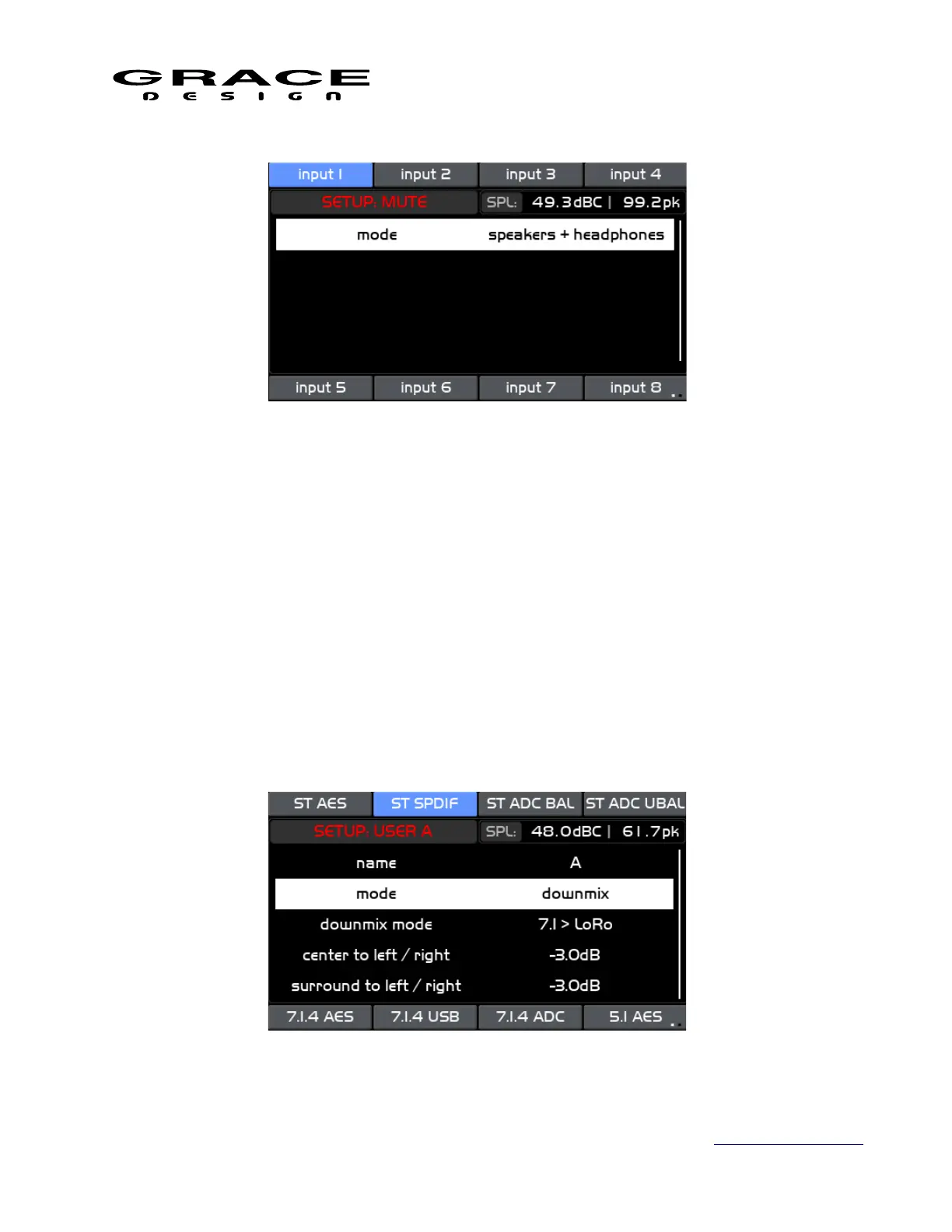
This screen contains the following setup parameter that can be adjusted by pushing the
VOLUME encoder knob.
• mode The Mute control can be enabled for the following monitor paths:
speakers + headphones
speakers only
headphones only
Push the SETUP switch to save and exit Setup Mode.
6.3.16 User A B C Switches Setup
Push the SETUP switch then push the A, B, or C User switch to enter the Setup User switch
screen.
Page 98 of 135 Table Of Contents



 To Next Page