m908 User Manual, Rev. G
https://gracedesign.com/support-documents/
9.1.1 Firmware Update Procedure
1. Download the latest m908 firmware package from the link above. The firmware package will
will be named: m908_xx_xx_xx.pkg where the xx is the firmware version information.
2. Copy the .pkg file to an empty USB flash drive formatted FAT. Be sure that there is only
one .pkg file on the USB drive.
3. Turn off power to m908
4. Insert USB drive in to USB HOST connector on the back panel of the m908.
5. Power on the m908 and wait for the prompt. Once the system has booted, it will identify the
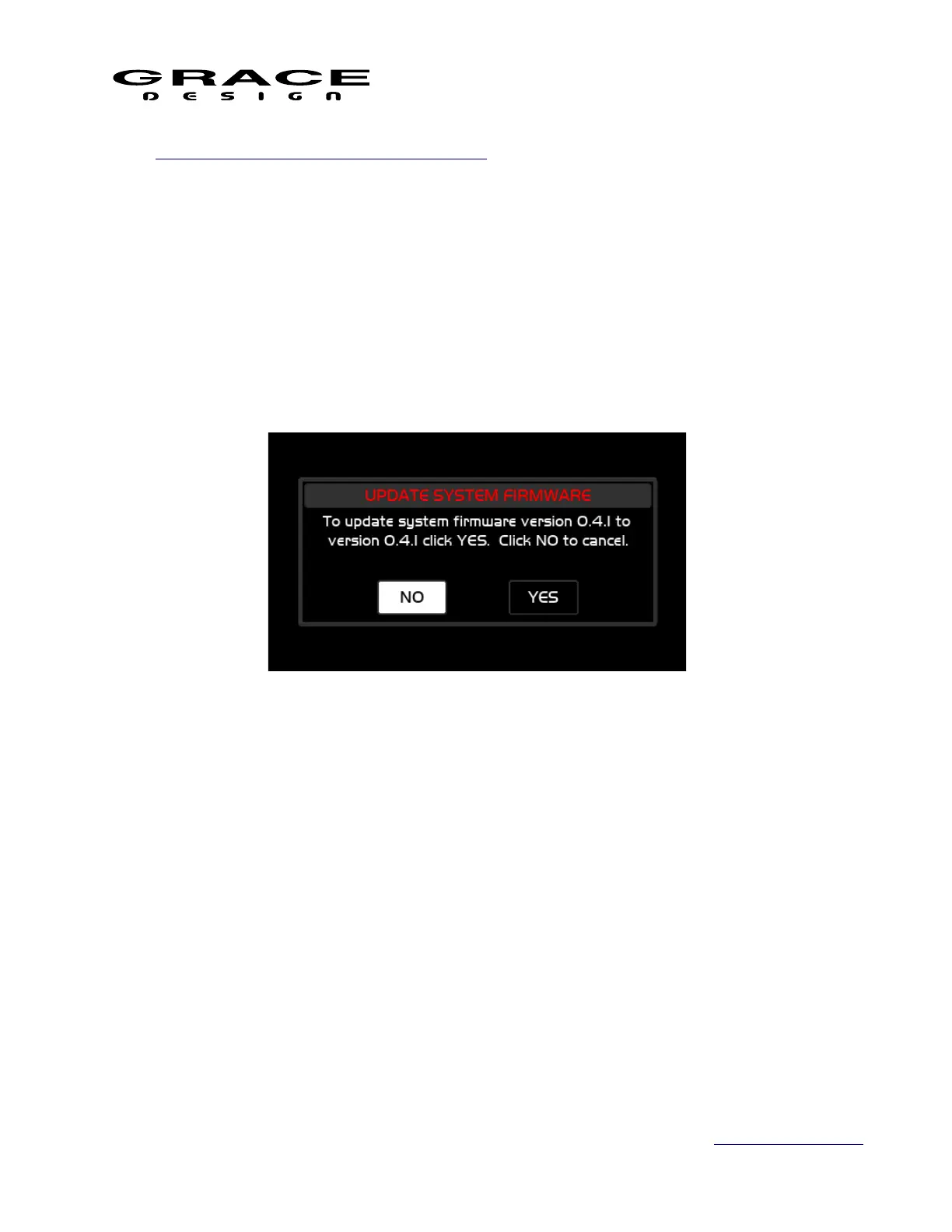
new firmware package and provide the following dialog box:
6. In this message the current ACU firmware version is displayed along with the new firmware
version. Selecting "NO" will cancel the firmware update and the system will boot normally.
Selecting "YES" will begin the ACU firmware update. The following message will be
displayed while the ACU firmware is being installed:
Page 124 of 135 Table Of Contents



 To Next Page