m908 User Manual, Rev. G
Dante Channel Count
Sample Rate Input Channels Ouptut Channels
44.1-48kHz 32 32
88.2-96kHz 16 16
176.4-192kHz 8 8
We strongly recommend reading through the Dante Controller software user guide to become familiar
with Dante networking basics.
The pdf can be downloaded at https://www.audinate.com/resources/technical-documentation
7.3 DigiLink Option Module
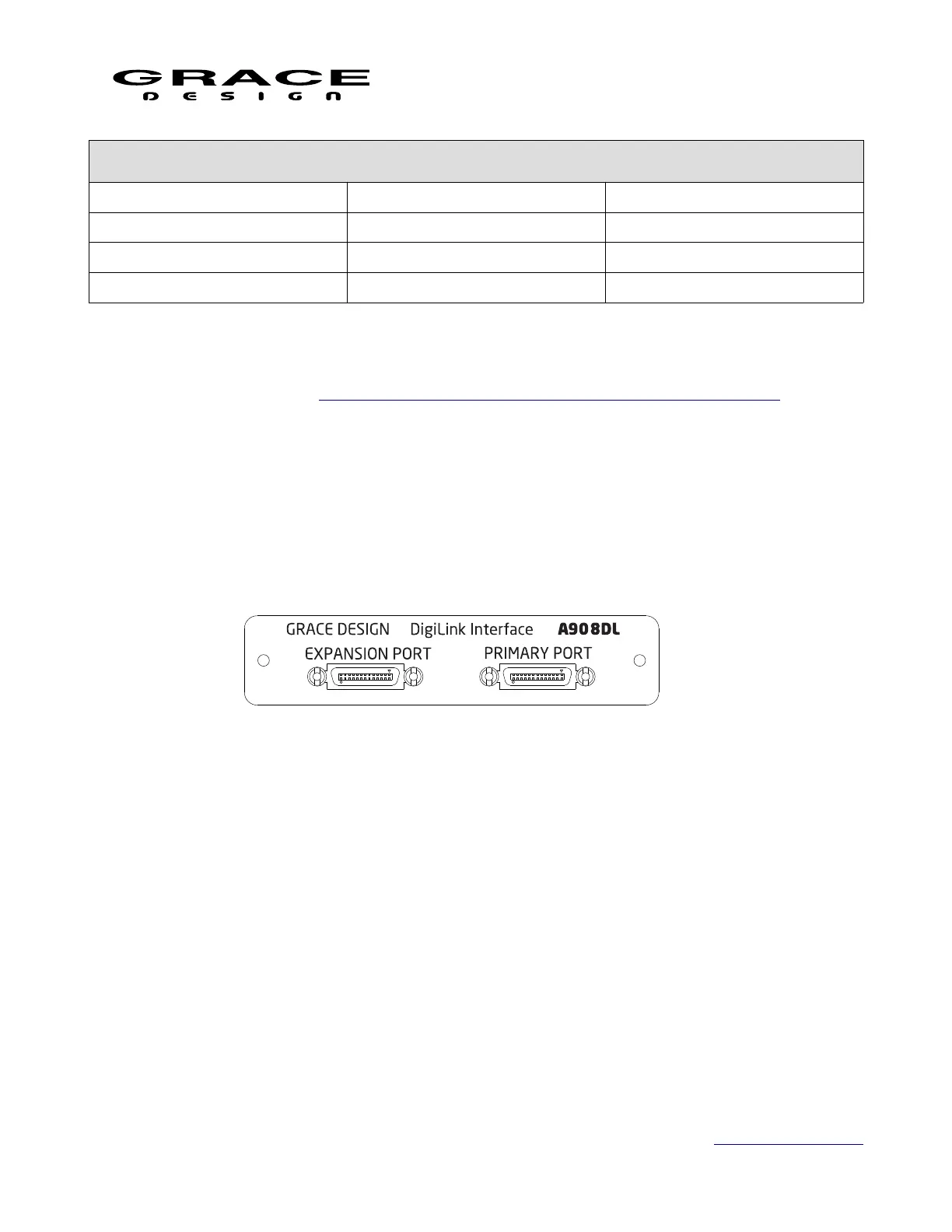
The m908 Digilink option module provides 32 channels of I/O from a Pro|Tools HDX or Pro|
Tools HD Native system. The m908 will emulate two Avid HD I/O interfaces. This option is
available on new and existing units. Please contact your Grace Design dealer or distributor for
details.
The m908 emulates two HD I/O interfaces with a total of 32 channels of I/O. The
EXPANSION port is currently not active.
In Pro|Tools Hardware Setup the only control that is active for the emulated HD I/Os is the
Clock Source selection. Valid options are Internal and Word Clock. If choosing Word Clock
select the option that is at the session sample rate. The m908 does not support Loop Sync.
If the m908 is the only device connected to the HDX port then the Clock Source selection is
only valid for the HD I/O #1. HD I/O #2 is internally synchronized inside the m908 Digilink
card.
When using the m908 Digilink interface System Clock source or Input Clock Override should
be set to "Digilink". When Word Clock is selected clock source in Pro|Tools Hardware Setup the
m908 Digilink clock will switch to the Word Clock Input BNC connector on the ACU
automatically. You do not need to change the m908 clock source to Wordclock.
Although the m908 will appear as two HD I/O devices with 32 inputs these channels are not
Page 114 of 135 Table Of Contents



 To Next Page