m908 User Manual, Rev. G
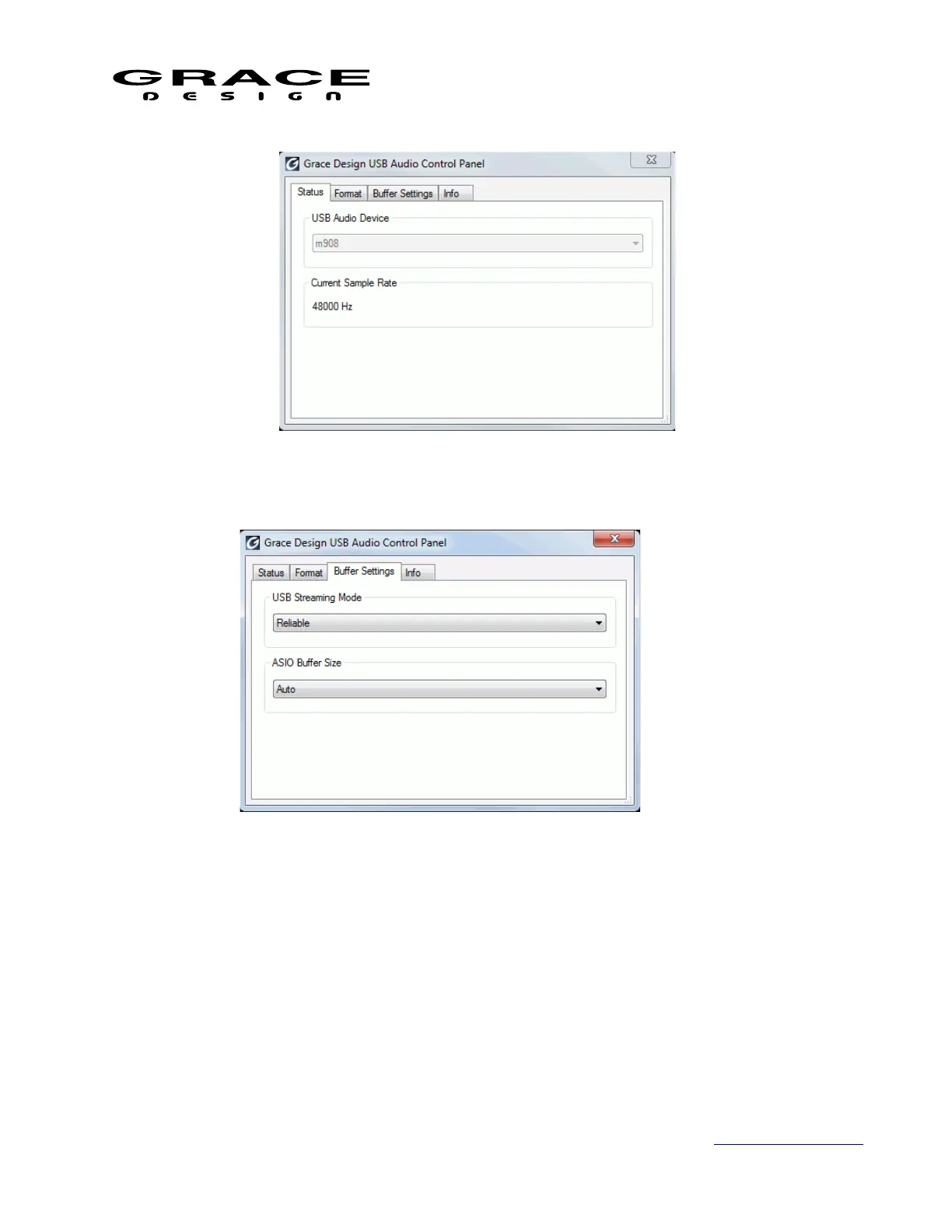
2. Buffer Settings displays the USB Streaming mode and the ASIO Buffer size:
3. The USB Streaming Mode sets the computer's USB latency performance, ranging from very
low to high latency. The lower the latency, the greater the load will be on your computer's
resources, which may result in errors or distortion. The ASIO Buffer Size also affects latency,
the smaller the buffer the lower the latency. This setting is interactive with the Streaming Mode.
The panel will display a warning if the buffer size is too small for the selected streaming mode
and sample rate. You will need to experiment with these options to find a suitable setting for
your computer.
Page 122 of 135 Table Of Contents



 To Next Page