m908 User Manual, Rev. G
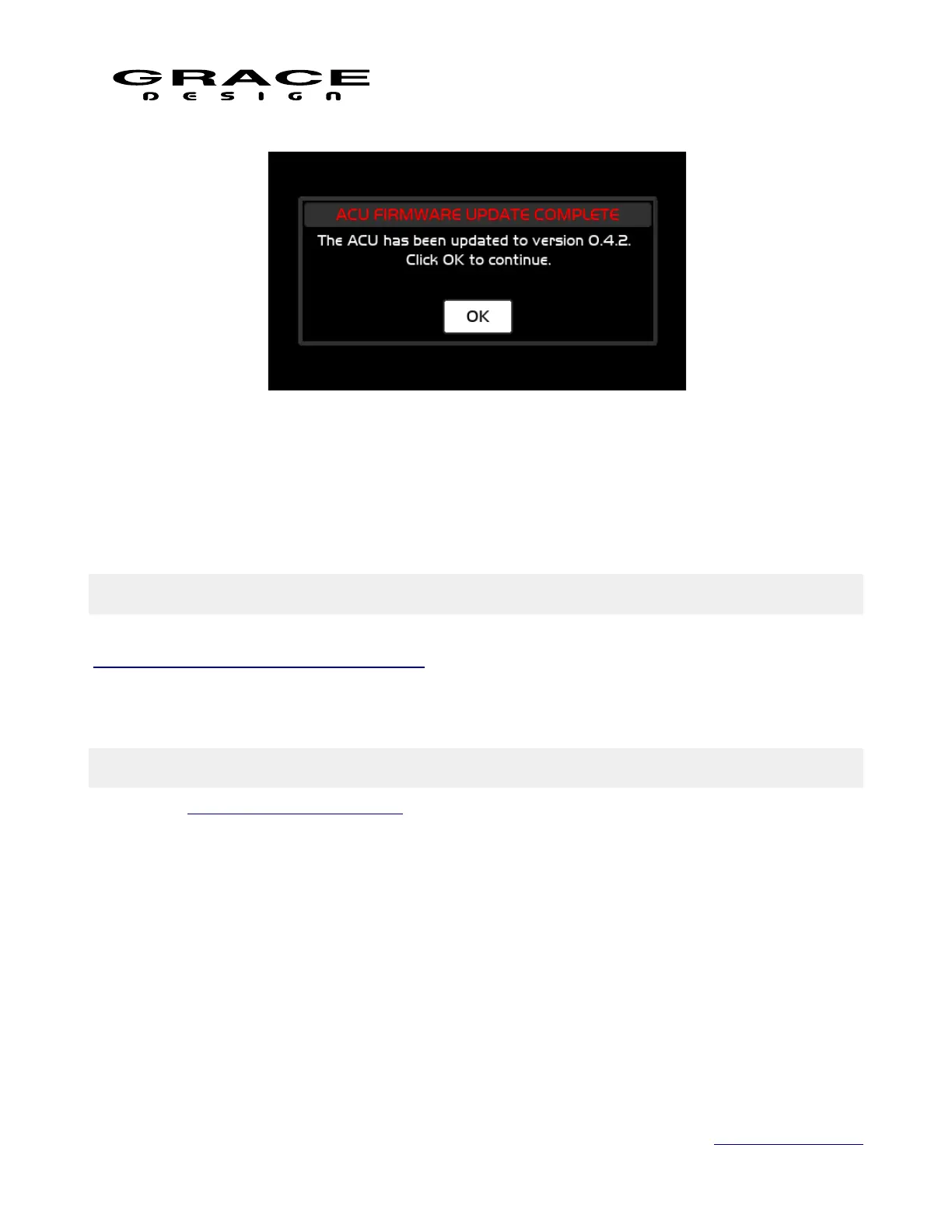
10. Click OK to resume booting to normal operation.
11. Power the m908 off and remove the USB drive.
12. Power the m908 on.
10 Electrical Specifications
See document m908 System Specifications which can be found at:
https://gracedesign.com/support-documents/
Grace Design reserves the right to update or change the electrical specifications at any time.
11 Block Diagrams
See m908 System Flow Diagram.
Page 126 of 135 Table Of Contents



 To Next Page