m908 User Manual, Rev. G
• mode The mode options select which monitor paths will dim when Dim is active. The options
are:
speaker + headphones
speakers only
headphones only
The DIM switch is active in Setup mode so the Dim settings can be auditioned.
Push the SETUP switch to save and exit Setup Mode.
6.3.7 CR1, CR2, CR3 Speaker setup
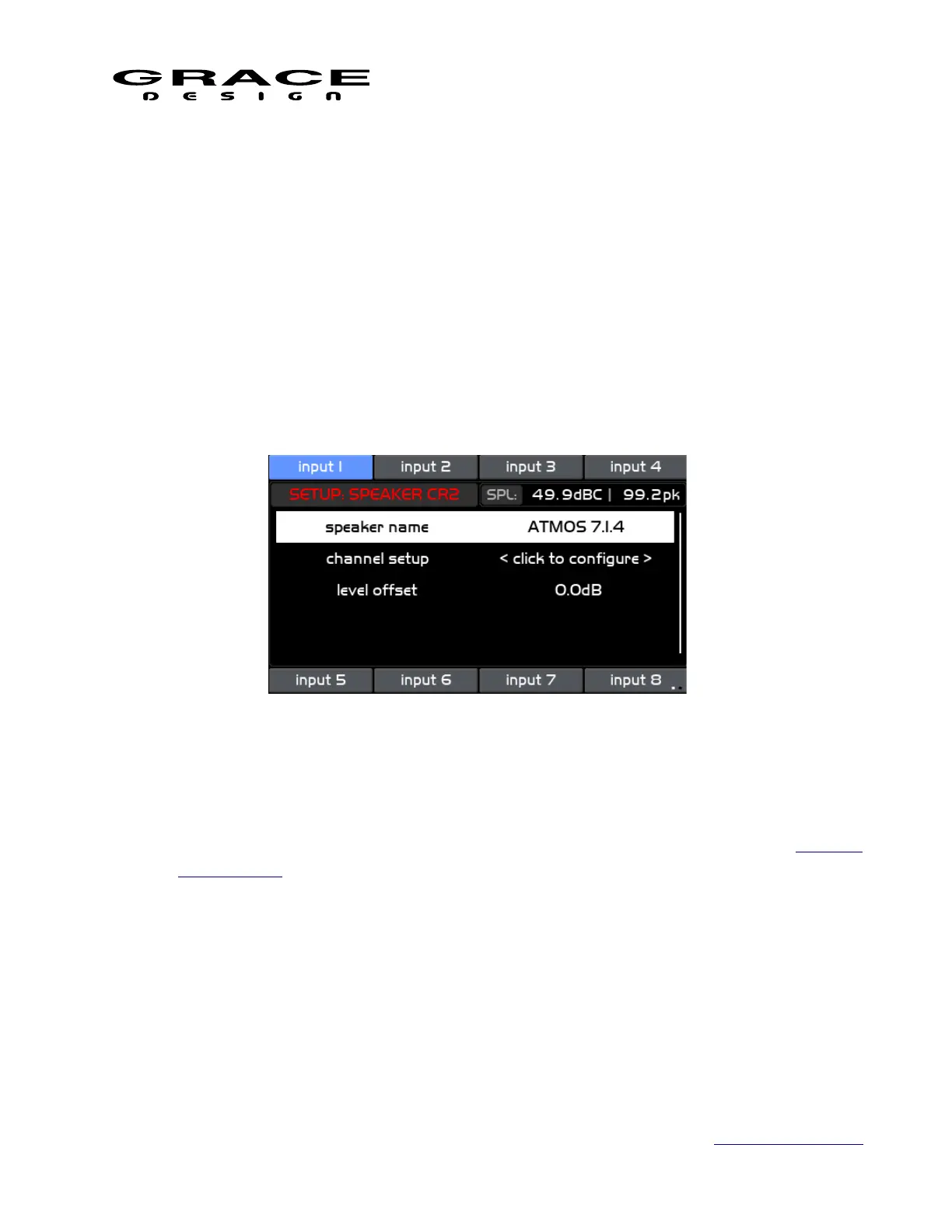
Push the SETUP switch and then any of the CR1, CR2, or CR3 speaker select switches to
enter the Setup Speaker screen.
This screen contains the following list of setup parameters that can be highlighted by turning
the VOLUME encoder knob. The available parameters are:
• speaker name Clicking this option enters the Name Edit Screen. (see navigating the Standard
Name Editing screen).
• channel setup Clicking this option enters the Channel Setup screen.
Page 82 of 135 Table Of Contents



 To Next Page