m908 User Manual, Rev. G
Select NO to go back to the Select Workflow To Import screen.
Select <exit> to exit the Select Workflow To Import screen without importing a new
workflow.
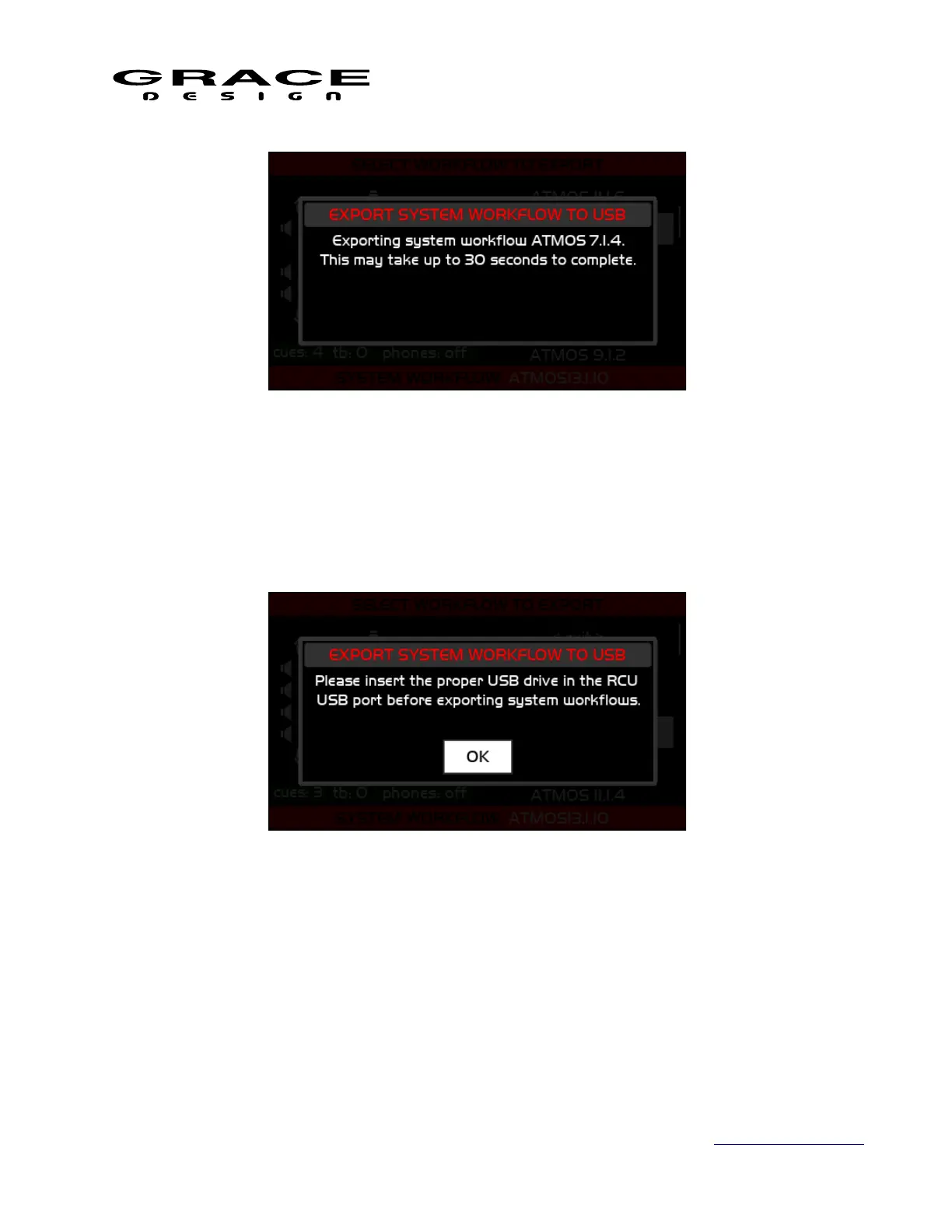
If there is no valid USB memory device plugged in the the RCU the system will display the
following message when an export to USB is attempted.
Make sure that the USB memory device is inserted and that it is formatted FAT16 or FAT32.
In the unlikely event that the m908 experiences a USB file system error the following dialog
will appear.
Page 69 of 135 Table Of Contents



 To Next Page