m908 User Manual, Rev. G
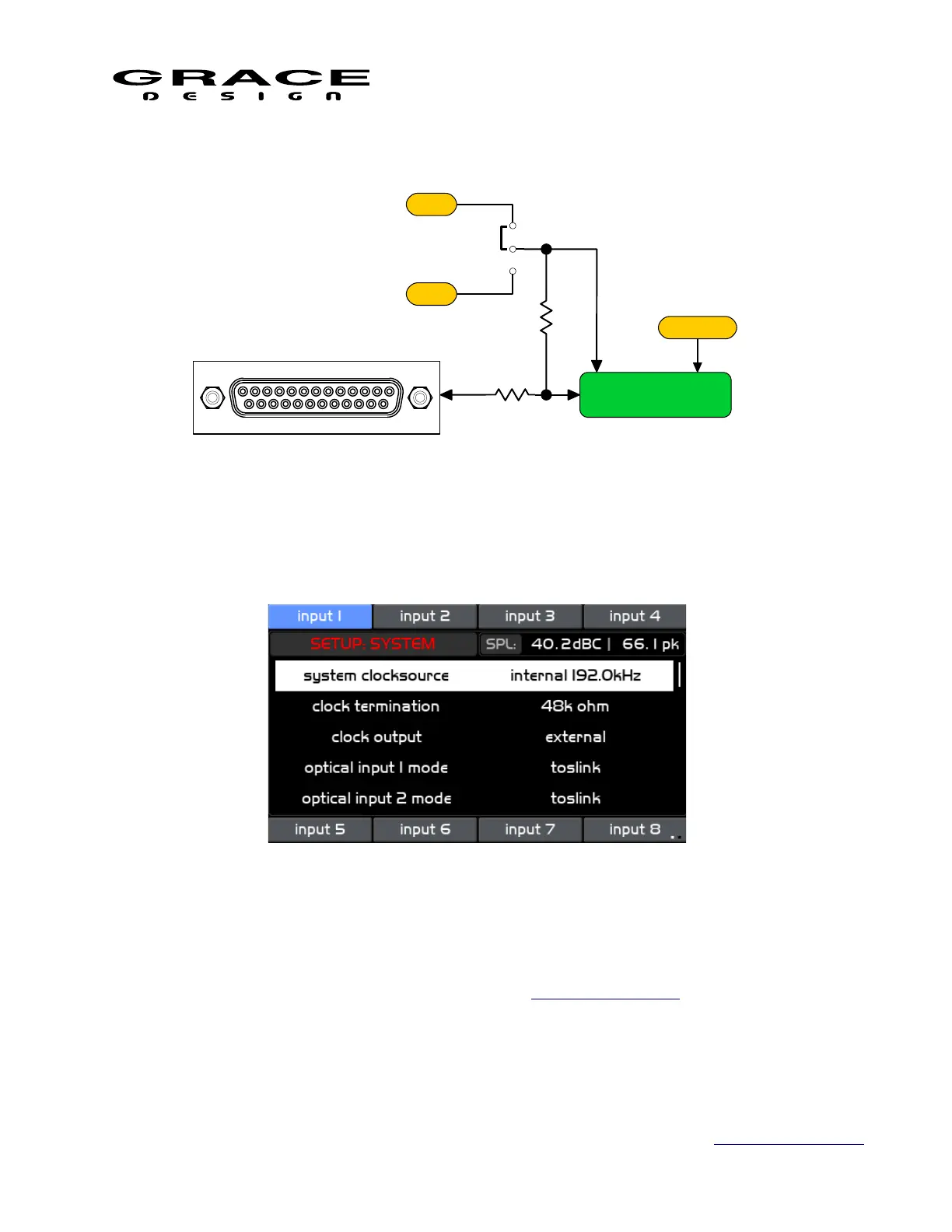
6.3.25 System Setup
Push the SETUP switch then push-hold the MUTE switch to enter the Setup System screen.
This screen contains the following setup parameter that can be adjusted by pushing the
VOLUME encoder knob.
• clock source Sets the clock source for the m908 system clock. Options include <internal,
word, usb, option io, aes1-4, spdif, adat> See Clock Source Setup above for details.
• clock termination Sets the Word Clock input connector termination. Options are <48k
ohms, 75 ohms> If the m908 is being fed directly from a word clock source and it is the
only receiver then set the termination to 75Ω. If the m908 Word Clock input is being fed
in a "daisy-chain" with another terminated receiver then set the termination to 48kΩ.
Page 109 of 135 Table Of Contents



 To Next Page