m908 User Manual, Rev. G
A single push of the SETUP switch will exit Setup Mode and save any changes that were
made.
IMPORTANT: After exiting Setup Mode the ACU will save the workflow file in
the background. This can take up to 5 seconds. Do not turn the m908 power off during
this time or the workflow file can be corrupted.
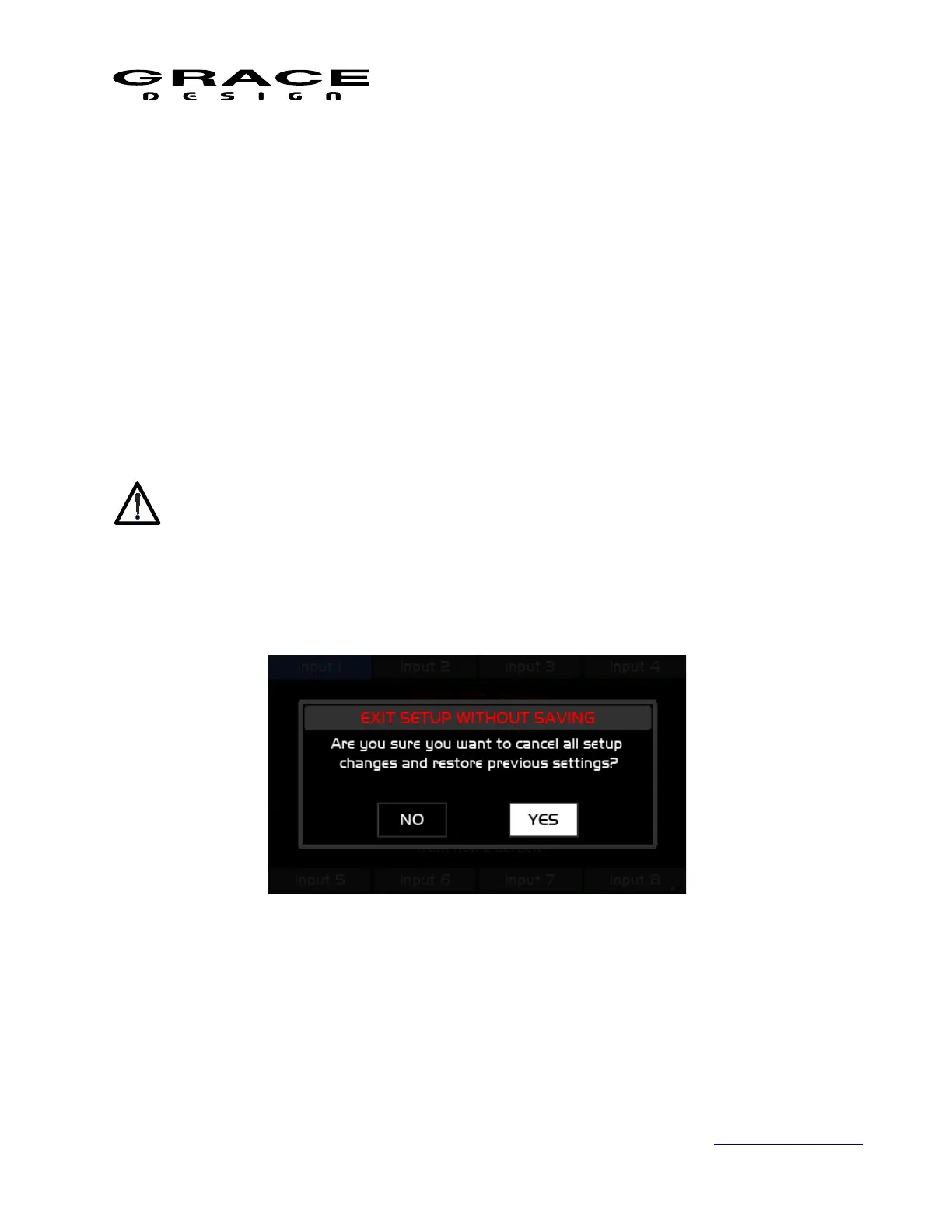
A push long-hold of the SETUP switch will exit Setup Mode and prompt you to discard any
changes that were made. Clicking NO will return to the previous Setup screen. Clicking YES will
exit Setup without saving changes.
Pushing any of the following switches will enter in to the setup for their specific function:
• INPUT SELECT 1-8
• DIM
• MONO
• MON>DUE
Page 72 of 135 Table Of Contents



 To Next Page