m908 User Manual, Rev. G
speaker systems but will remain active and output the headphone signal on CUE/EXT.
channel 7-8. See the m908 System Block Diagram for a picture of this routing.
To exit the channel setup screen, push-hold the VOLUME encoder.
6.2.5 Editing Workflow Rename Screen
From the Editing Workflow screen clicking the <rename> menu option will open the
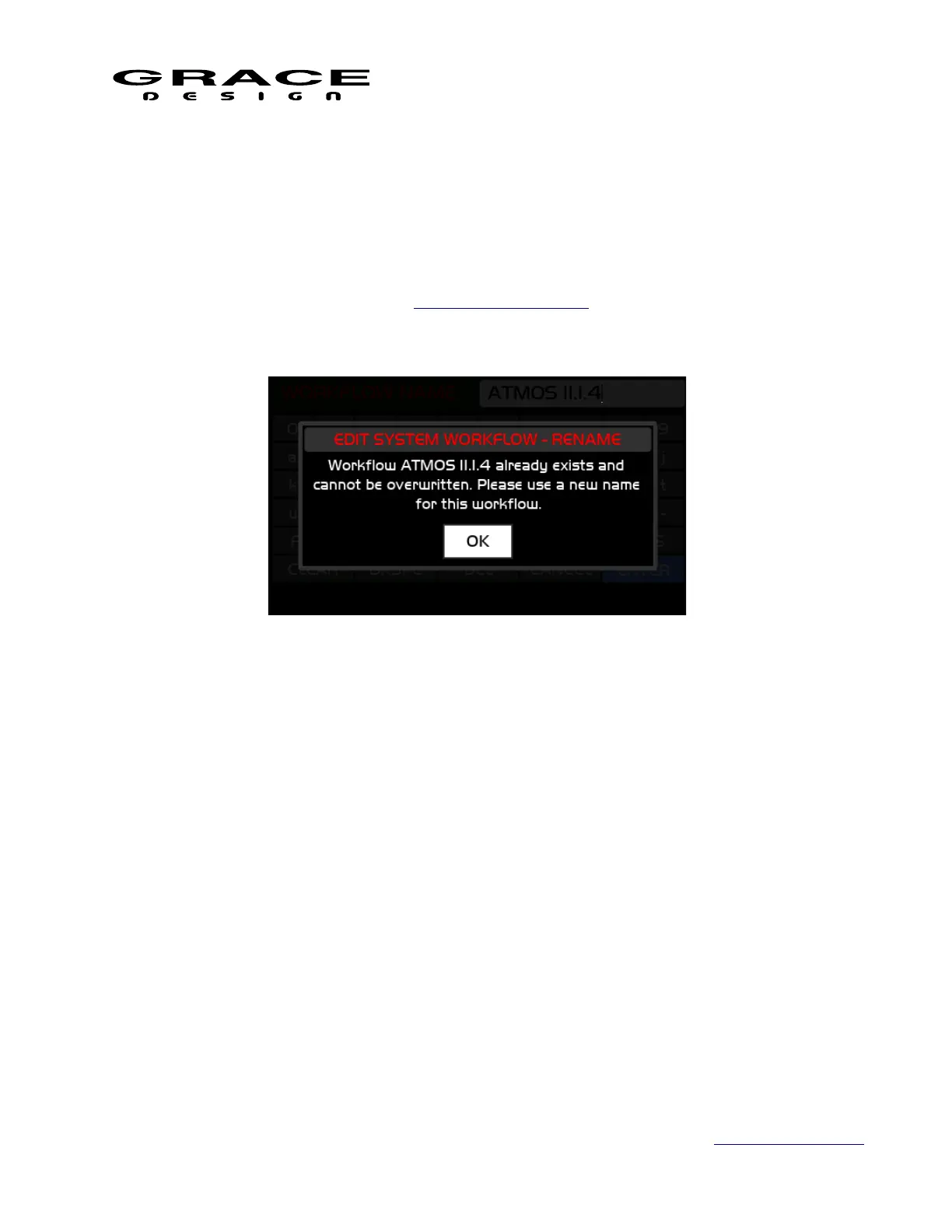
Workflow Rename Screen. This uses Standard Name Editing interface. If a name is chosen that is
already used by another existing workflow the system will not overwrite the existing workflow. A
dialog box will appear indicating the conflict.
Clicking OK in this dialog will return to the Workflow name editing screen so that another
name can be entered.
To cancel Workflow Rename select the CANCEL button on the rename keyboard.
6.2.6 Editing Workflow Save and Exit
From the Editing Workflow screen clicking the <save and exit> menu option will open a
dialog box asking if you are sure you want to save changes made to the workflow open for
editing. This dialog appears whether or not any changes were made.
Page 59 of 135 Table Of Contents



 To Next Page