m908 User Manual, Rev. G
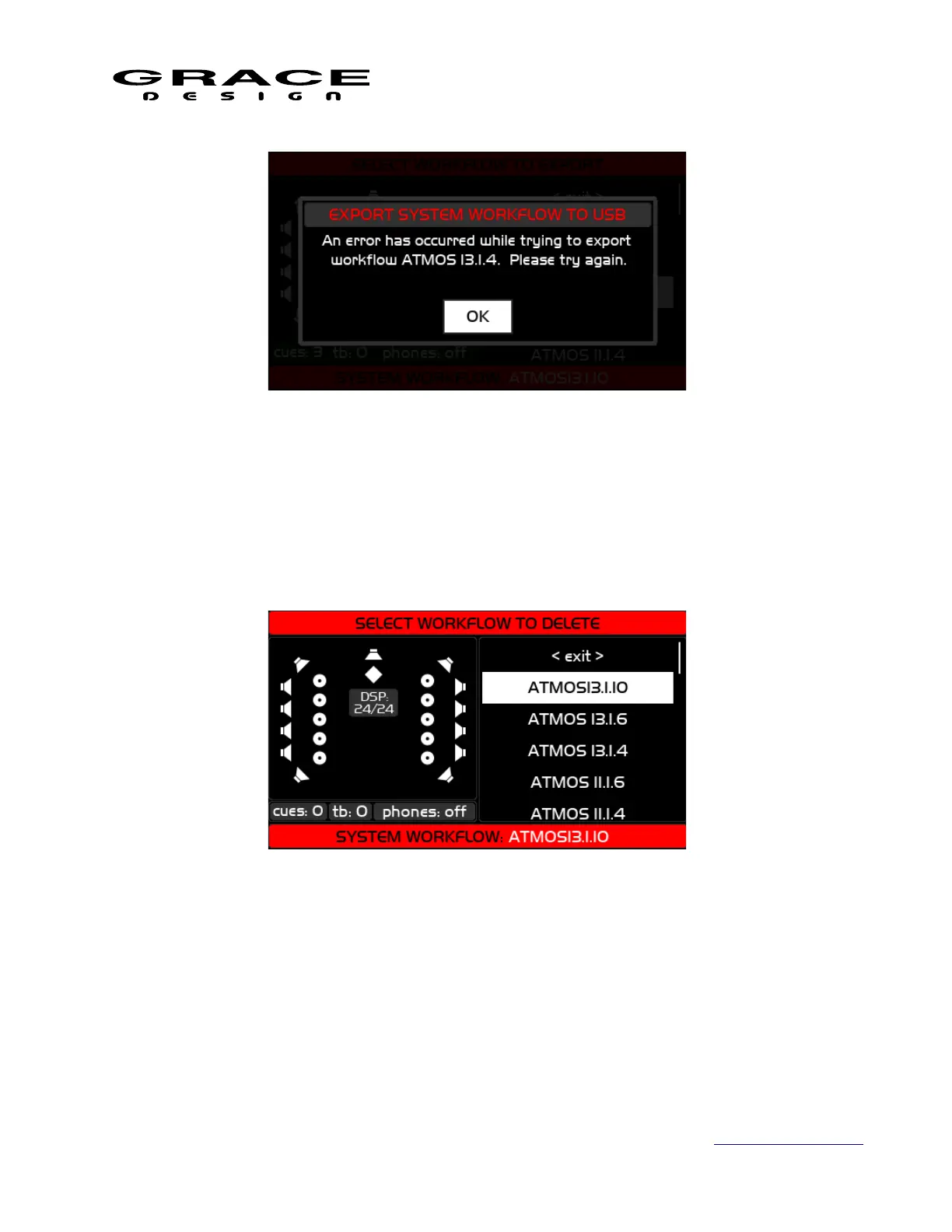
If you encounter this error message click OK and try again. If the problem persists contact
Grace Design Technical Support.
6.2.13 Workflow delete
The Select Workflow to Delete screen list the available workflows on the system. Scroll to the
workflow to delete and click.
A confirmation dialog will appear. Click NO to cancel deleting the selected workflow. Click
YES to permanently delete the selected workflow.
Page 70 of 135 Table Of Contents



 To Next Page