m908 User Manual, Rev. G
fast: The peak SPL value is held for about 3 seconds.
med: The peak SPL value is held for about 6 seconds
slow: The peak SPL value is held for about 12 seconds
hold: The peak SPL value is held until manually reset with a push-hold of the MON>CUE
(spl clear) switch.
• response Sets the response averaging time of the SPL meter. Options are:
fast: SPL meter uses a fast average.
slow: SPL meter uses a slow average.
6.3.21 Clock Source Setup
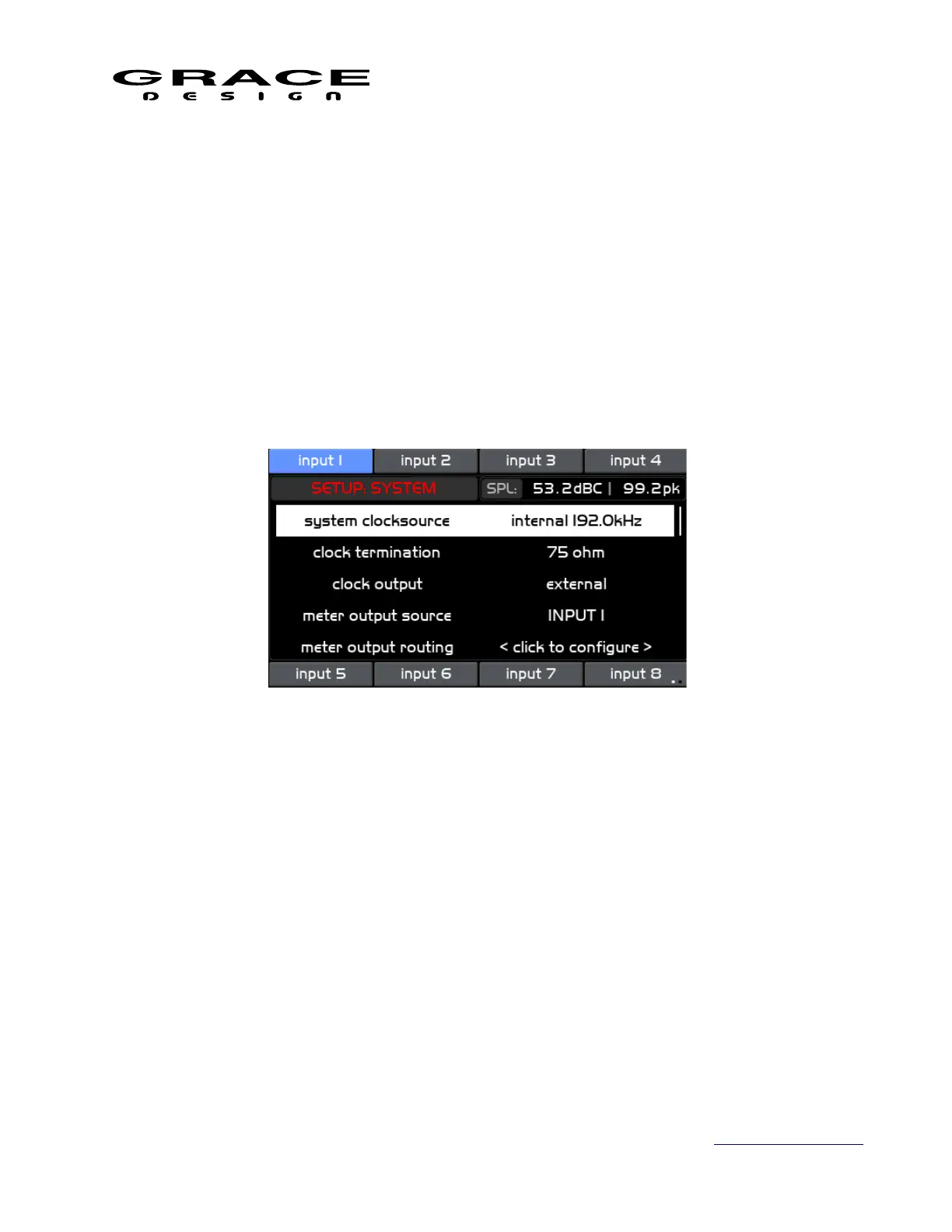
Push the SETUP switch then push-hold the MUTE switch to enter the Setup System screen.
Use the VOLUME encoder knob scroll to clocksource and click to select the system clock
source. Options are <internal 44.1kHz, internal 48kHz, internal 88.2kHz, internal 96.0kHz,
internal 176.4kHz, internal 192.0kHz, wordclock, usb, option io, aes-1, aes-2, aes-3, aes-4, spdif,
optical-1, optical-2, dante, digilink, madi>
◦ internal Sets the clock source to be the internal clock generator in the m908.
◦ wordclock Sets the clock source to the Word Clock input. The system will
synchronize to the incoming word clock. All inputs to be monitored must be at the
same sample rate and synchronous to the word clock.
◦ usb Sets the clock source to USB. The m908 USB audio interface operates in
asynchronous mode which means that the m908 is the clock master and is operating
on the internal clock. However, the USB host determines the system sample rate.
◦ option io Sets the clock source to the Option IO module slot. This can be Dante,
DigiLink, MADI, or AES67/Revenna. If using a DigiLink module the clock source
will be internal and the DigiLink module determines the system sample rate. The
Page 104 of 135 Table Of Contents



 To Next Page