m908 User Manual, Rev. G
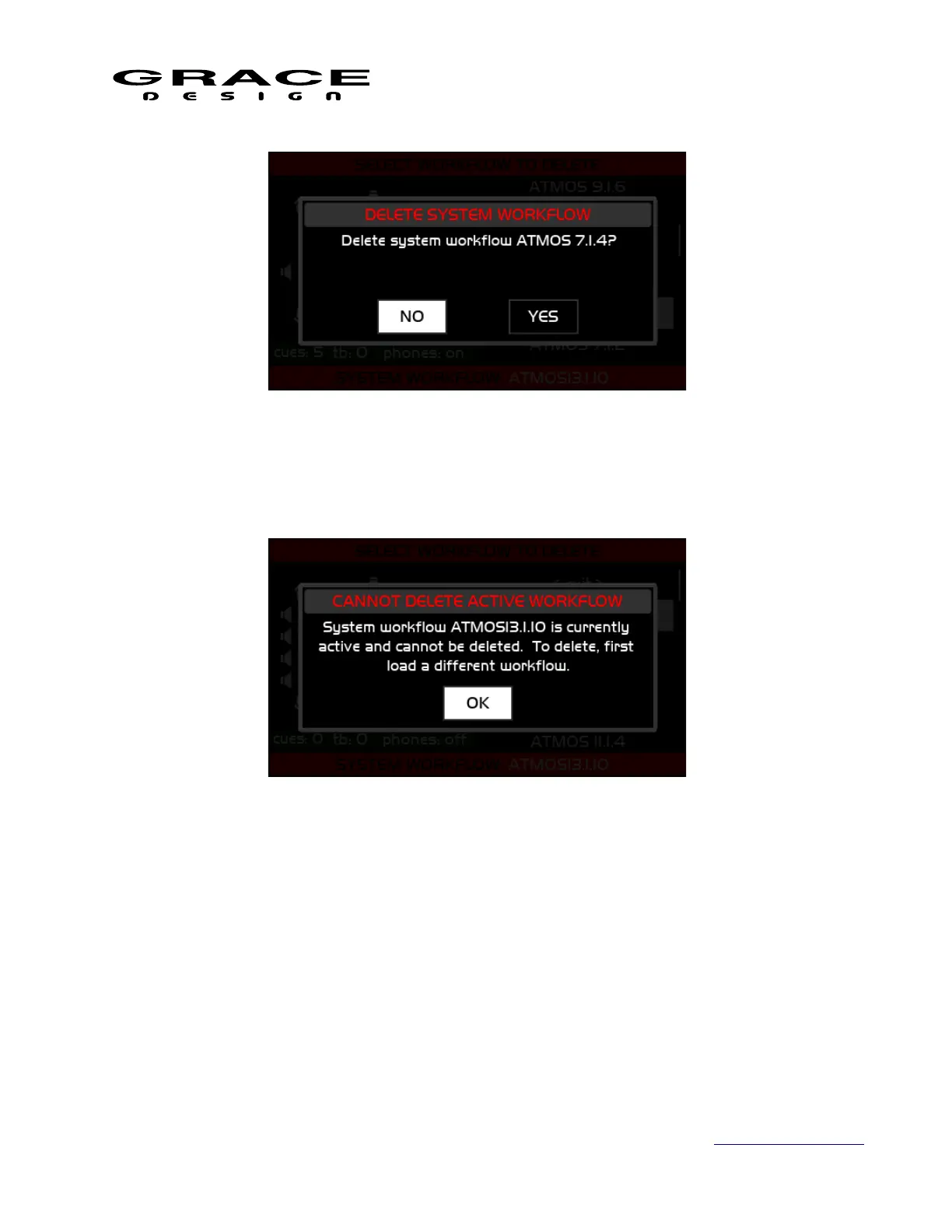
Note: The currently loaded and active workflow can not be deleted. To delete the active
workflow first load a different workflow. If you attempt to delete the current workflow this
message will appear:
6.3 Setup
6.3.1 Navigating and Using the Setup Menus
From the home screen pushing the SETUP switch once enters the m908 in to Setup Mode. The
SETUP switch will flash slowly and the following screen will be displayed:
Page 71 of 135 Table Of Contents



 To Next Page