Model 574 Programmable Counting System (PCS)
274 - GSE Scale Systems
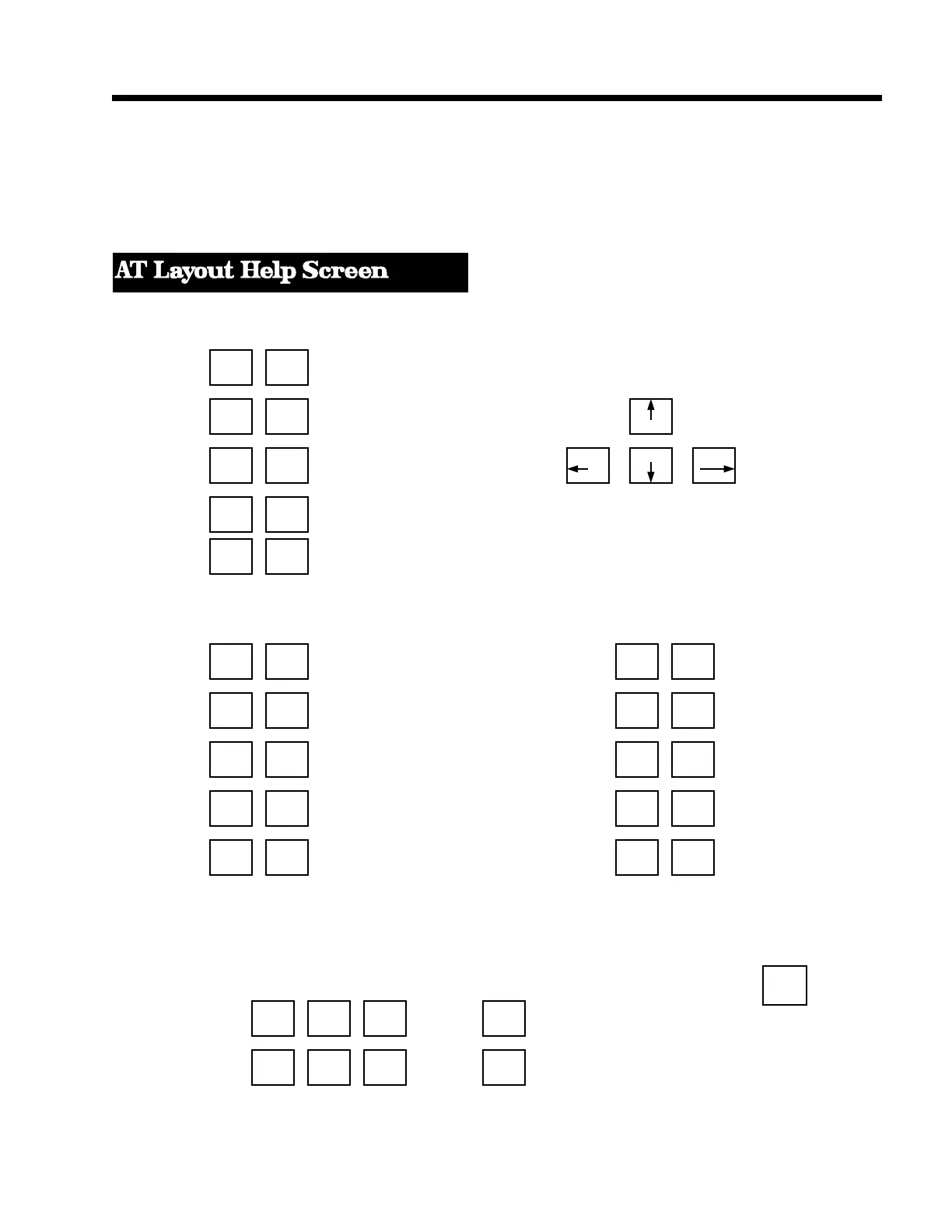
definition of the function keys will be displayed. Page
or scroll up and down to see additional information
including the definitions of the keys used to change
simulated scale input signal. If the layout of the function
keys does not match your keyboard, press [F1] again
with the incorrect help screen displayed. The alternate
help screen layout will then appear.
30.4 Load Cell Simulation
Function Keys
HELP F1 F2 SETPOINT UNITS
WINDOW (Next Character)
ZERO F3 F4 UNITS
SELECT F5 F6 ID ID TARE
(Backspace) (Accept)
PRINT F7 F8 TARE PRINT
(Previous Character)
ENTER F9 F10 CLR [Used for entering character strings]
Alt - Function Keys Ctrl - Function Keys
-Set Input F1 F2 Set Comm View Input F1 F2 View Comm File
File File
-Set Printer F3 F4 View Printer F3 F4
File File
-Invoke Editor and F5 F6 DOS F5 F6
Edit Input File Shell
F7 F8 Show Comm -Turn off Comm F7 F8 -Show Printer
Output Window and Printer Windows Output Window
-Access Setup F9 F10 Abort Macro F9 F10 -Set mV/V
Mode, Allow Execution Input Value
Changes
Load Cell Input Simulation Keys
1 .0001 1 .01
Increment Input by: Grad mV/V mV/V mV/V Ctrl - Home
Ins Home PgUp + [Grey + key only] Sets Input to
0 mV/V
Del End PgDn - [Grey - key only] [ALT-M] to keyin the desired
mV/V input level.
Decrement Input by: 1 .0001 1 .01 [ALT-G] to keyin
the desired
Grad mV/V mV/V mV/V gross weight.
[ALT-N] to keyin the desired
net weight.



 To Next Page