GSE Scale Systems - 275
Chapter 30 Model 574 Simulator Software Technical Reference Manual
Since the simulator does not provide for a connection to
an actual live platform, we have made it possible for you
SECTION - 30.3
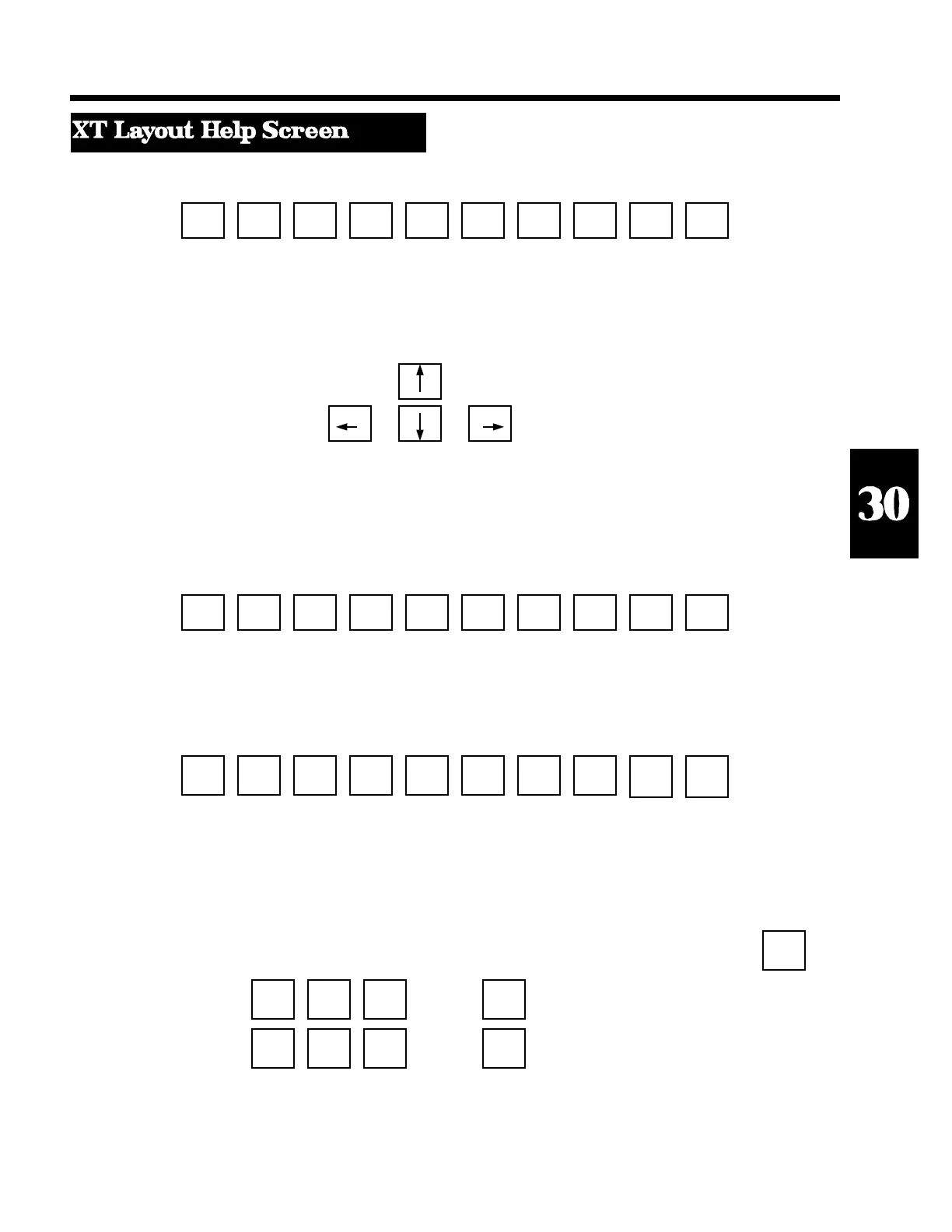
Function Keys
F1 F2 F3 F4 F5 F6 F7 F8 F9 F10
HELP SET ZERO UNITS SELECT ID PRINT TARE ENTER CLR
POINT
WINDOW
UNITS
(Next Character)
ID TARE
(Backspace) (Accept)
PRINT
(Previous Character)
[Used for entering character strings]
Alt - Function Keys
F1 F2 F3 F4 F5 F6 F7 F8 F9 F10
SET SET SET INVOKE DOS SHOW ACCESS ABORT
INPUT COMM PRINTER EDITOR SHELL COMM SETUP MACRO
FILE FILE FILE AND EDIT OUTPUT MODE EXECUTION
"INPUT FILE" WINDOW ALLOW
CHANGES
Ctrl - Function Keys
F1 F2 F3 F4 F5 F6 F7 F8 F9 F10
VIEW VIEW VIEW TURN SHOW SET mV/V
INPUT COMM PRINTER OFF PRINTER INPUT
FILE FILE FILE COMM/ OUTPUT VALUE
PRINTER WINDOW
WINDOWS
Load Cell Input Simulation Keys
1 .0001 1 .01 Ctrl - Home
Increment Input by: Grad mV/V mV/V mV/V
Sets Input to
Ins Home PgUp + [Grey + key only] 0 mV/V
Del End PgDn - [Grey - key only]
Decrement Input by: 1 .0001 1 .01
Grad mV/V mV/V mV/V [ALT-M] to keyin the desired mV/V input
level.
[ALT-G] to keyin the desired gross weight.
[ALT-N] to keyin the desired net weight.



 To Next Page