Windsor 500 User Manual - Issue C
PIN Codes
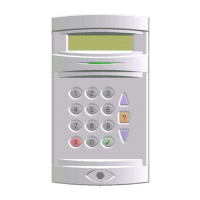
Each user is identified within the system by their user number. Each user number is allocated a unique four,
five or six digit PIN (Personal identity Number) which is used to identify the user and to permit user access to
the various system functions according to the authority level allocated. The PIN can be entered at a Keypad
or can be changed to an Electronic Key, which can then be used at an electronic Keypoint or LCD Keypad.
Assigning PIN Codes
All users can assign or change their own PIN code at any time and a ’Manager’ user can change other user’s
PIN codes. All PIN code change events are recorded in the event log.
PIN Code Clash
If a user selects a PIN code already used, the user will be prompted by the LCD Keypad to select another PIN
code. In addition, for security reasons, the other PIN code user will be prompted to change their PIN code on
all subsequent occasions when entered at a Keypad, until it is actually changed.
User Identity
The identity of each user (User Number) can be programmed with a plain language name or other identity,
which will appear on the Keypad display in place of the user number. This is also the case when the user
changes his/her PIN code, or when the ’Manager’ user changes other user’s PIN code or authority. An
authorised user can originate or edit text for user identity.
Technical Manuals Online! - http://www.tech-man.comTechnical Manuals Online! - http://www.tech-man.com


 To Next Page