Windsor 500 User Manual - Issue C
Display Formats
Normal ‘Day’ Mode
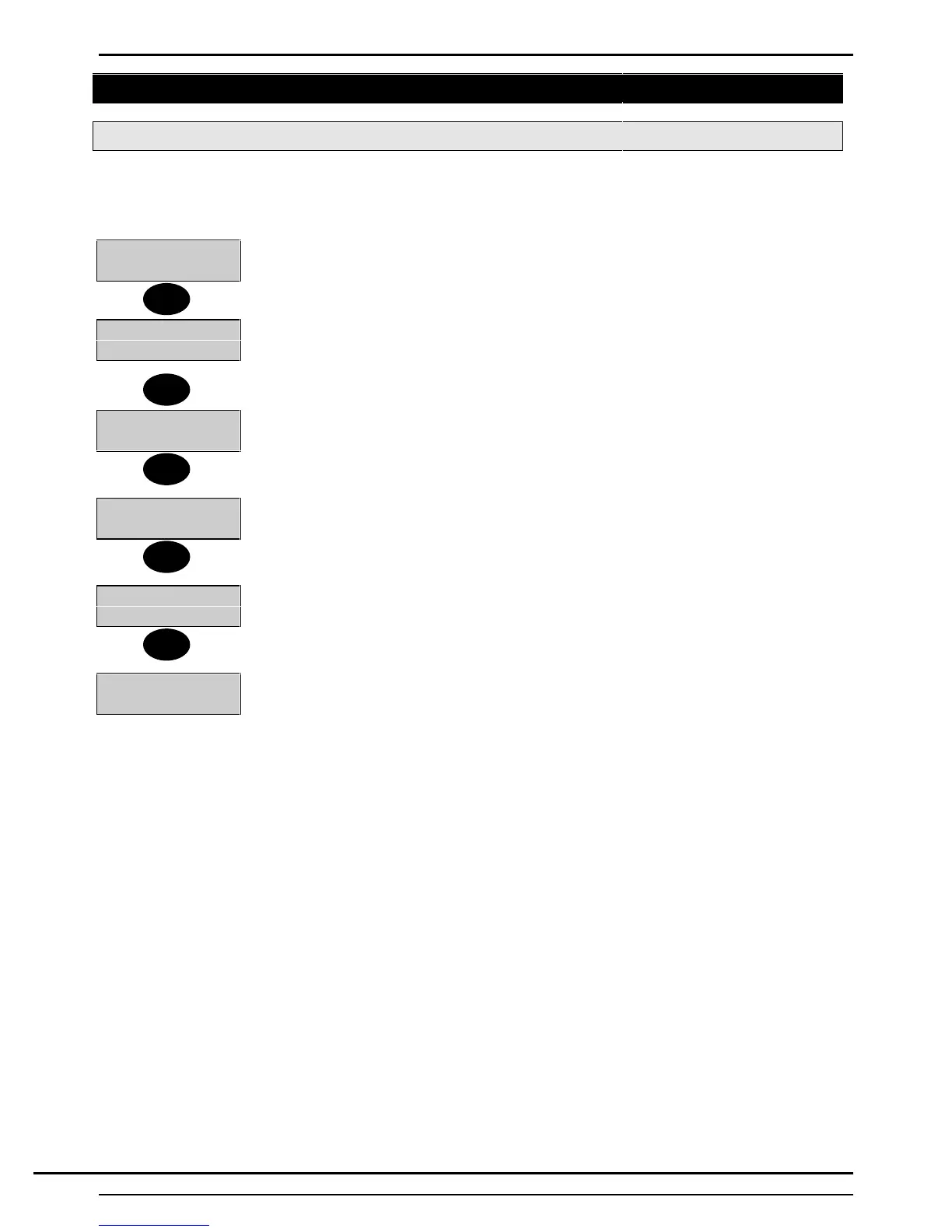
When a Windsor is first powered up the display will default to displaying the date and time. The displayed
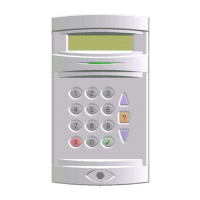
format on each Keypad can be modified by any user by pressing the ▲ button to change the top line and the
▼ to change the bottom line.
Mon 02 Jan 95
00:00
The top line shows to-days date.
W72200 V3.02
00:00
The top line shows the software part number and revision level.
Company-Name
00:00
The top line shows the programmed company name.
Set : 14
00:00
‘Set Display’ will only be shown if programmed for the Keypad by the installation
engineer. In the example shown areas 1 and 4 are currently set.
Mon 02 Jan 95
00:00
The display is now back to the first format.
Mon 02 Jan 95
Enter-
The ‘Enter’ prompt will be displayed, even if the display is defaulted to show the time,
when a user is entering a PIN code.
The LCD backlighting will be turned on during the entry time, during PIN entry and while a user is logged on.
It may also be turned on using the HELP button and turned off using the QUIT button at any time.
▲
▲
▲
▲
▼
Technical Manuals Online! - http://www.tech-man.comTechnical Manuals Online! - http://www.tech-man.com


 To Next Page