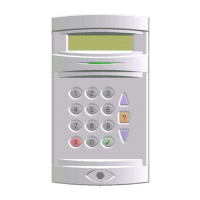
Windsor 500 User Manual - Issue C
Setting Procedure
Area or System Setting from a Keypad
The combination of user authority and Keypad area authority may provide a choice of areas which can be set
from a particular Keypad or a choice of setting the whole system.
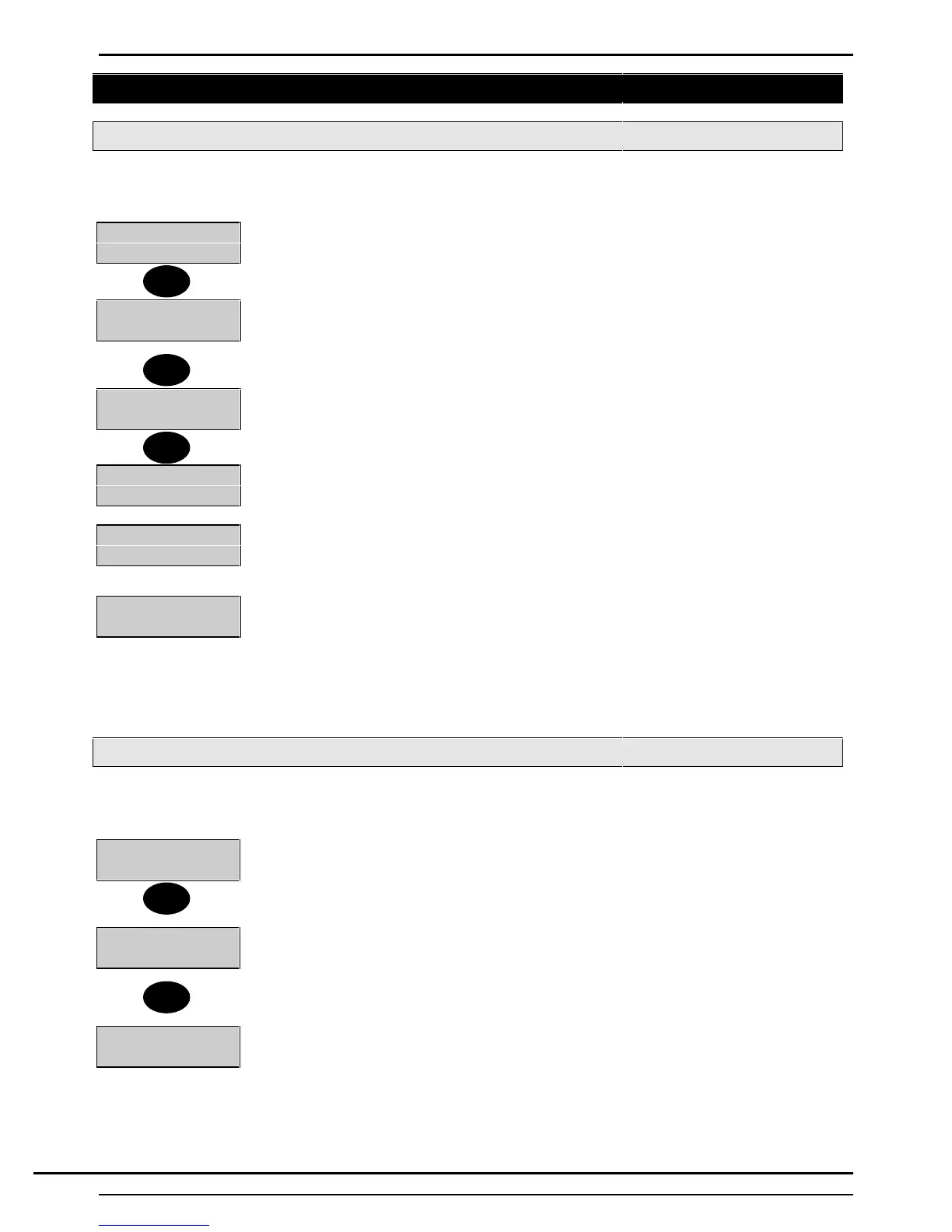
2=Set 4=Test
5=Eng 6=Text......
1. Enter your PIN code and press ’Enter’, or insert an Electronic Key.
2. The available user options are shown.
3. Press ‘2’ to select the area set options.
0=System
1=Workshop...
4. The display will show the available setting options, if applicable. If all options cannot
be shown on the display, dots will appear after the last option to indicate that a further
choice is available.
Press ▼ to view the remaining choice and make a selection.
2=Office Area
8=Group
5. Press the key corresponding to the system or area to be ‘Set’
Setting Workshop
6. The setting procedure will begin.
Setting Workshop
Seconds Left-005
7. If programmed for ‘Timed’ setting, the display will show the number of seconds left
before the area (or system) will set. The Keypad sounder may emit the exit tone during
the exit period. The ‘Day’ LED will also flash during the exit time and will remain ‘On’ if
the system is only part set.
Workshop
Set
8. If ‘Instant Setting’ has been programmed for the area (or system), it will set
immediately. The display may continue to offer other authorised options, if applicable,
(including setting other areas if the system is only part set). The ‘Ready’ and ‘Day’ LED
will be extinguished.
If the control panel has been programmed for log off after set then the user will be
automatically ‘logged off’ when the area(s) sets.
Group Setting from a Keypad
The combination of user authority and Keypad area authority may provide a choice of areas which can be set
from a particular Keypad or a choice of setting the whole system.
2=Set 4=Test
5=Eng 6=Text.....
1. Enter your PIN code and press 'Enter', or insert an Electronic Key.
2. The available user options are shown.
3. Press '2' to select the area set options.
0=System
1=Workshop
4. The display will show the available setting options, if applicable. If all options
cannot be shown on the display, dots will appear after the last option to indicate that a
further choice is available. Press ▼ to view the remaining choice and make a selection.
5. If group setting is configured the when set is selected, “Group” will be option 8
Set:1
Unset:2
6. Select group and the display will show the current set/unset status.
2
▼
2
8
Technical Manuals Online! - http://www.tech-man.comTechnical Manuals Online! - http://www.tech-man.com


 To Next Page