Windsor 500 User Manual - Issue C
Unsetting Procedure
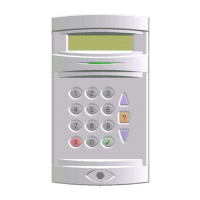
Unsetting an Area or System from a Keypad
The combination of user authority and Keypad area authority provide a choice of areas which can be unset
from a particular Keypad, or a choice of unsetting the whole system. If an area is already unset, the option to
unset the area will not be shown.
Unset Workshop
1. Enter your PIN code and press ’Enter’
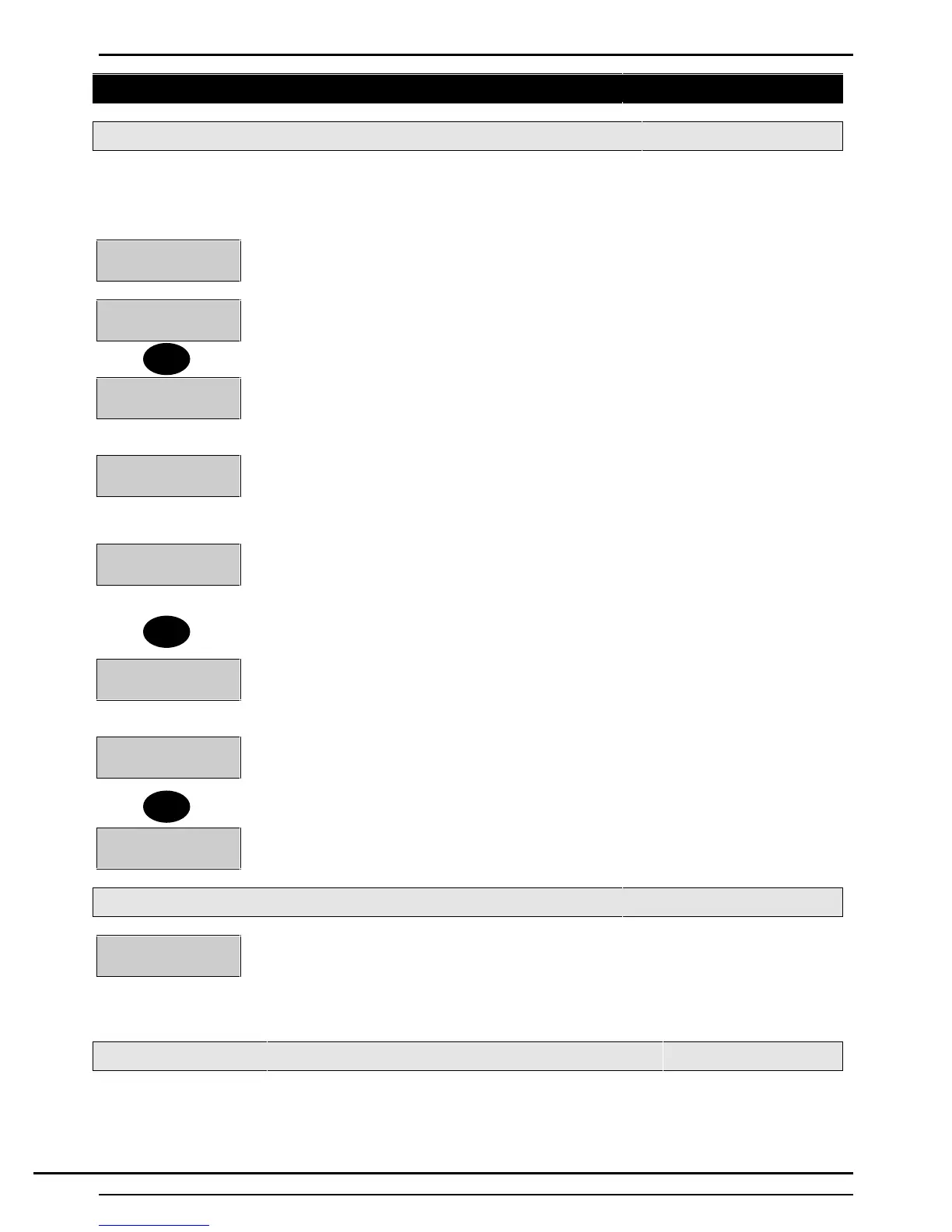
1=Unset 2=Eng
6=Text 7=Light
2. If the Keypad has been configured to automatically unset areas when a user logs on
then those area will automatically unset. If not, the display will show the user menu.
3. Press ‘1’ to access the unsetting options.
System Unset
4. If the Keypad is programmed to permit unsetting of only one area, or if only one area
is set, the area will immediately unset.
0=System
1=Workshop......
5. If the Keypad area authority permits unsetting of more than one area, or if other
area(s) remain set, the 'User Options Menu' will be displayed. If so, proceed as
follows:
0=System
1=Workshop.......
6. The display will show the available unsetting options. If all options cannot be shown
on the display, dots will appear after the last option to indicate that a further choice is
available. Press the ▼ button to view the remaining choice, if applicable and make a
selection.
Workshop Unset
7. Press the key corresponding to the area (or system) to be unset. The selected area
(or system) will unset.
↵ Confirm LogOff
8. If no other functions are required, the user may 'Log Off' the system by pressing
'Quit'. The display will show 'Confirm Log Off'.
9. Press '↵' The display will return to displaying the log on prompt.
Company Name
Enter-
Unsetting Warnings
Loading Door
Isolated
When unsetting from a Keypad, the user is informed on the display of any warnings,
e.g. circuits isolated or on soak. The 'Warning' display will appear for approximately 4
seconds during the unsetting procedure. If more than one warning exists, the display.
will automatically scroll through the list of warnings
Group Unsetting an Area or System from a Keypad
The combination of user authority and Keypad area authority provide a choice of areas which can be unset
from a particular Keypad or a choice of unsetting the whole system. If an area is already unset, the option to
unset the area will not be shown.
1
▼
↵
Technical Manuals Online! - http://www.tech-man.comTechnical Manuals Online! - http://www.tech-man.com


 To Next Page