Windsor 500 User Manual - Issue C
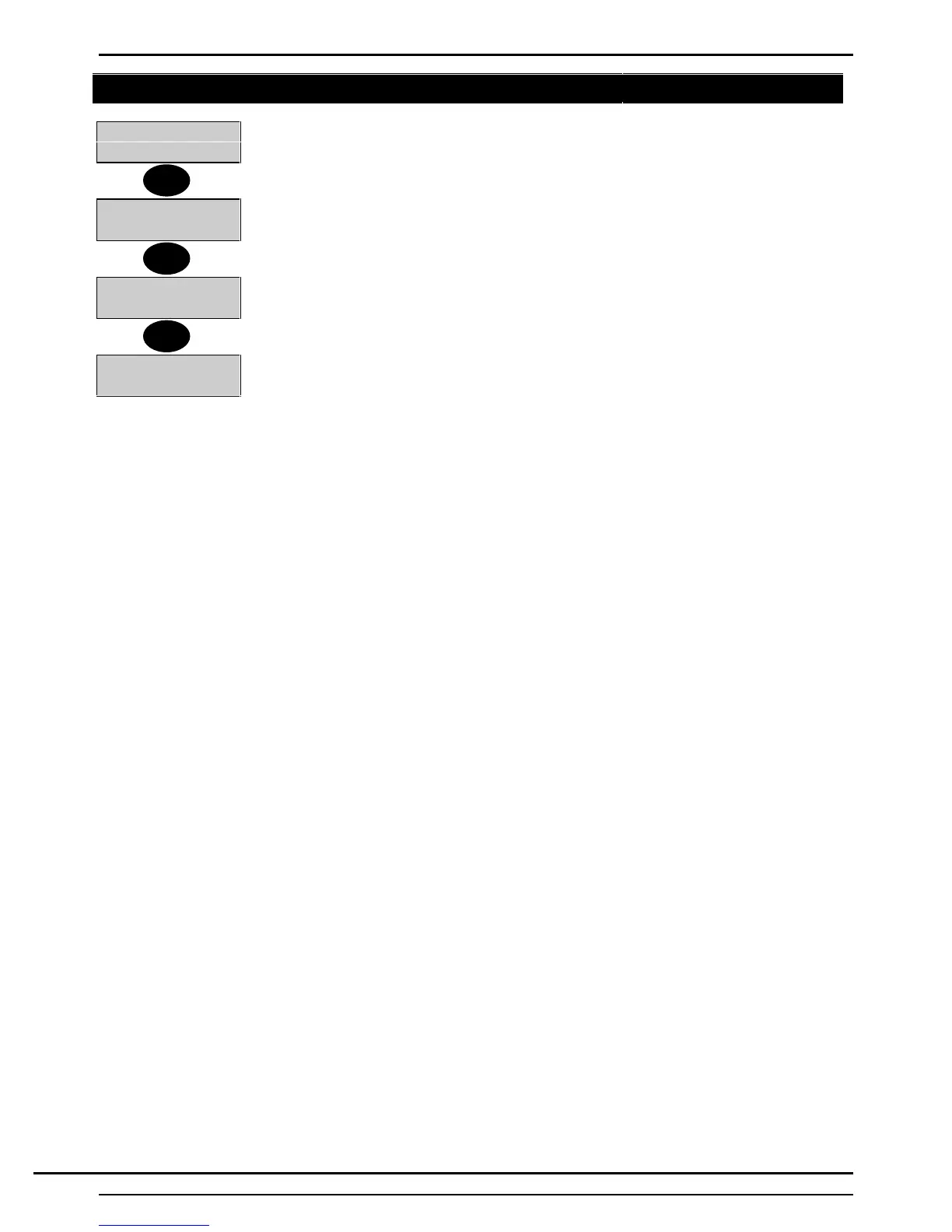
User Log Off
7=EvProg
8=Remote
1. The user can log off the system at any time by pressing the ’Quit’ button from a main
menu only.
↵ = Confirm Log
Off
2. The display will show ’Confirm Log Off.
3. If the user wishes to log off, press ’Enter’ which will display Company Name.
Company Name
Enter-
4. If not, press ’Quit’ to return to the ’User Options Menu’
2=Set 4=Test
5=Eng 6=Text
Quit
↵
Quit
Technical Manuals Online! - http://www.tech-man.comTechnical Manuals Online! - http://www.tech-man.com



 To Next Page