Windsor 500 User Manual - Issue C
Manager Isolate
A user with ’Manager’ authority can isolate all circuits or concentrators. This option is only available if
enabled by the engineer. All isolate operations are recorded in the system event log. To isolate a circuit,
concentrator or all, proceed as follows :
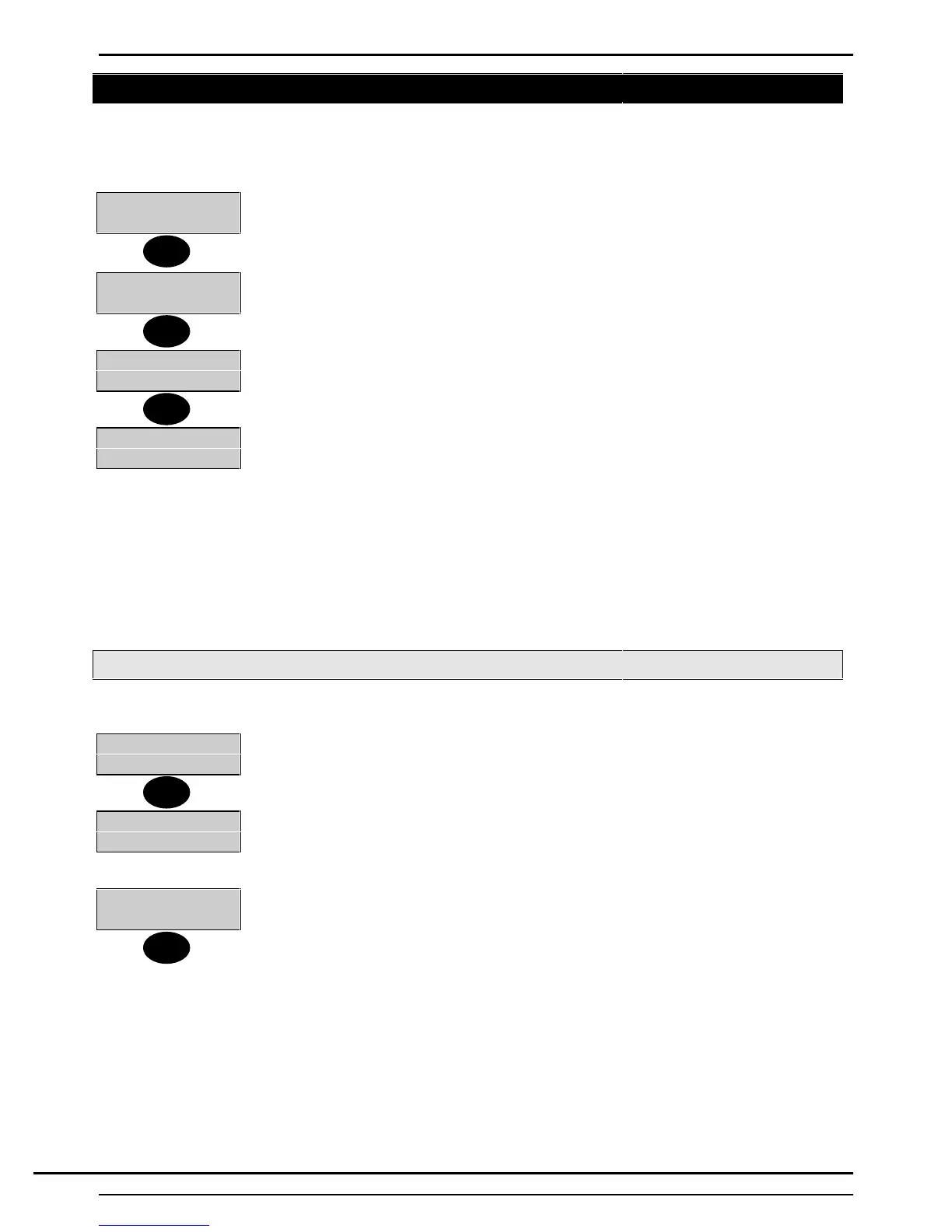
2=Set 4=Test
5=Eng 6=Text......
1. Log on using a ’Manager’ Pin Code.
2. Press ↵ to move to page 2 of the User Options.
1=Chime 2=KPOff
3=Event Log
3. Press ▼ twice to view the page 2 User Options.
8=Remote
9=Isolate
4. Select 9 from the User options
1=Circuit
2=Concentrator
Important Note :
Care must be taken when bypassing or isolating circuits.
Bypass when bypassed the circuit is only ignored for the next set period.
Isolate when isolated the circuit or concentrator is ignored until the isolate is removed by either the
customer or engineer.
Isolate Circuit
The isolate circuit operation enables a circuit to be isolated in case of a fault.
1=Circuit
2=Concentrator
1. Select 1 from the ’Isolate’ menu.
Circuit Number
2. Enter the circuit number which requires isolation.
Circuit XXX
Isolated
3. Press ’Quit’ to return to the ’Isolate’ menu.
Note : The circuit isolate will only be removed if the fault condition has cleared. To re-
enable repeat the above procedure.
↵
▼
9
1
Quit
Technical Manuals Online! - http://www.tech-man.comTechnical Manuals Online! - http://www.tech-man.com


 To Next Page