Windsor 500 User Manual - Issue C
1=Shunt On
2=Open 1........
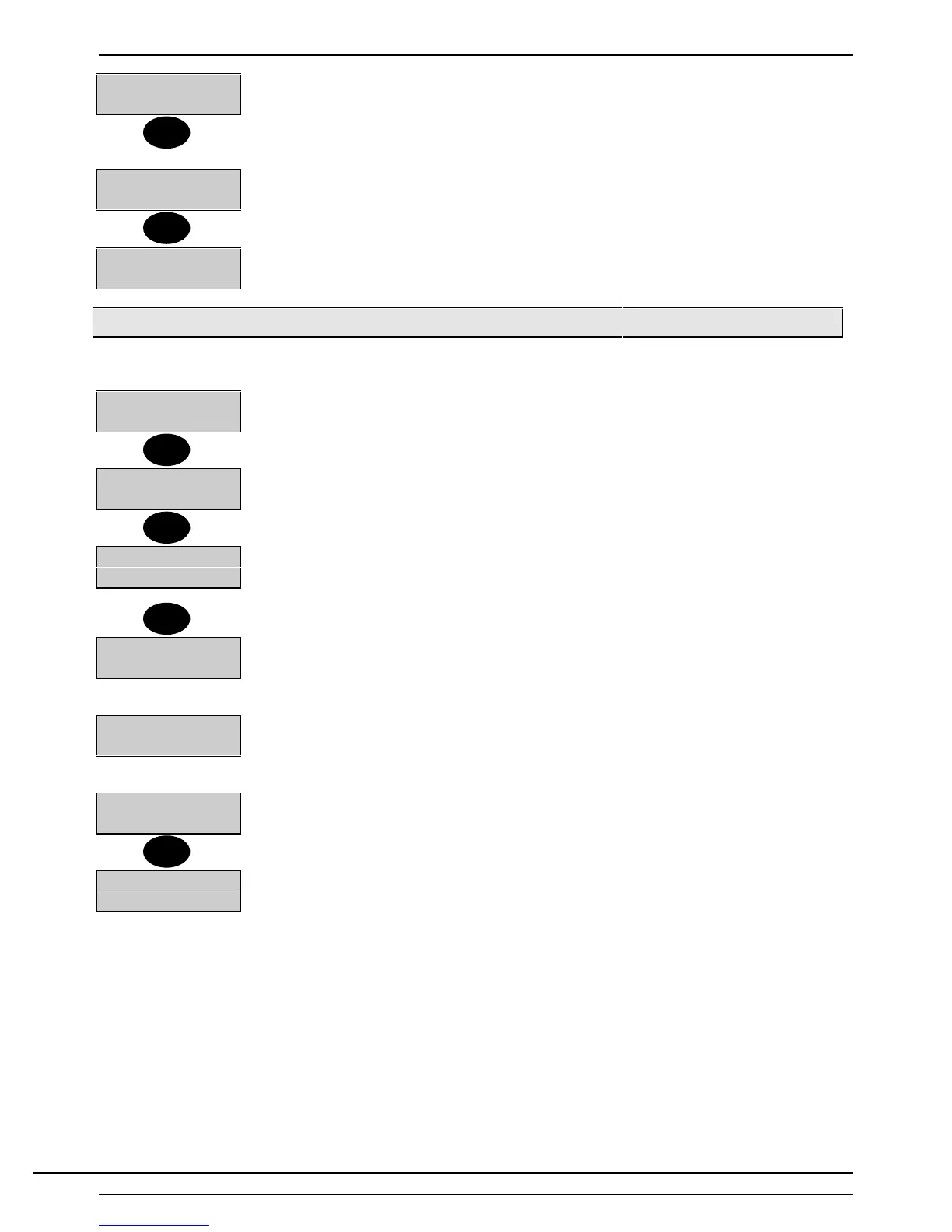
6. The display will then show the time options. The options available will depend on the
type of software fitted to the panel (commercial of high security).
7. Select the time to be viewed as shown on the menu. For example choose Open 1,
i.e. option 2.
Sun Open1
07:00
Press the ▼ or ▲ button to view the remaining times for that day within this schedule or
press ‘Quit’ to return to the ‘Schedule Menu’.
To change
a time press ↵ (this option must be programmed by the installation
engineer.
Sun Open1
Enter HH:MM
Enter the new schedule time.
Viewing Scheduled Holiday Periods
To view or add holidays to the holiday schedule, proceed as follows:
3=Holiday
1. Select 3 from the 'Event Programmer' menu. Press the ▼ button if Holiday is not
visible.
Fri 24 Dec to
Sat 25 Dec
2. The first scheduled holiday period will be displayed. Press the ▼ button to scan
down the list of scheduled holiday periods.
↵ = Add Holiday
3. The message ↵=Add Holiday will appear on the display after the last holiday period
is viewed or if no holidays are programmed. Press the 'Quit' button to return to the
'Event Programmer' menu, or press 'Enter' to add a holiday period to the schedule.
Start Date
Enter DD:MM
4. The display will prompt for a start date to be entered. Enter a four-digit number
representing the day and month of the holiday start date (DD:MM).
End Date
Enter DD:MM
5. The display will prompt for an end date to be entered. Enter a four-digit number
representing the day and month of the holiday end (DD:MM).
Fri 25 Dec to
Sat 26 Dec
6. The display will show the holiday period.
7. Press 'Quit' to return to the 'Event Programmer Menu. Press 'Quit' to return to the
'User Options Menu'
7=EvProg
8=Remote
2
Quit
3
▼
↵
Quit
Technical Manuals Online! - http://www.tech-man.comTechnical Manuals Online! - http://www.tech-man.com



 To Next Page