Windsor 500 User Manual - Issue C
Testing
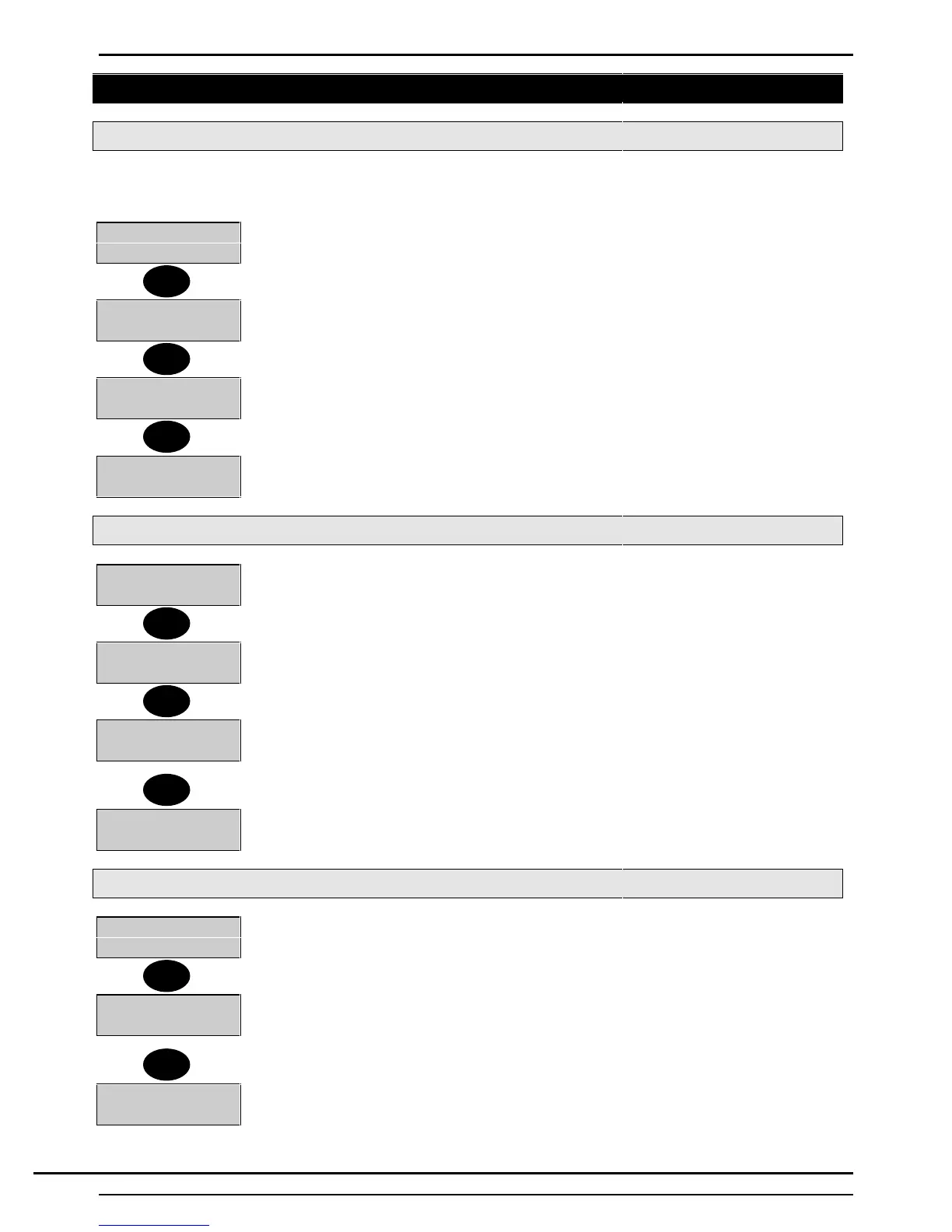
Selecting Test Functions
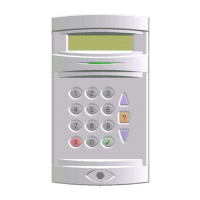
The ’Test’ option is shown on the user menu when a user authorised to test the area or system, logs on to a
Keypad. To test the areas (or System) proceed as follows:
4=Test 5=Eng
6=Text..........
1. Select 4 from the ’User Options Menu’.
0=System
1=Workshop
2. The area(s) (or system) which may be tested at the particular Keypad by the user
will be displayed.
3. Select the area (or system) to be tested, e.g. 1 for Workshop.
1=Sounders
2=Walk Test
4. The various tests available will be displayed. Press the ▼ button to view the
complete selection.
Note: The ’Comms’(communicator) Test is only displayed when the PIN code used to
log on has the authority of 'Manager’, 'Engineer' or 'Ordinary User:
3=Unset Test
4=Comms
5. The user can select the test function required from the 'Test Functions Menu'.
Testing The External Sounder
1=Sounders
2=Walk Test
1. Select 1 from the 'Test functions Menu'
1=Sounder
2=Audio 3=Strobe
2. The 'Sounders Menu' will be displayed
3. Select 1 (Sounder) to test the external sounder.
Sounders On
Seconds Left-05
4. This will activate the external sounder for the pre-programmed test period (max. 20
seconds). The remaining test time is shown on the Keypad display.
Note: To stop the external sounder test, press any button on the Keypad
2=Audio 3=Strobe
5. When the external sounder test is completed or stopped, the display will return to
the 'Sounders Menu' with the 'Sounder' option removed.
Testing The Internal Sounder
2=Audio 3=Strobe
1. Select 2 (Audio) from the 'Sounder Menu' to test the internal sounder(s).
Audio On
Seconds Left-05
2. All internal sounders for the area (or system) will be activated for the pre-
programmed test period (max. 20 seconds). The remaining test time is shown on the
Keypad display
Note: To stop the sounder test, press any button on the Keypad.
3=Strobe
3. When the internal sounder test is completed or stopped, the display will return to the
'Sounder Menu' with the 'Audio' option removed.
4
1
▼
1
1
▼
2
▼
Technical Manuals Online! - http://www.tech-man.comTechnical Manuals Online! - http://www.tech-man.com


 To Next Page