Windsor 500 User Manual - Issue C
Viewing the Logs
General
Area logs can be viewed or printed by an authorised user or engineer. Alarm log events are automatically
cleared when the area is reset or next set, providing circuits are clear or inactive. All area events are also
recorded in the system event log.
A 'Manager', 'Ordinary User',' Set/Unset', 'Event Log User' and ‘Bank Reset' user may view/print the area
logs. Only a 'Manager', 'Engineer' can view/print the system event log.
Providing the area has not been reset, the log option will be displayed on the 'User Options Menu' at the area
Keypad and an authorised user can select the area log for viewing.
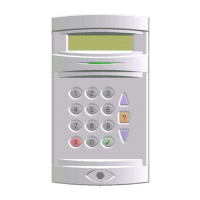
Automatic scrolling can be stopped by pressing the ▼or ▲ button. Scrolling is restarted using the 'Enter'
button. Text descriptors of the displayed event will be shown on the display by pressing the 'Help' button. To
quit from viewing the log, press the ‘Quit' button.
Note: All logs use an abbreviated format to display the message, e.g., 'Us=User', 'Cct=Circuit', 'KP=Keypad',
'A=Area'. For full event log guide see back pages of this manual.
Viewing/Printing The Area Log
To view/print an area log, proceed as follows:
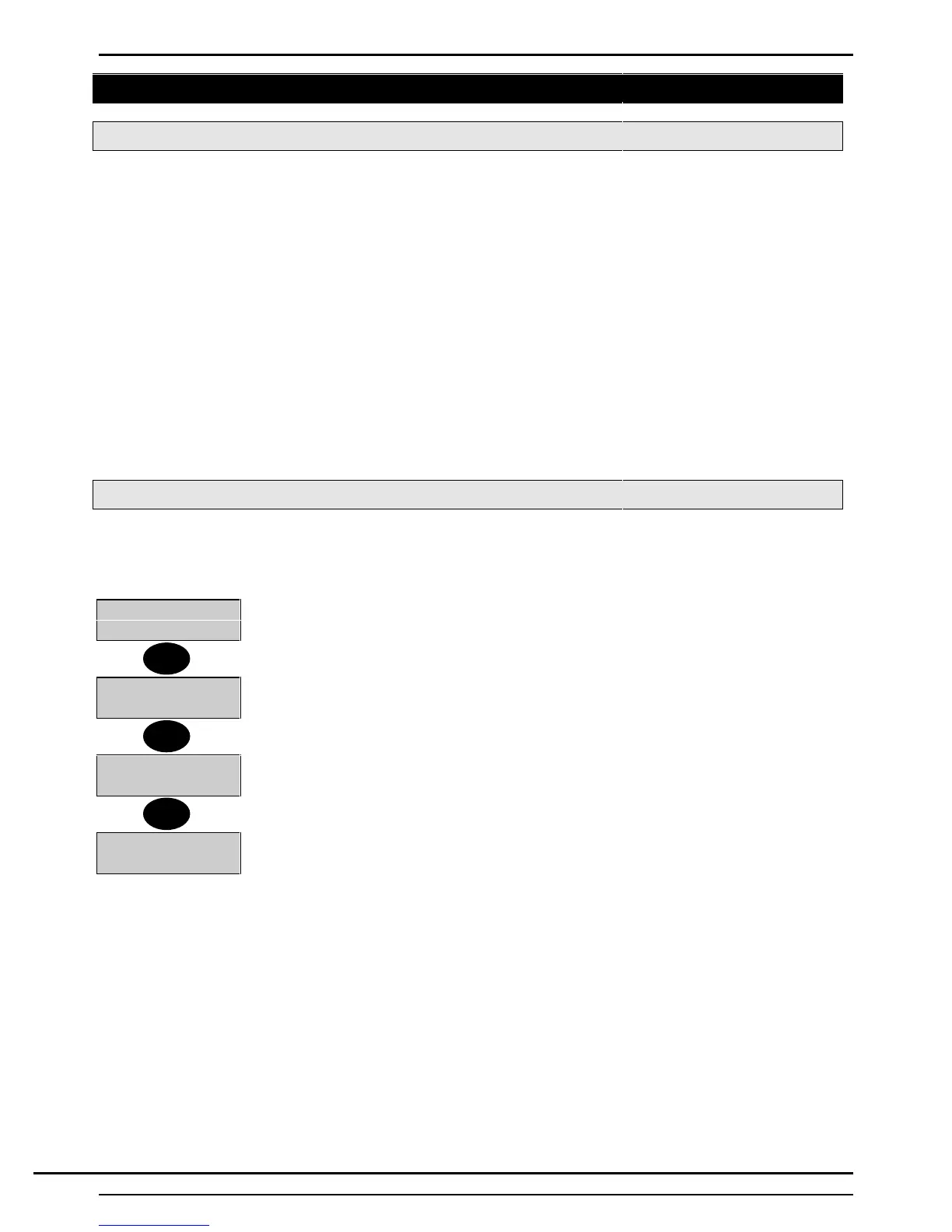
1. Enter an authorised user PIN code at the area Keypad
0=Reset 3=Logs
4=Test 5=Eng......
2. Providing the area has not been reset, the 'Log' option will be shown on the 'User
Options Menu'.
3. Select 3 (Logs)from the menu.
0=System
1=Workshop......
4. The display will show the 'Area Menu' (if events have occurred in more than one
area).
5. Select the area log to be viewed/printed. Press ▼ to view other areas if necessary.
1=Display
2=Print
6. The display will offer a choice of displaying or printing the log.
7. Select 1 to view or 2 to print the log.
Alarm
Back Door
8. If viewing is selected, the most recent event will be displayed at the area Keypad. If
printing is selected, the system printer will print the selected area log.
3
▼
1
Technical Manuals Online! - http://www.tech-man.comTechnical Manuals Online! - http://www.tech-man.com


 To Next Page