Windsor 500 User Manual - Issue C
Guardall Managed Reset
If an area is configured for ‘Managed' Reset it enables the customer to reset the area (or system) after
contacting the alarm company.
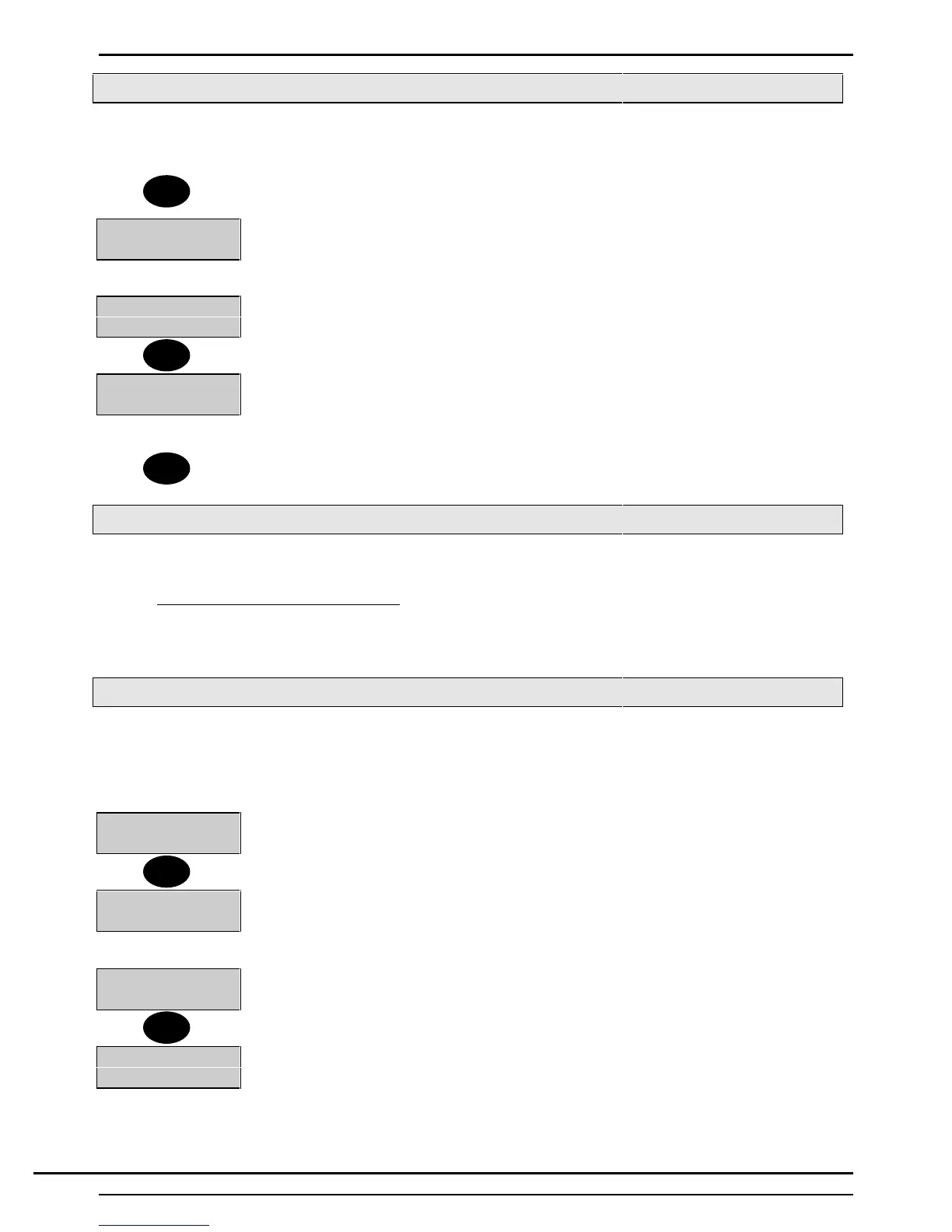
1. Enter your Pin Code and press ↵.
Tel:XXXXXXXXXX
Code:XXXX
2. The alarm log is displayed followed by the alarm company and alarm code
numbers.
Company Name
Enter-XXXXX
3. After noting the code and telephone number log off by pressing 'Quit'.
Reset OK
4. Call the alarm company and quote the code. The operator will then quote
the anti-code.
5. Log on using the 5 digit anti-code and the system will reset.
6. Log-off the Keypad and then back on using your ordinary PIN Code. The reset will
be recorded in the event log.
Auto Reset
If 'Auto Reset' is programmed for an area and an alarm condition occurs when the area is set, the area
external sounder (and strobe light, if programmed) will be turned off when the 'Bell Duration Time' has
expired on condition the alarm has cleared. The area will automatically reset after the 'Bell Duration Time',
only if the cause of the alarm condition has been removed, e.g., if a movement detector is triggered and is
clear when the 'Bell Duration Time' has elapsed, the area will automatically reset. However, if the alarm
condition remains, the area will not reset.
Bank Reset
The 'Bank Reset' function applies only to high security versions of the Windsor and
enables a user with 'Bank Reset' authority to reset an area(s) configured for 'Bank
Reset' after an alarm, without unsetting the area.
1. Enter a PIN code with 'Bank Reset' authority
1=Unset 3=Logs
4=Test 5=Eng.....
2. The external bell, internal sounder(s) and strobe light are turned off. User menu is
displayed
3. Press '3' to view the area log.
Alarm
Lift Shaft Door
4. The log will automatically scroll through the list of alarm events
Alarm
Back Door
5. Press 'Enter' after viewing the last event in the area log, the display will return to
‘User Options Menu'.
↵ = Reset
6. Select the 'Reset' option from the menu to reset the area.
Note: If a by-passable circuit is active, it will be automatically bypassed (up to the system bypass limit count).
If a circuit is bypassed a fault tone will be heard at the Keypad.
↵
Quit
Quit
3
↵
Technical Manuals Online! - http://www.tech-man.comTechnical Manuals Online! - http://www.tech-man.com



 To Next Page