Windsor 500 User Manual - Issue C
Testing Light Zones
The light zones are not tested as part of a ’Walk Test’. However light zones can be tested at any time by the
user.
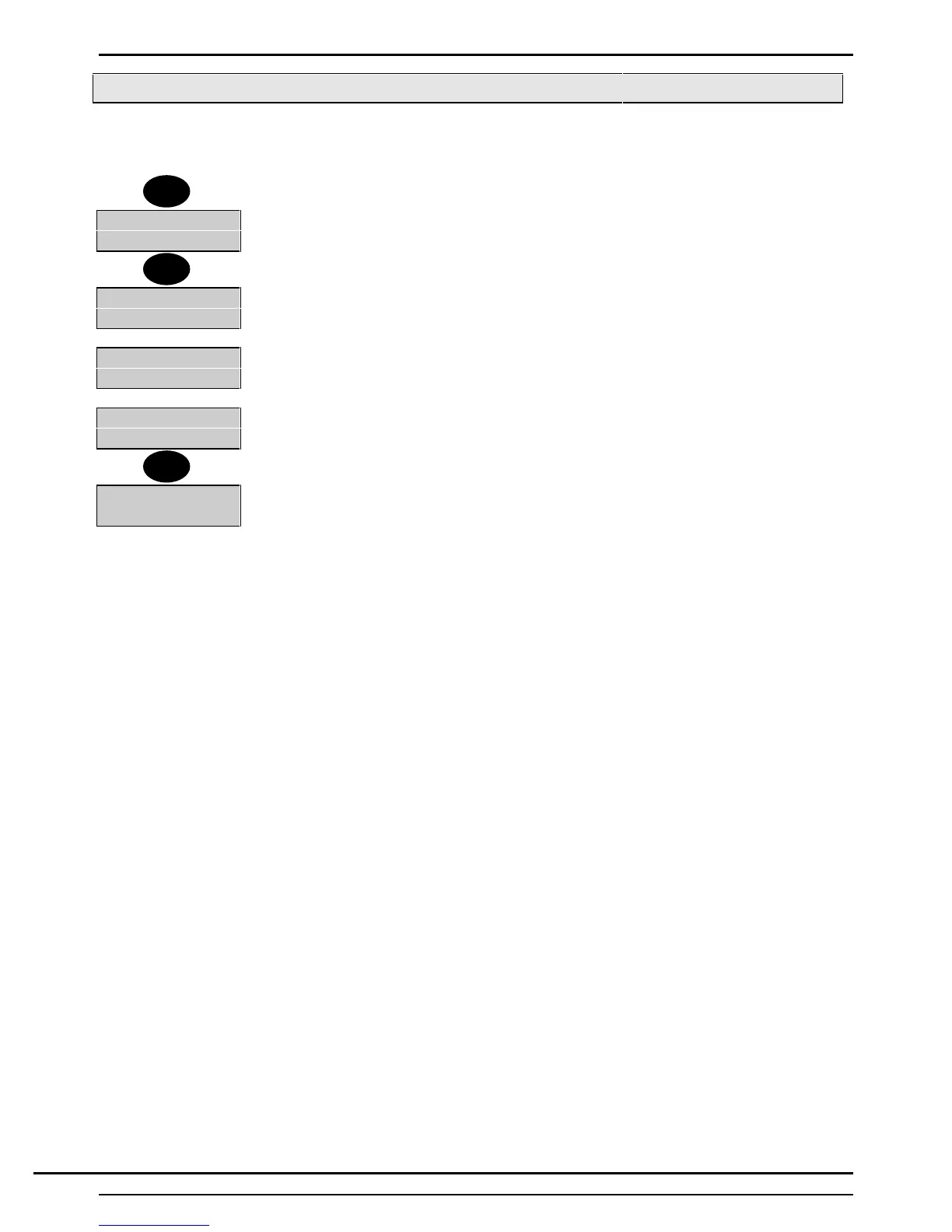
1. Select 6 from the ’Light zones’ menu. All Trigger Circuits in the selected light zone
can be ‘Walk Tested’.
Light Zone 1
Walk Test
2. The Keypad display will show the light zone being tested.
3 On completion of the ‘Walk Test’, press 'Quit' twice.
Light Zone
Number-
4. The display prompt for another light zone number to be viewed/modified or tested.
Light Zone
Number 2
5. Select another light zone to be ‘walk tested’.
Light Zone 2
Walk Test
6. The Keypad display will show the light zone being tested.
7. Press 'Quit' three times to return to the 'User Options Menu'.
7=Light 8=PIN
9=Bypass
6
Quit
Quit
Technical Manuals Online! - http://www.tech-man.comTechnical Manuals Online! - http://www.tech-man.com



 To Next Page