Windsor 500 User Manual - Issue C
Selecting the Chime Function
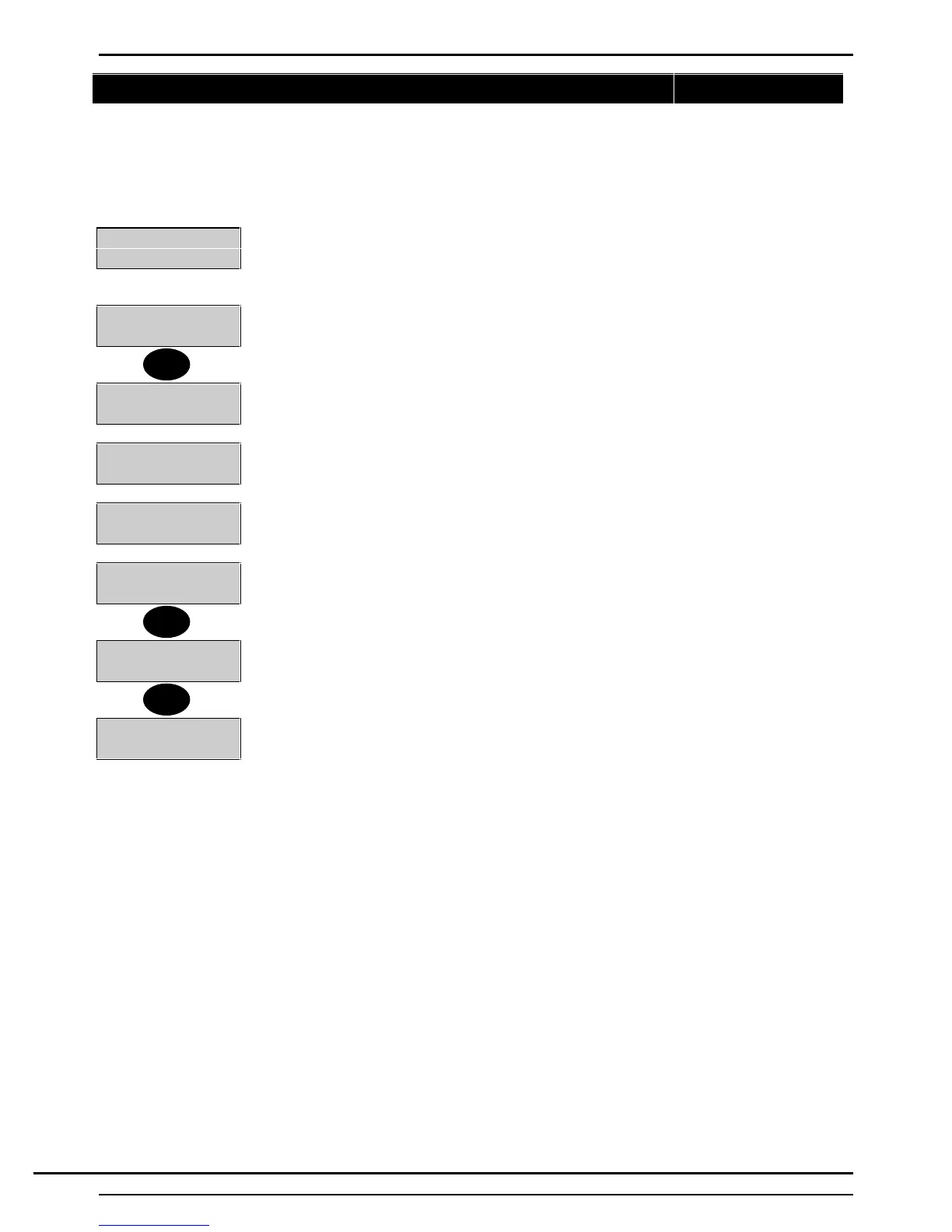
Certain circuit types (Entry Points, Alarm Circuits, Push Buttons etc..) can be selected as ’Chime’ circuits
when the area or system is in the ’Set’ or ’Unset’ mode. Selecting ’Chime’ for a circuit will cause an audible
’Chime Tone’ to be emitted from all internal sounders in the area(s) if the circuit is activated. The ’Chime’
function can be selected as either ‘on’ or ‘off’ for permitted circuits by a user with 'Manager' or 'Ordinary’
authority, or by the alarm company engineer. To select the 'Chime' function for a circuit, proceed as follows:
2=Set 4=Test
5=Eng 6=Text.....
1. Log on at the area (or system) Keypad using a 'Manager' or 'Ordinary User' PIN
code.
1=Chime 2=KPOff
3=Event Log
2. Press 'Enter' to move the display to page 2 of the user options menu. Select 1 from
the user the options menu.
Circuit Number
3. The display will prompt for the circuit number
Cct-01
Front Door
4. Enter a two-digit circuit number.
Cct-01
Chime Off
5. The display will show the circuit descriptors and the current status of the 'Chime'
function, e.g., on or off.
Cct-01
Chime On
6. Press '0' to turn the chime function 'Off' or ‘1’ to turn the chime function 'On'.
Circuit Number
7. Press 'Quit' to return to the user options menu. Pressing 'Quit' without changing
the 'Chime' status will not change the current 'Chime' status.
1=Chime2=KPOff
3=Event Log
8. Repeat for other circuits to be on/off 'Chime'., or Press 'Quit' to return to the 'User
Options Menu'.
1
0
Quit
Technical Manuals Online! - http://www.tech-man.comTechnical Manuals Online! - http://www.tech-man.com



 To Next Page