Windsor 500 User Manual - Issue C
Viewing/Printing The System Event Log
An Manager user can select the system event log for viewing/printing when the area or system is unset as
follows:
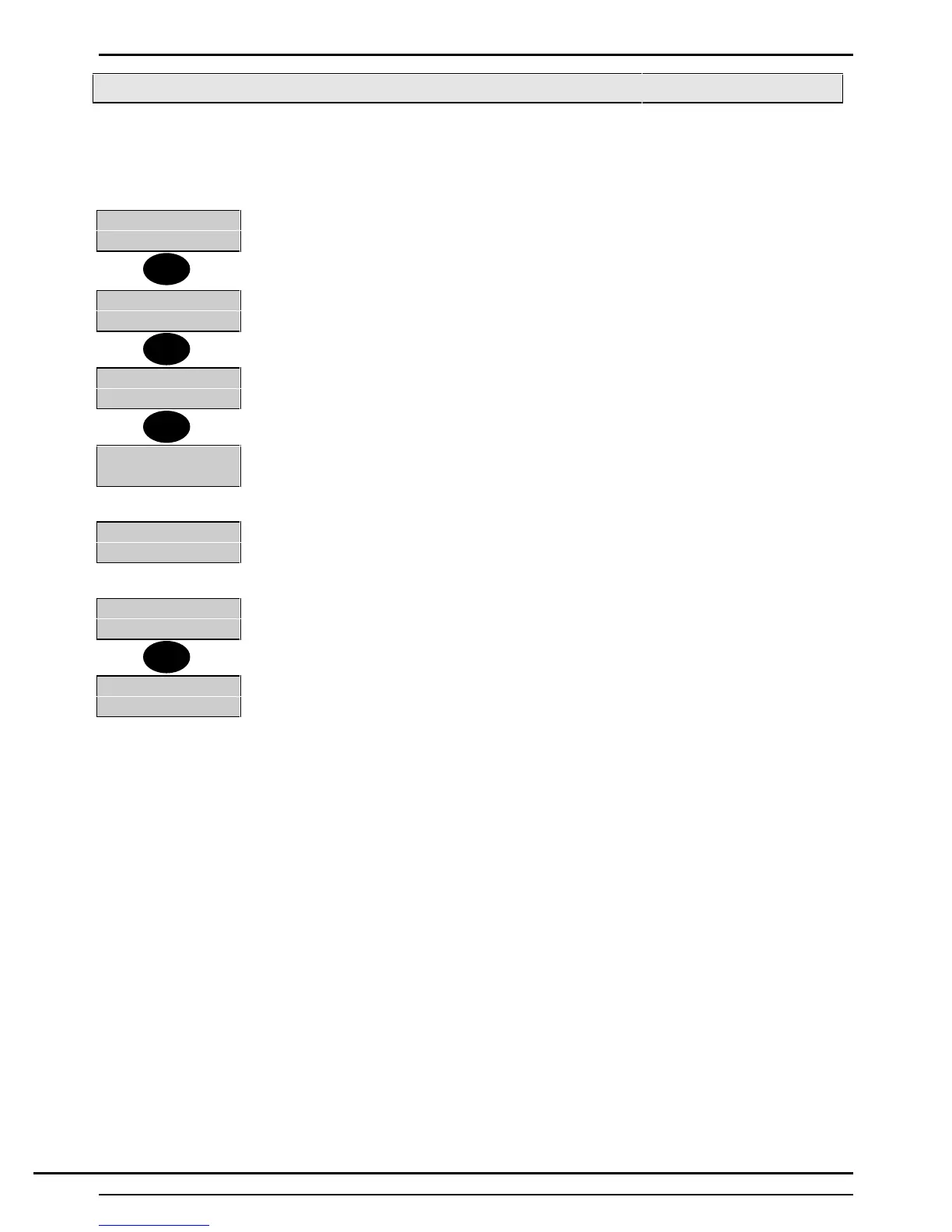
1. Enter valid and authorised user code at a Keypad.
2=Set 4=Test
5=Eng 6=Text.....
2. The display will show the ‘User Menu' .
3. Press '↵'.
1=Chime 2=KPOff
3=Event Log
4. The display will show page 2 of the 'User Menu'.
5. Select 3 (Event Log) from the 'User Menu'
1-Full 2=Filter
6. The display will show a choice between viewing/printing the complete event log or
selected events (Filter).
7. Press 1 to view/print the complete event log or press 2 to view/print selected events.
1=Circuit 2=User
3=Keypad 4=Date
8. If 2 is selected, the 'Filter Options Menu' will be displayed.
Cct Number-
9. If 'Filter' is selected, select the 'Filter' option required and enter the circuit number,
user number, Keypad number or date to be viewed/printed.
1=Display
2=Print
10.The display will offer a choice of displaying or printing the log.
11.Select 1 to display the event log or 2 to print the log.
Alarm
Back Door
12.If ‘Display' is selected, the most recent event will be displayed at the area Keypad.
If ‘Print' is selected, the event log will be printed on the system printer.
↵
3
1
1
Technical Manuals Online! - http://www.tech-man.comTechnical Manuals Online! - http://www.tech-man.com



 To Next Page