Windsor 500 User Manual - Issue C
ATM Bypass
The ATM Bypass’ function is only applicable to Windsor High Security Systems and is designed to permit a
user with ’ATM Bypass’ authority to bypass one automatic telling machine (ATM) at any one time during
servicing, etc. Having bypassed the ATM, the user has a pre-programmed working time of between 1 and 99
minutes, with a pre-programmed extension period of between 1 and 40 minutes. At the end of the working
time, an ATM which remains bypassed will be automatically put back on-line. In order to bypass an ATM,
proceed as follows:
Company Name
Please Wait.......
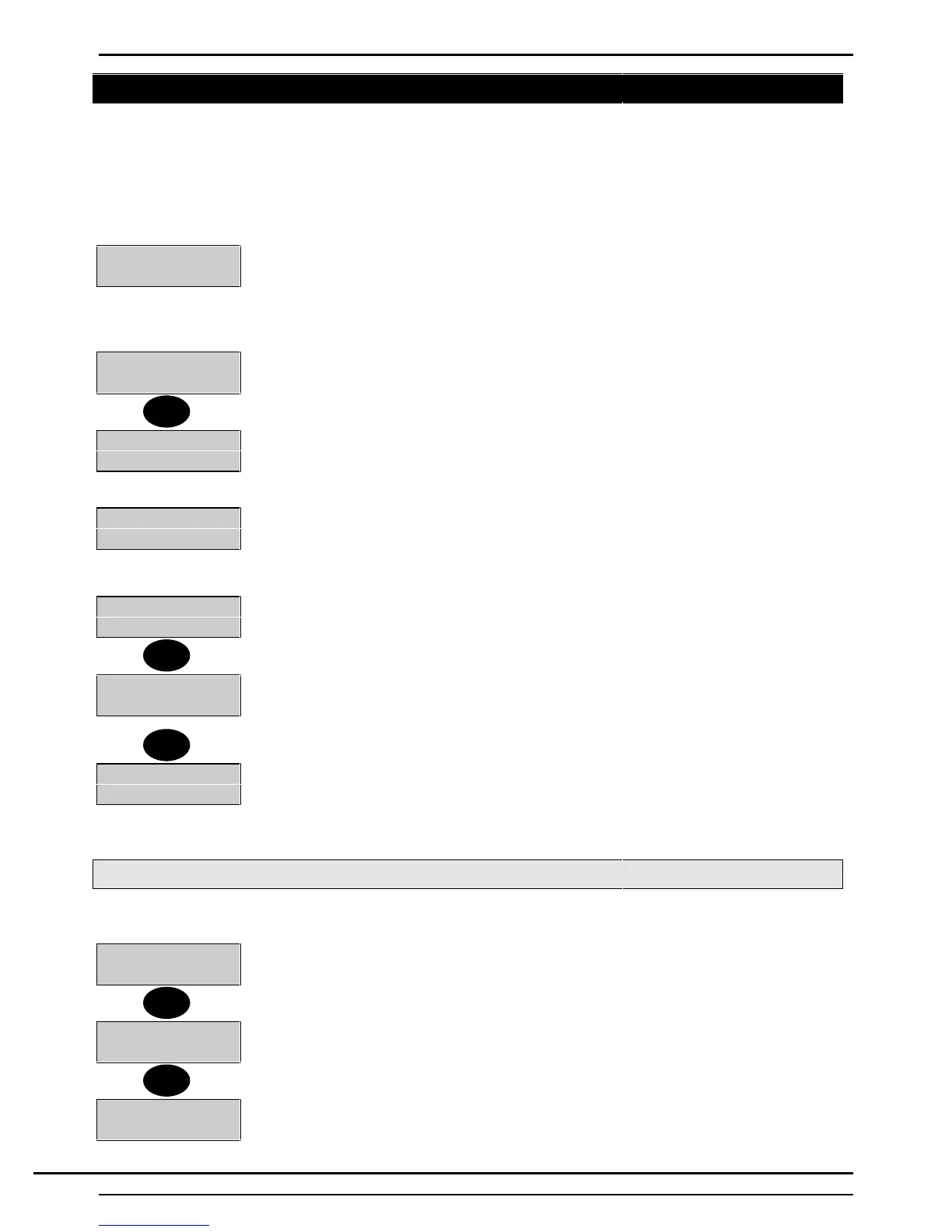
1. Enter a user PIN code with ’ATM’ authority at the Keypad controlling the ATMs. The
Keypad will display ‘Please Wait...' (PIN code delay programmed). The user must re-
enter the PIN code at the end of a pre- programmed delay period. If no delay period is
programmed, the user must enter the PIN code twice.
0=ATM 5=Time
↵ = Next Page
2. The display will show the 'ATM' menu. To bypass an ATM, select 0, from the 'ATM'
menu.
ATM Number-
3. The display will prompt for the ATM number to be bypassed.
ATM Bypassed
↵=RemoveBypas
4. If the ATM can be bypassed, the display will show the number of the ATM bypassed
and will give the user the choice of putting the ATM back on line. Press ‘Enter’ to
remove the Bypass.
Minutes Left-15
Press any Key
5. To display the working time left for the ATM, select 5 at any time.
Note:- When ten minutes of the pre-programmed working time remains, the Keypad
sounder will emit a warning tone.
Minutes Left-09
More Time?
6. If an extension time option is programmed and is required, the user can extend the
working time up to the limit of the pre- programmed extension time by pressing 'Enter'
when the display shows 'Minutes Left xx - More Time?.
Minutes Left-20
Press any Key
7. The ATM will be put on line on expiry of the working time or extension time, if
selected
Note: An ATM cannot be put back on line manually if any circuit protecting the ATM
is active.
Changing ATM PIN
To change an ATM PIN proceed as follows :
0=ATM 5=Time
1. Log on as an ATM user. Select '↵‘ from the next page.
8=PIN
2. Select 8 for PIN.
OLD PIN
Enter
3. Enter your old PIN.
0
5
↵
↵
8
Technical Manuals Online! - http://www.tech-man.comTechnical Manuals Online! - http://www.tech-man.com



 To Next Page