Windsor 500 User Manual - Issue C
6. Press ’Quit’ to return to the ’Light Zones Menu’
4=Dusk Time
5=Manual 6=Test
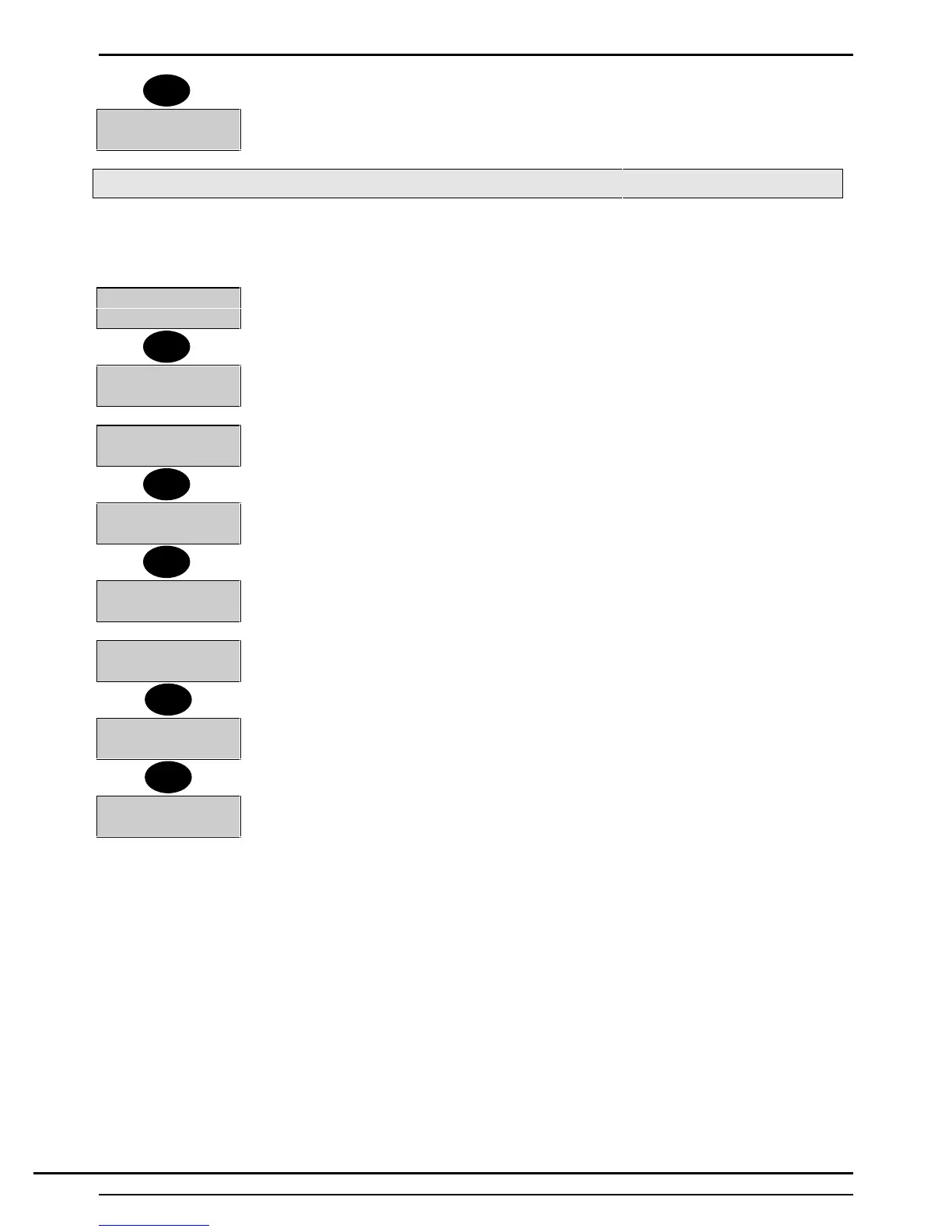
Manual Control
Selecting 'Manual Control' provides the user with the facility to manually turn the light zone ‘on’ or ‘off’, or to
manually turn the zone ‘on’ for a programmed duration. To manually turn the light zone ‘on’ or ‘off’ and to set
the on duration, proceed as follows:
5=Manual 6=Test
1. Select 5 from the 'Light Zones' menu. The 'Manual Control' menu will be displayed.
0=Off 1=On
2=Timed...........
2. Select ‘0’ to turn the light zone off or ‘1’ to turn the light zone on.
1=On 2=Timed
3=Duration
3. Select 2 from the 'Manual Control' menu to select the 'Timed' function. If selected,
the zone will be turned on for the programmed duration.
0=Off 1=On
2=Timed.........
5. To set the programmed 'On' duration, select 3 from the 'Manual Controls' menu.
Light Zone 1
Duration - 010
6. The current 'On' duration will be displayed. The current 'On' duration will be
flashing.
Light Zone 1
Duration - 060
7. Enter a new three-digit duration, if required, in the range 1 to 255 minutes.
8. Press 'Quit' to return to the 'Manual Controls' menu.
3=Duration
9. Press ‘Quit’ to return to the 'Light Zones' menu.
5=Manual 6=Test
Quit
5
2
3
Quit
Quit
Technical Manuals Online! - http://www.tech-man.comTechnical Manuals Online! - http://www.tech-man.com



 To Next Page