Windsor 500 User Manual - Issue C
Resetting After an Alarm
General
The resetting method programmed by the alarm company engineer for each area and the system will depend
on the particular security requirements of the area or system.
Customer Reset
Alarm
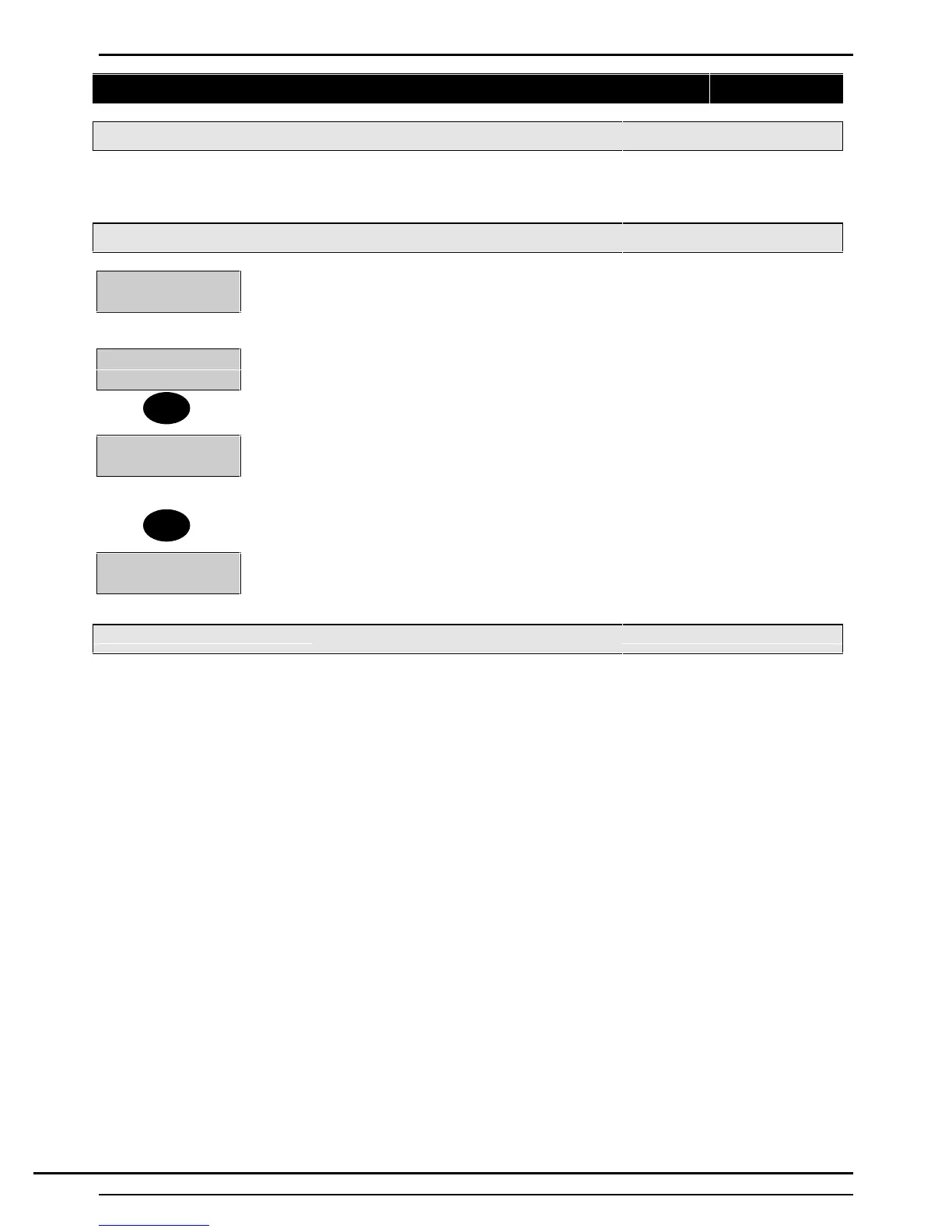
Cct 35
When programmed for ’Customer Reset’, the user can reset the system after viewing
the area alarm log as follows:
↵ = Reset
1. After viewing the area log, check that all circuits are clear, then press ’↵’
2=Set 4=Test
5=Eng 6=Text......
2. If all circuits are clear, the area will reset and the display will show the ’User Options
Menu’. If all circuits are not clear, the display will continue to show the area log. The
user can return to the ’User Options Menu’ without resetting the area by pressing ’Quit’
instead of ’↵ in this case, the display will show the ’Reset’ and ’Log’ options.
0=Reset 2=Set
3=Logs 4=Test.....
Note: When reset, the area log will be cleared of all events. The alarm events will be
recorded in the system Event Log. If not manually reset, the area will automatically
reset on the next occasion that the area is set, providing all circuits are clear.
Engineer Reset
An area can be configured for 'Engineer Reset' as either ‘NA' or 'PA'. 'NA' (Night Alarm) Engineer Reset'
applies to the following alarm types:
'Night Alarm' circuit activation.
'24 Hour' circuit activation.
'Entry Route' circuit alarms.
'Entry Timer' alarms.
'PA (Personal Attack) & ‘Engineer Reset' applies to:
'Panic Alarm' circuits.
'Duress' alarms.
The purpose of programming an area as 'Engineer Reset' is to inhibit setting following an alarm or tamper of
the circuit types shown above. If an ‘Engineer Reset' is required, the user is prompted to call the engineer
after viewing the area log.
Engineer reset does not prohibit the user from resetting in the normal way, however, the user will be unable
to set the system until an engineer has attended the premises.
↵
Quit
Technical Manuals Online! - http://www.tech-man.comTechnical Manuals Online! - http://www.tech-man.com


 To Next Page